








Job simulations · Engineering

Engineering job simulations

Spend a working day as a junior PLC programmer, commissioning engineer, maintenance electrician or designer at a simulated UK company. Real project documents, UK standards named in the work, and every task checked. 30 to 45 minutes a day, free to start.

Free
5 days, 3 to 4 hours
Premium, optional
20 days, 12 to 15 hours
A working day
30 to 45 minutes
Roles
18

Certificate £14.99, optional. Premium £53.99, optional. Prices include VAT. A job simulation is practice at a simulated company, not employment.

Engineer in a blue hard hat and orange hi-vis jacket measuring inside a control panel with a clamp meter

Roles

Engineering roles

Controls, electrical, energy, quality and projects. Search, filter, or let the helper pick.

Free means free: no card, nothing to buy. Days 1 to 5 of every role.

Area
Good for
Starting point
  • Automation engineer in an olive jacket holding a tablet beside a test rig in a training workshop

    Free to start · Automation and controls

    PLC Programmer

    5 working days free · about 3 to 4 hours

    Write the I/O list, program the line, run the FAT and handle a change request.

    • PLC programming (ladder)
    • I/O lists and tag lists
    • Cause-and-effect and interlocks

    You produce

    • URS clarification queries
    • I/O list, section B
    • Cause and effect matrix
    Start free
  • Engineer in an orange hard hat and hi-vis vest pointing at a large machine shaft in a plant hall

    Free to start · Automation and controls

    Commissioning Engineer

    5 working days free · about 3 to 4 hours

    Loop checks, I/O checkout, SAT and a punch list on a plant that is nearly ready.

    • Commissioning
    • Loop checks and I/O checkout
    • Fault finding

    You produce

    • Insulation resistance results with pass or fail
    • Loop check sheet for three analogue loops
    • Daily commissioning report
    Start free
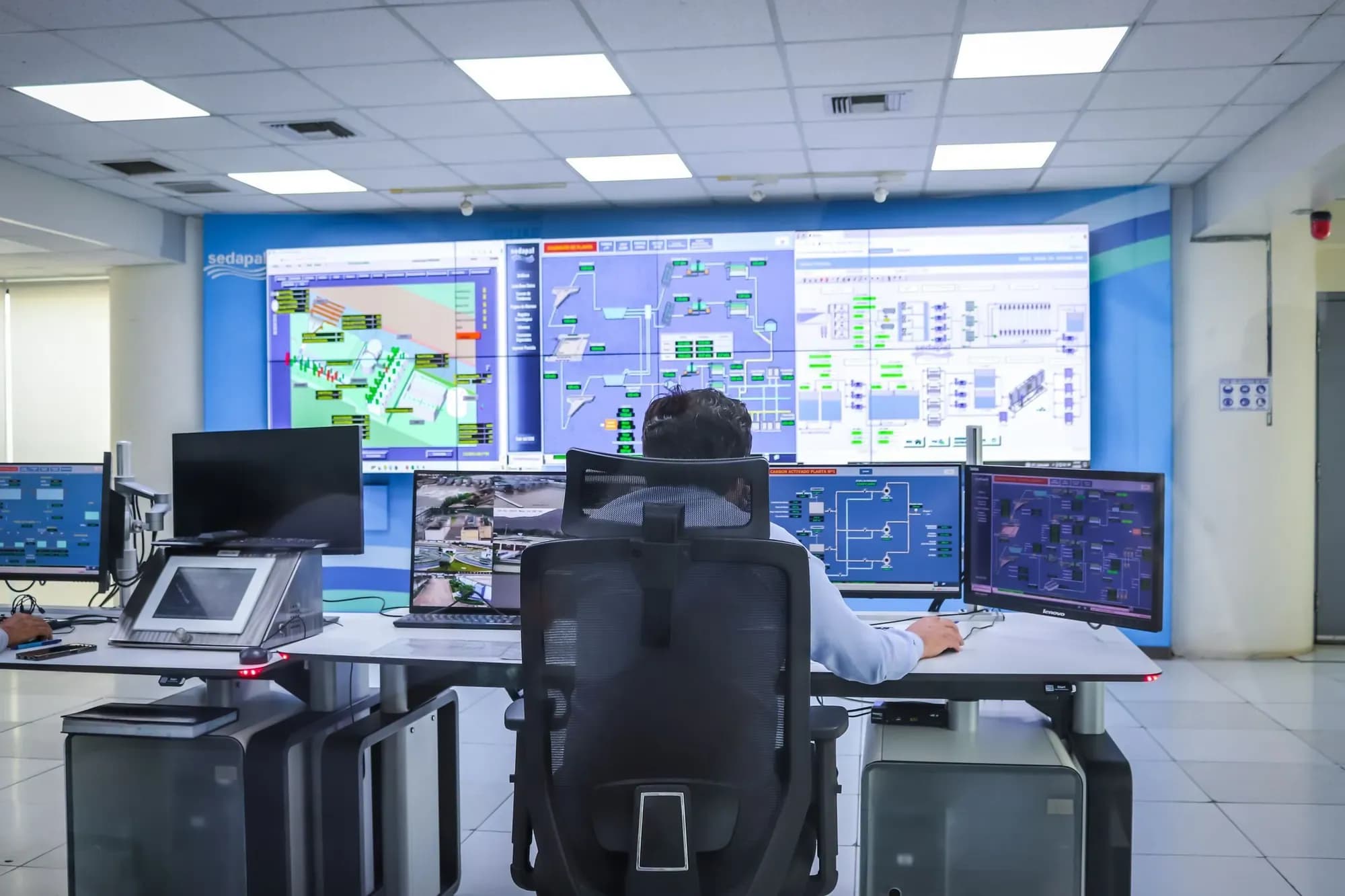
  • Operator at a desk in a modern control room facing a video wall of process screens

    Free to start · Automation and controls

    SCADA and HMI Engineer

    5 working days free · about 3 to 4 hours

    Build the tag list, alarm list and screens for a live process.

    • Alarm management
    • HMI and SCADA screens
    • I/O lists and tag lists

    You produce

    • Tag scaling sheet from raw counts to engineering values
    • Alarm priority list
    • Alarm performance measured against targets
    Start free
  • Gold-lit pipework and steel gantries of a process plant at Botlek, Rotterdam

    Free to start · Automation and controls

    Instrumentation Engineer

    5 working days free · about 3 to 4 hours

    Instrument index, datasheets, loop diagrams and calibration on a process plant.

    • Instruments and calibration
    • Process control and tuning
    • Loop checks and I/O checkout

    You produce

    • Instrument index entries
    • As-found calibration error review
    • Calibration summary note for PT-2102
    Start free
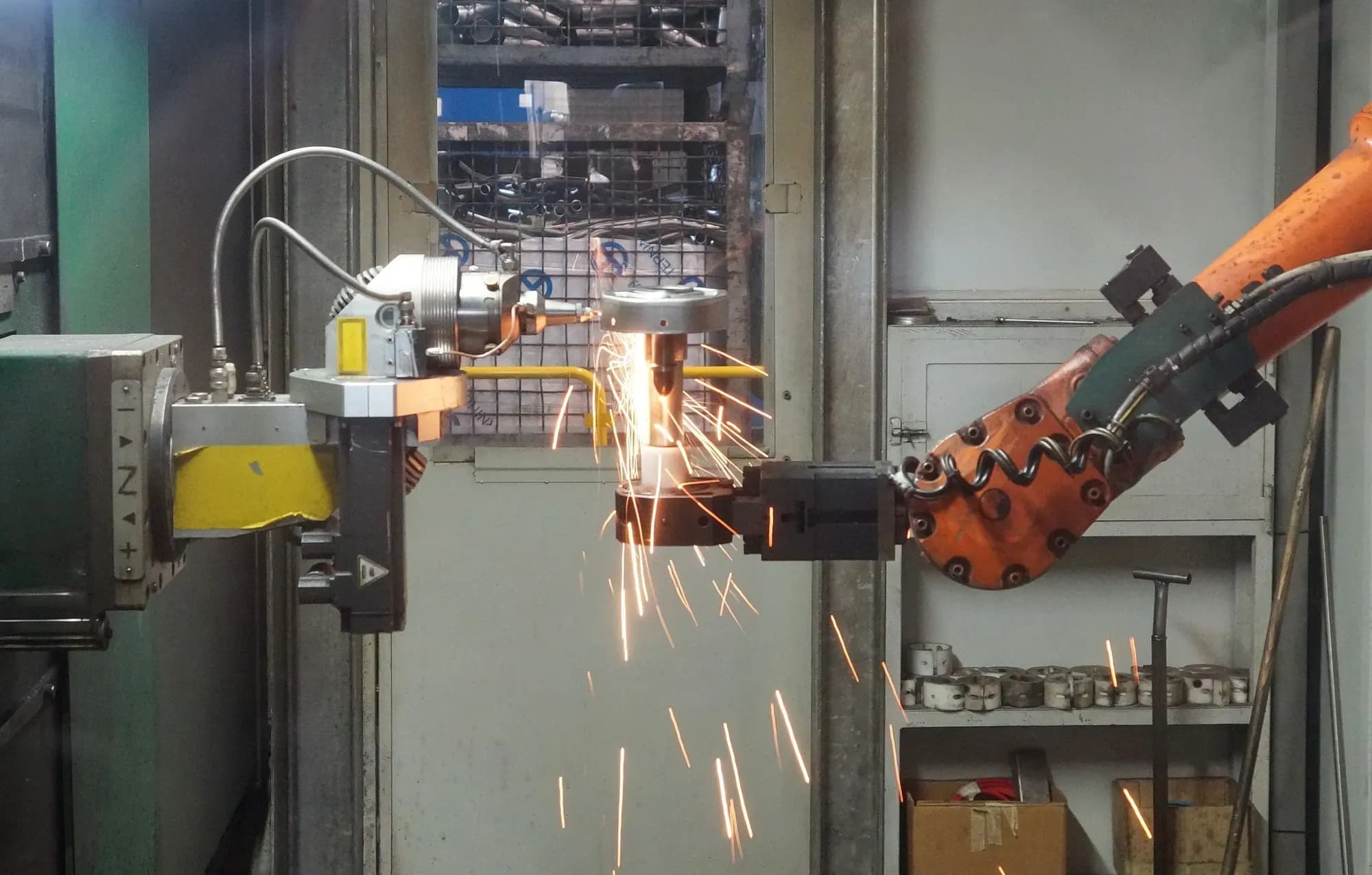
  • Orange industrial robot arm holding a part against a grinding tool and throwing sparks

    Free to start · Automation and controls

    Robotics Engineer

    5 working days free · about 3 to 4 hours

    Risk-assess, program and hand over a robot cell.

    • Robot programming
    • Analysis and statistics
    • Fault finding

    You produce

    • Functional specification review findings
    • Robot and PLC handshake signal table
    • Required performance level for each hazard
    Start free
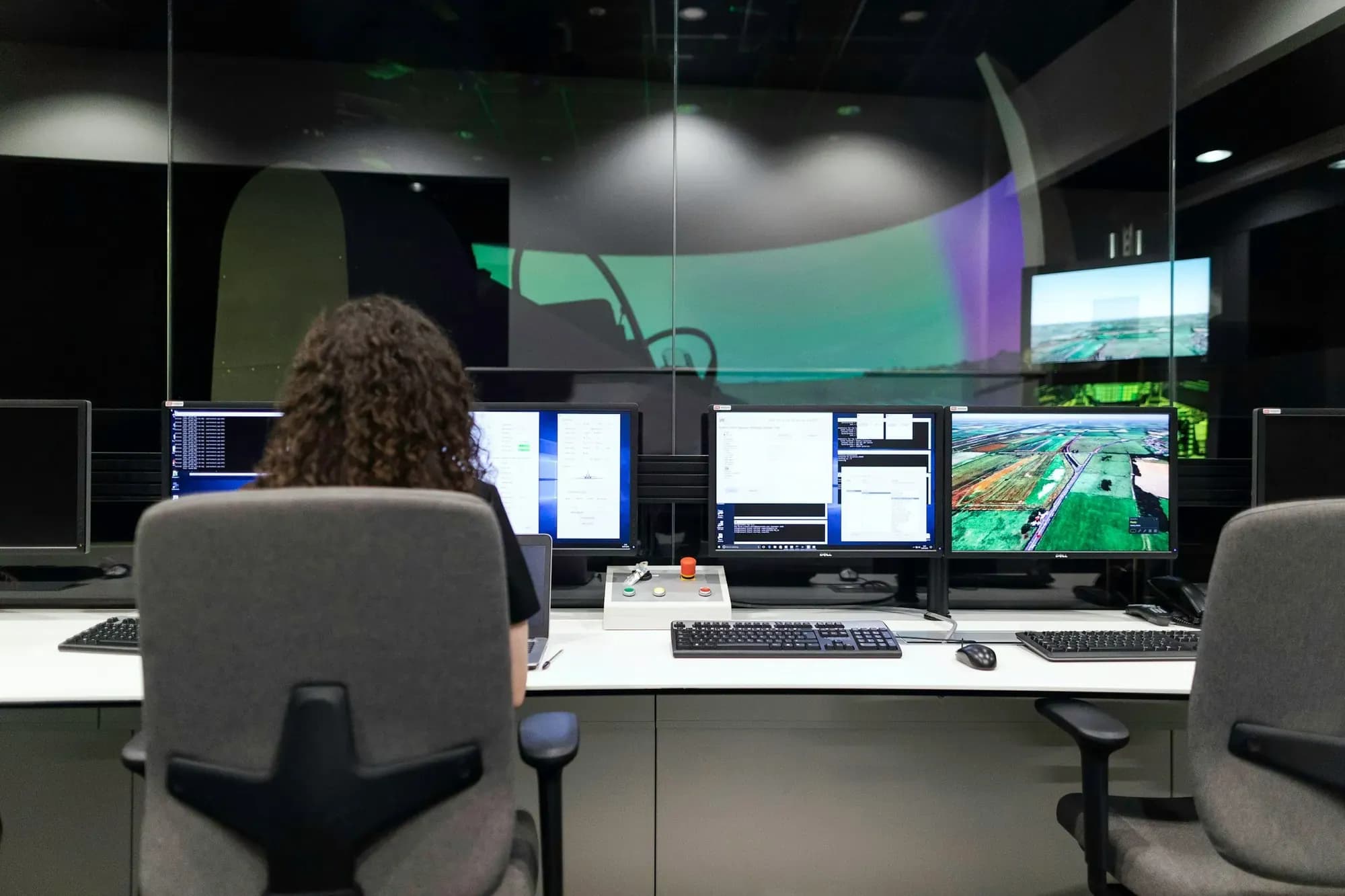
  • Woman at a control desk with several monitors, facing a dark curved screen wall in a control room

    Free to start · Automation and controls

    OT Security Analyst

    5 working days free · about 3 to 4 hours

    Asset inventory, zones and conduits, and a remote-access incident at a plant.

    • OT security
    • Industrial networks
    • Root-cause analysis

    You produce

    • OT asset inventory with level and criticality
    • Observed network flows judged against the zone rules
    • Firewall rule review findings
    Start free
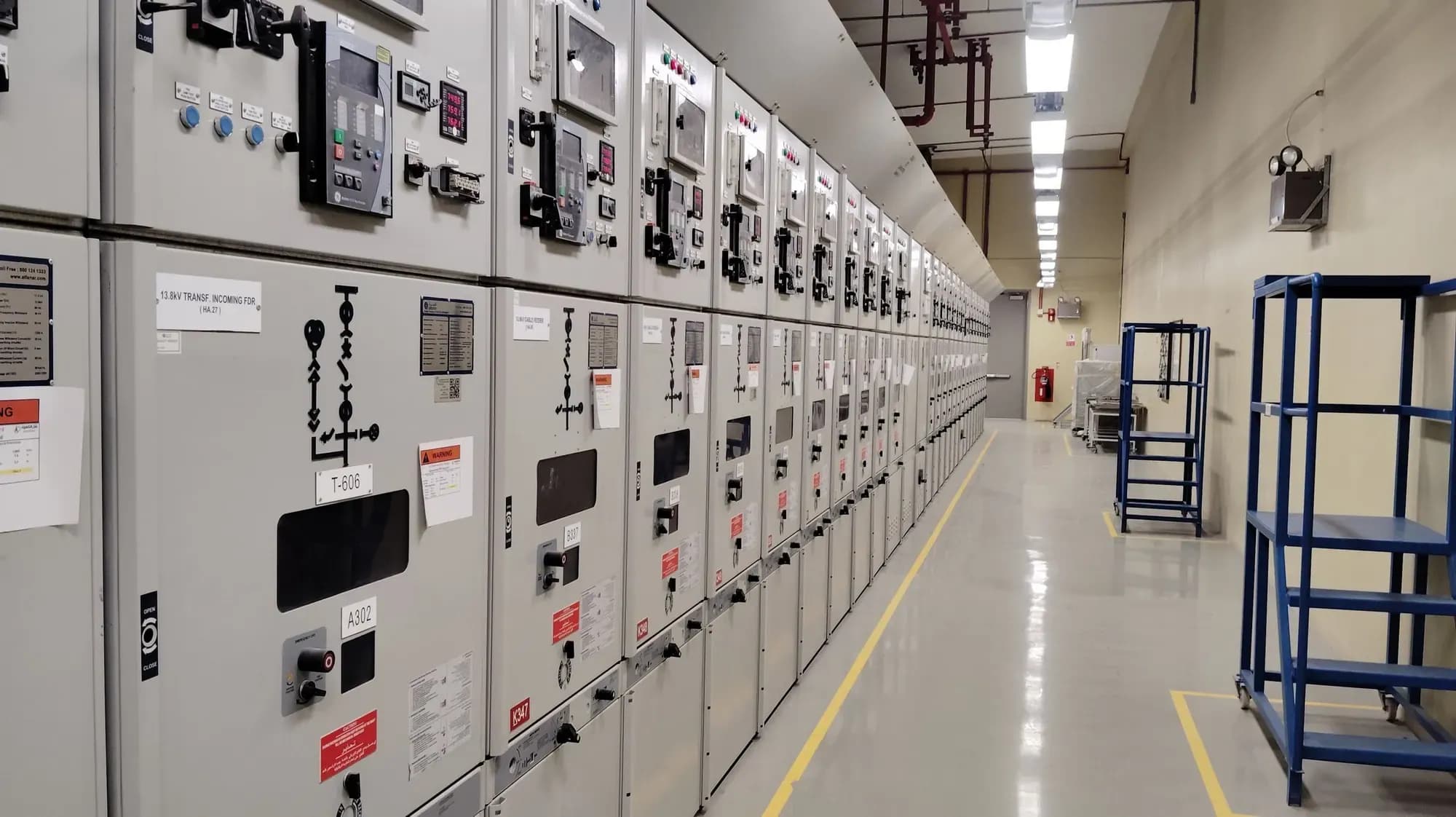
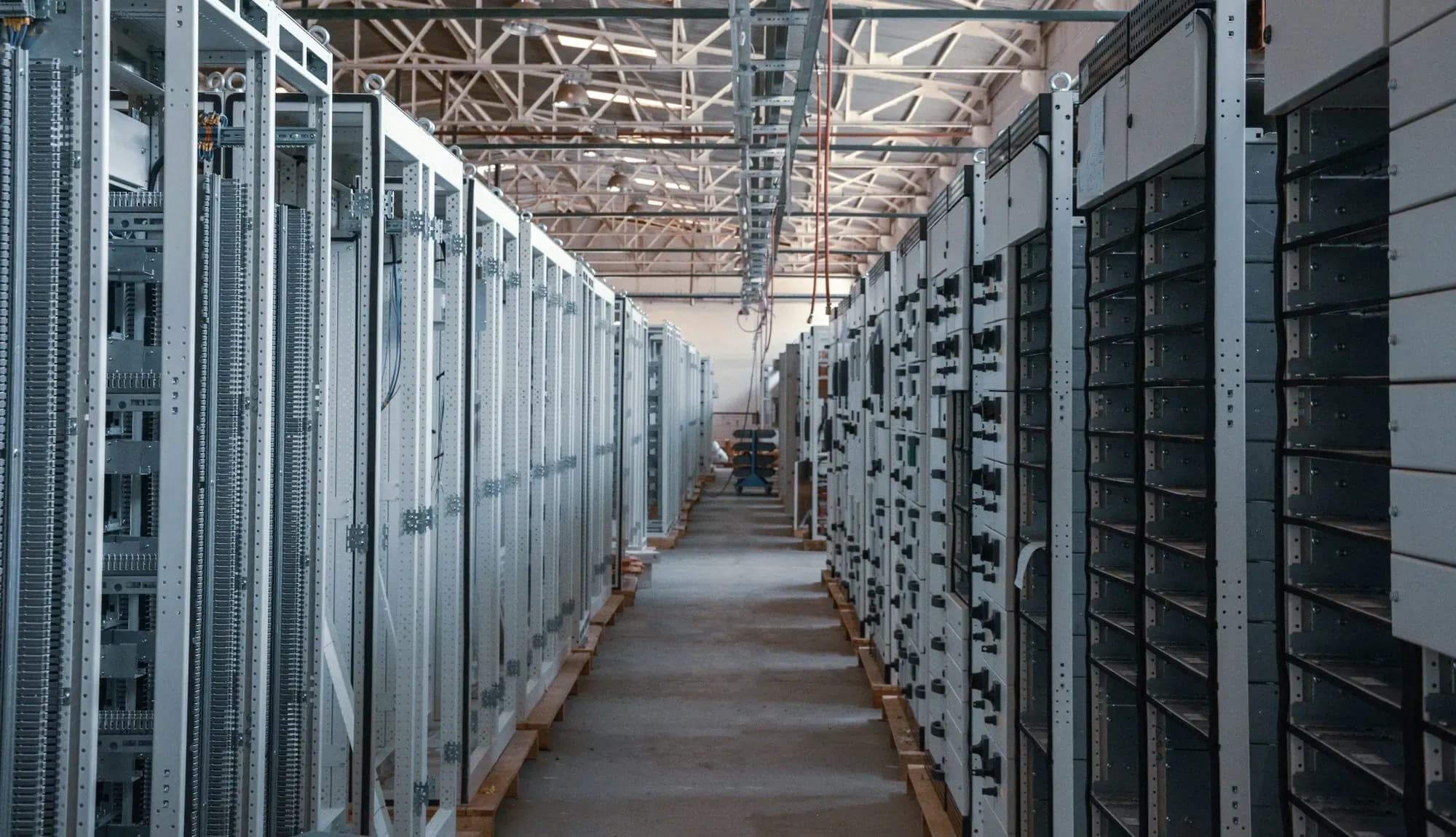
  • Row of low-voltage switchgear panels along a clean electrical room corridor

    Free to start · Electrical and energy

    Electrical Design Engineer

    5 working days free · about 3 to 4 hours

    Load list, single-line diagram, cable sizing and a late design change.

    • Cable sizing and voltage drop
    • Protection and discrimination
    • Load lists and demand

    You produce

    • Load list with full-load currents
    • MCC-1 motor cable sizing table
    • Cable schedule review comments
    Start free
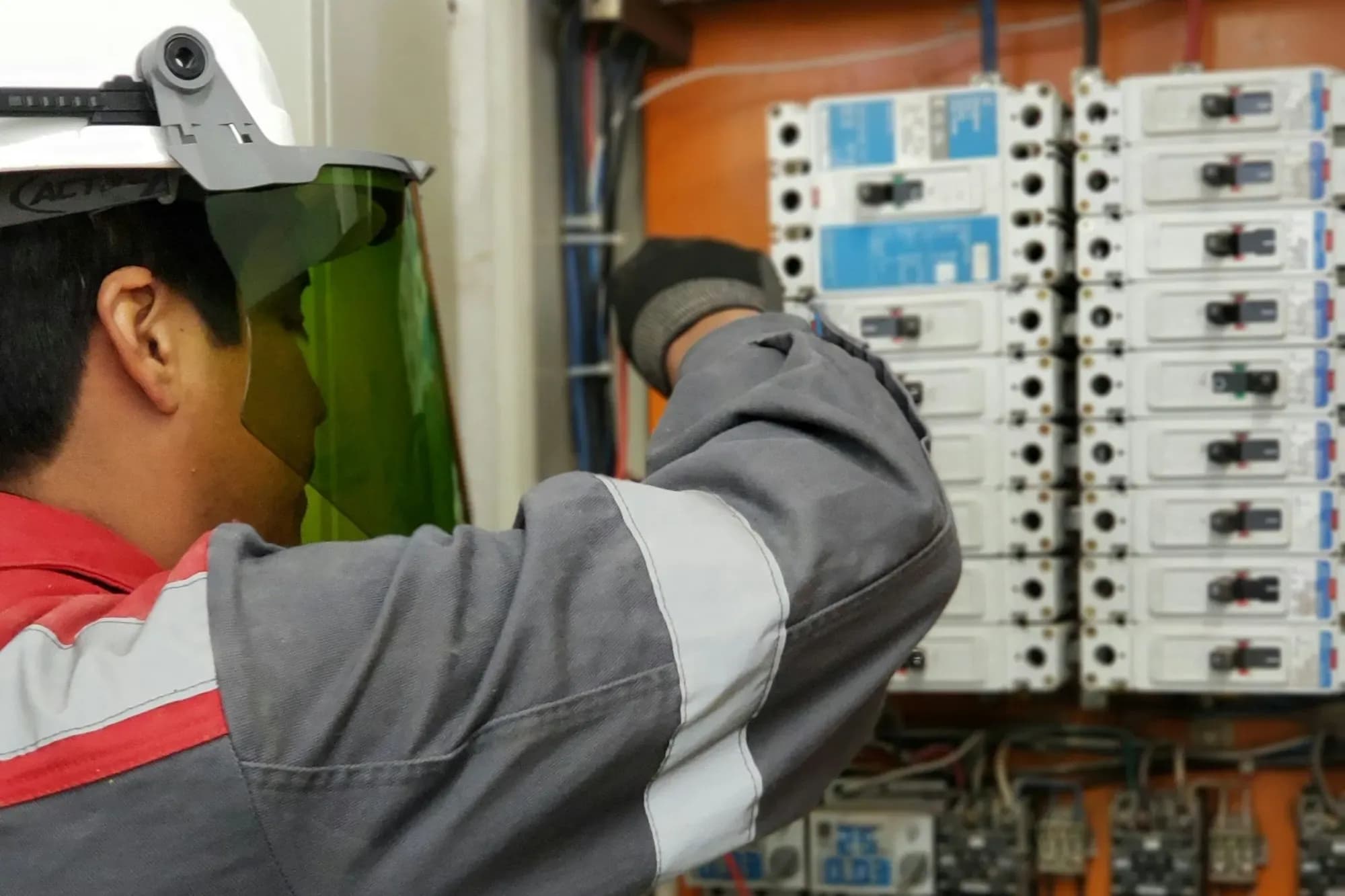
  • Electrician in a hard hat and face shield testing breakers in an open electrical panel with a multimeter

    Free to start · Electrical and energy

    Maintenance Electrical Engineer

    5 working days free · about 3 to 4 hours

    Work orders, safe isolation, fault finding and a root-cause report.

    • Safe isolation and LOTO
    • Planned and corrective maintenance
    • Root-cause analysis

    You produce

    • Isolation certificate review
    • Thermography action list
    • A closed work order with findings
    Start free
  • Apprentice in safety glasses and ear defenders holding pliers at a workbench, with a colleague working behind

    Free to start · Electrical and energy

    Multi-skilled Maintenance Engineer

    5 working days free · about 3 to 4 hours

    Mixed faults on a food line, safe isolation, PPM in a CMMS and a reliability plan.

    • Safe isolation and LOTO
    • Fault finding
    • CMMS and work order records

    You produce

    • Checked shift handover log
    • PPM frequencies with isolation needs
    • A closed work order with cause, parts, labour and downtime
    Start free
  • Engineer in a hi-vis vest and hard hat standing on a rooftop solar array with a city skyline behind

    Free to start · Electrical and energy

    Solar PV and EV Charging Engineer

    5 working days free · about 3 to 4 hours

    Size a PV array, test it to IEC 62446 and fit EV chargers on a limited supply.

    • PV system design
    • EV charging and load management
    • Cable sizing and voltage drop

    You produce

    • String voltage table: coldest and hottest design day
    • Check comments on the string sizing calculation
    • AC cable calculation from the inverter
    Start free
  • Long aisle of server and network cabinets in a data hall

    Free to start · Electrical and energy

    Data Centre Critical Facilities Engineer

    5 working days free · about 3 to 4 hours

    MOPs, change control and a UPS event in a live data hall.

    • UPS, generators and critical power
    • Method statements and MOPs
    • Cooling and environmental control

    You produce

    • Rack feed check: A and B path loading
    • UPS battery runtime calculation
    • Monthly PUE calculation from the meter readings
    Start free
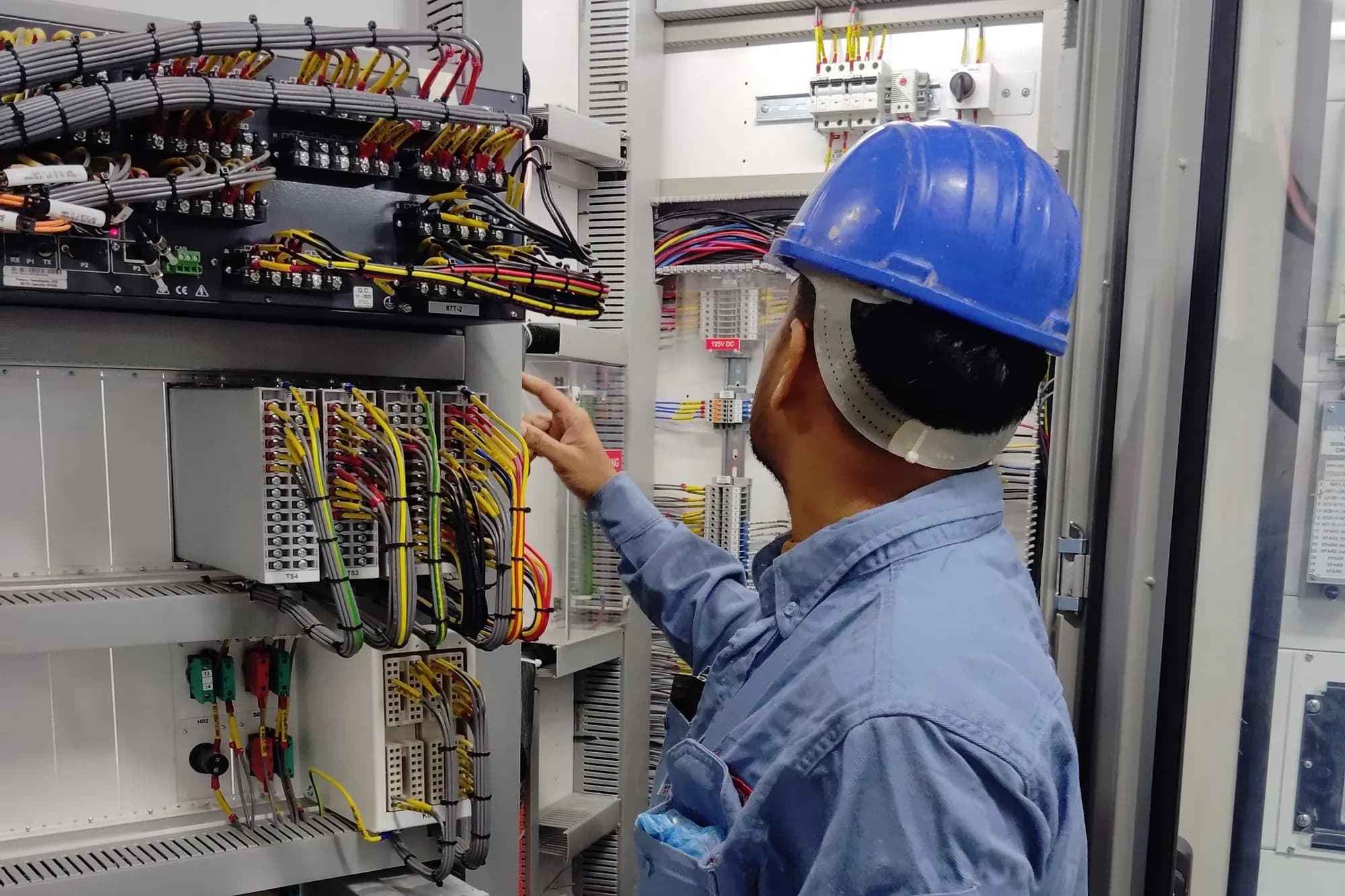
  • Electrician in a blue hard hat checking wiring inside a tall industrial control cabinet

    Free to start · Electrical and energy

    Control Panel Design Engineer

    5 working days free · about 3 to 4 hours

    GA drawing, schematics, BOM, heat calculation and the routine test.

    • Control panel design
    • Inspection and testing
    • Wiring and terminations

    You produce

    • Cable schedule
    • Wire colour schedule by circuit
    • Heat dissipation calculation
    Start free
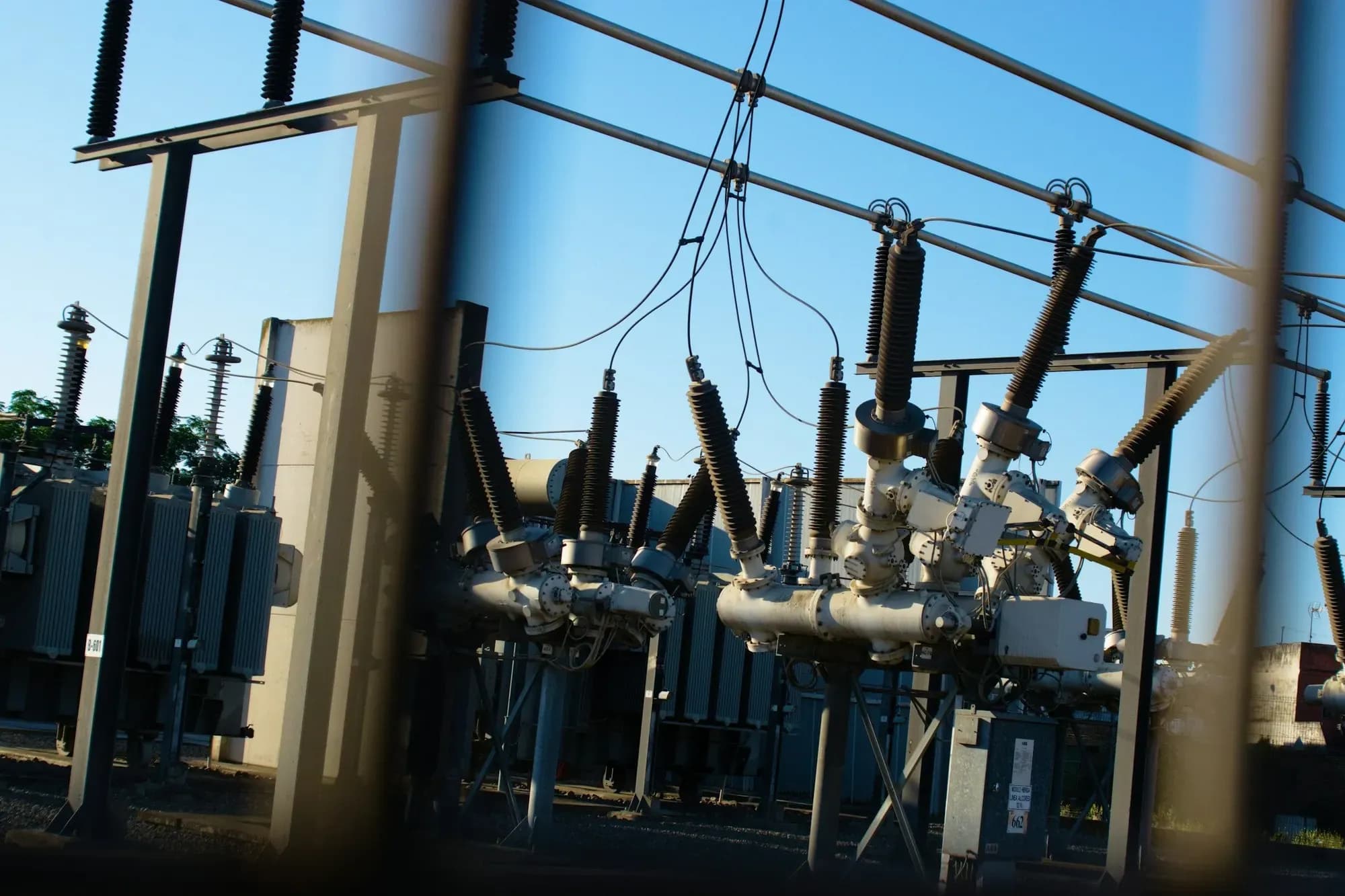
  • High-voltage substation transformers and overhead lines seen through a fence against a blue sky

    Free to start · Electrical and energy

    Substation and MCC Engineer

    5 working days free · about 3 to 4 hours

    Protection settings, relay tests and an inrush trip on a new feeder.

    • Protection and discrimination
    • Safe isolation and LOTO
    • Root-cause analysis

    You produce

    • Current transformer sizing and burden check
    • Protection setting schedule check comments
    • Relay grading calculation R1 against R2
    Start free
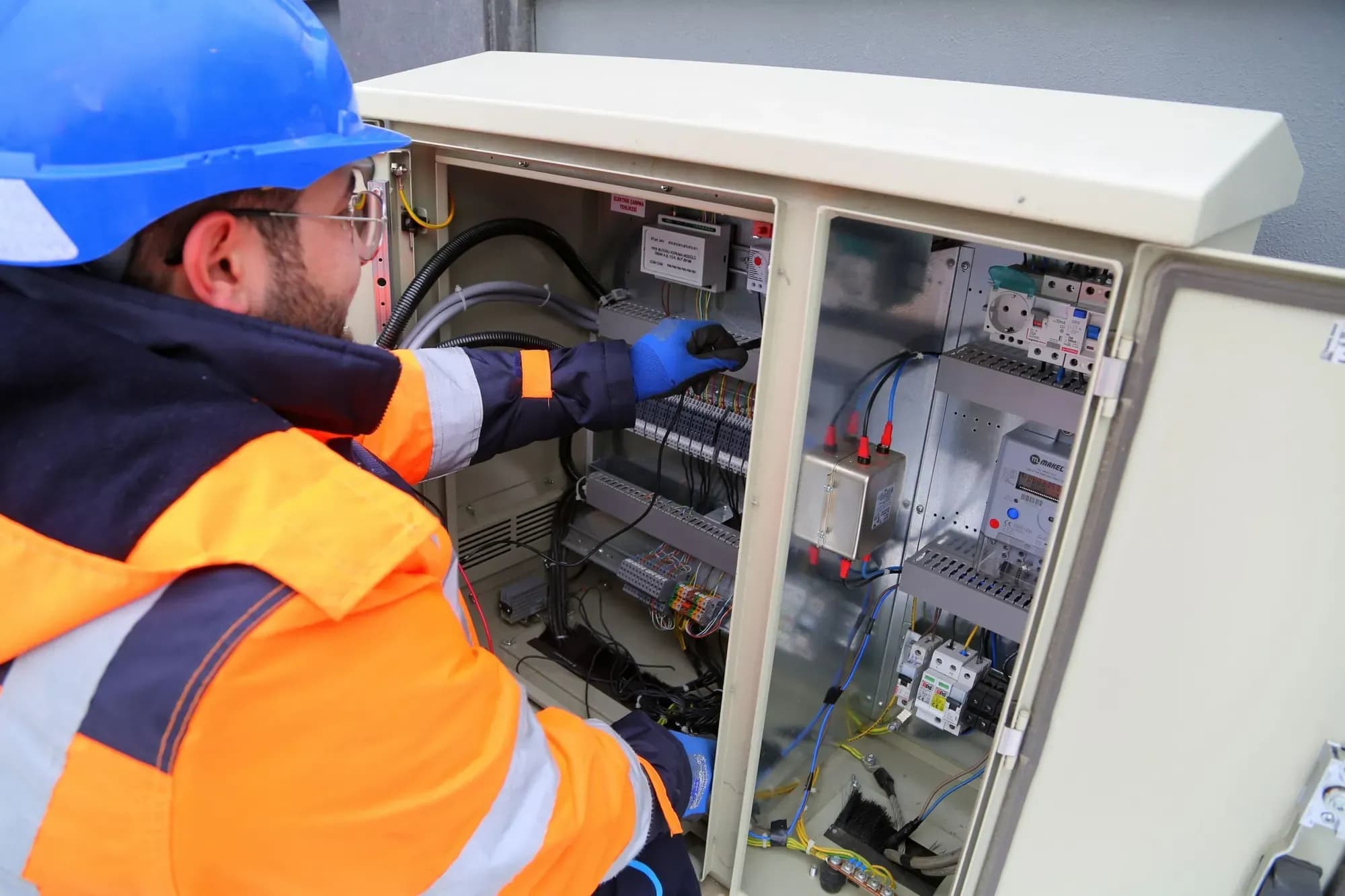
  • Maintenance engineer in a blue hard hat and orange hi-vis checking breakers inside an outdoor electrical cabinet

    Free to start · Electrical and energy

    Maintenance Technician

    5 working days free · about 3 to 4 hours

    A first month in a moulding plant: isolation with a buddy, first PPMs, a heater fault.

    • Safe isolation and LOTO
    • Planned and corrective maintenance
    • Wiring and terminations

    You produce

    • Safe isolation steps in order
    • Review of a motor starter drawing
    • A job card with cause, parts and downtime
    Start free
  • Hands using a screwdriver on the mechanism of a machine beside a robot warning label

    Free to start · Electrical and energy

    Mechanical Maintenance Engineer

    5 working days free · about 3 to 4 hours

    Vibration, alignment, hydraulics, a lift plan and a bearing failure root cause.

    • Mechanical maintenance
    • Machinery safety and guarding
    • Condition monitoring (vibration, thermography, oil)

    You produce

    • Condition round zone and action list
    • Lubrication schedule review
    • Gearbox oil analysis note
    Start free
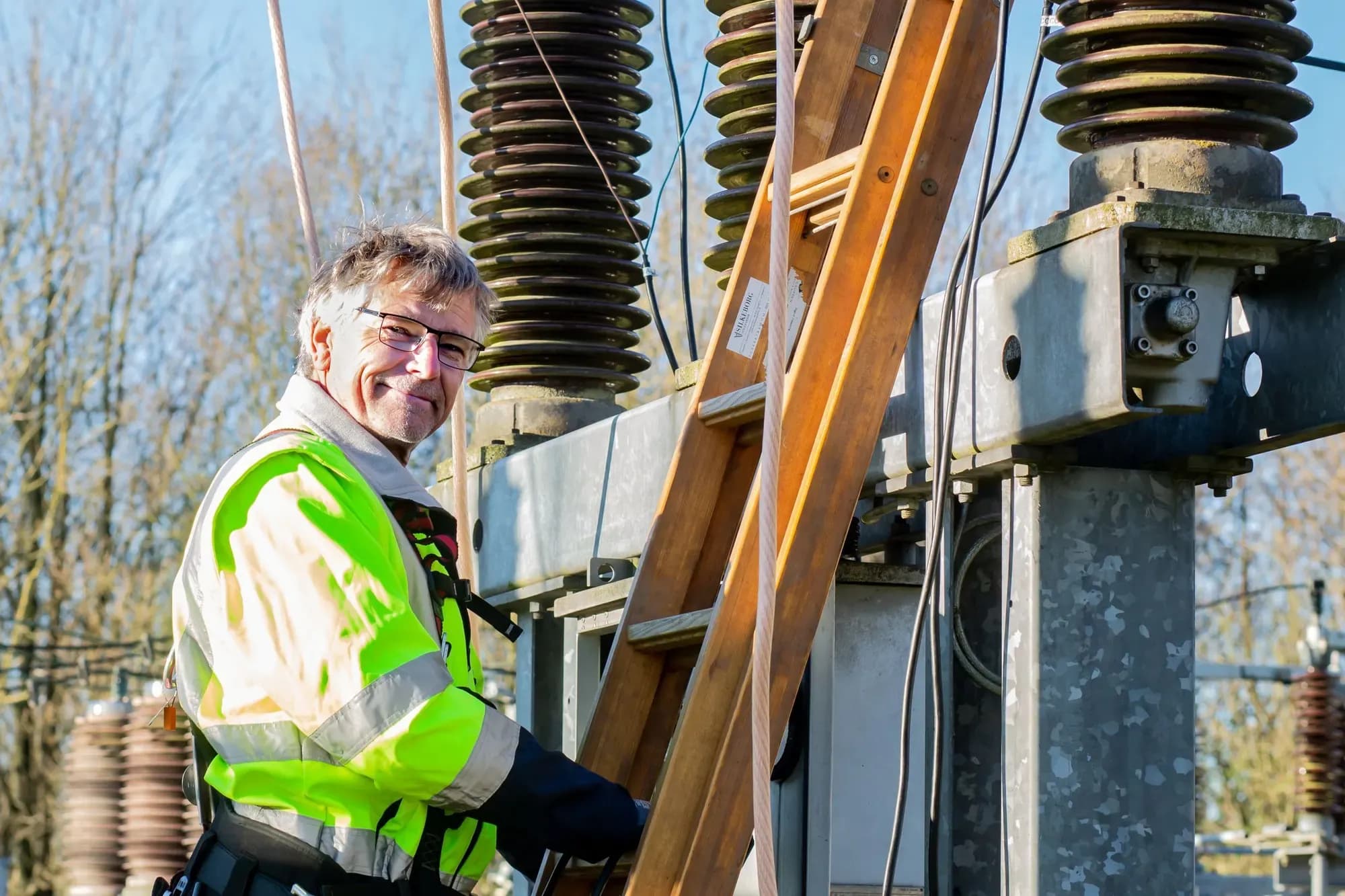
  • Electrical engineer in a hi-vis jacket smiling beside a ladder at a substation, with high-voltage insulators behind

    Free to start · Electrical and energy

    Building Services Multi-skilled Engineer

    5 working days free · about 3 to 4 hours

    PPM, BMS alarms, water hygiene, fire tests, EICR codes and a 12-month compliance calendar.

    • HVAC and building plant
    • Water hygiene (L8)
    • Inspection and testing

    You produce

    • PPM visits and hours from a task library
    • Water temperature log review
    • Fire alarm test record review
    Start free
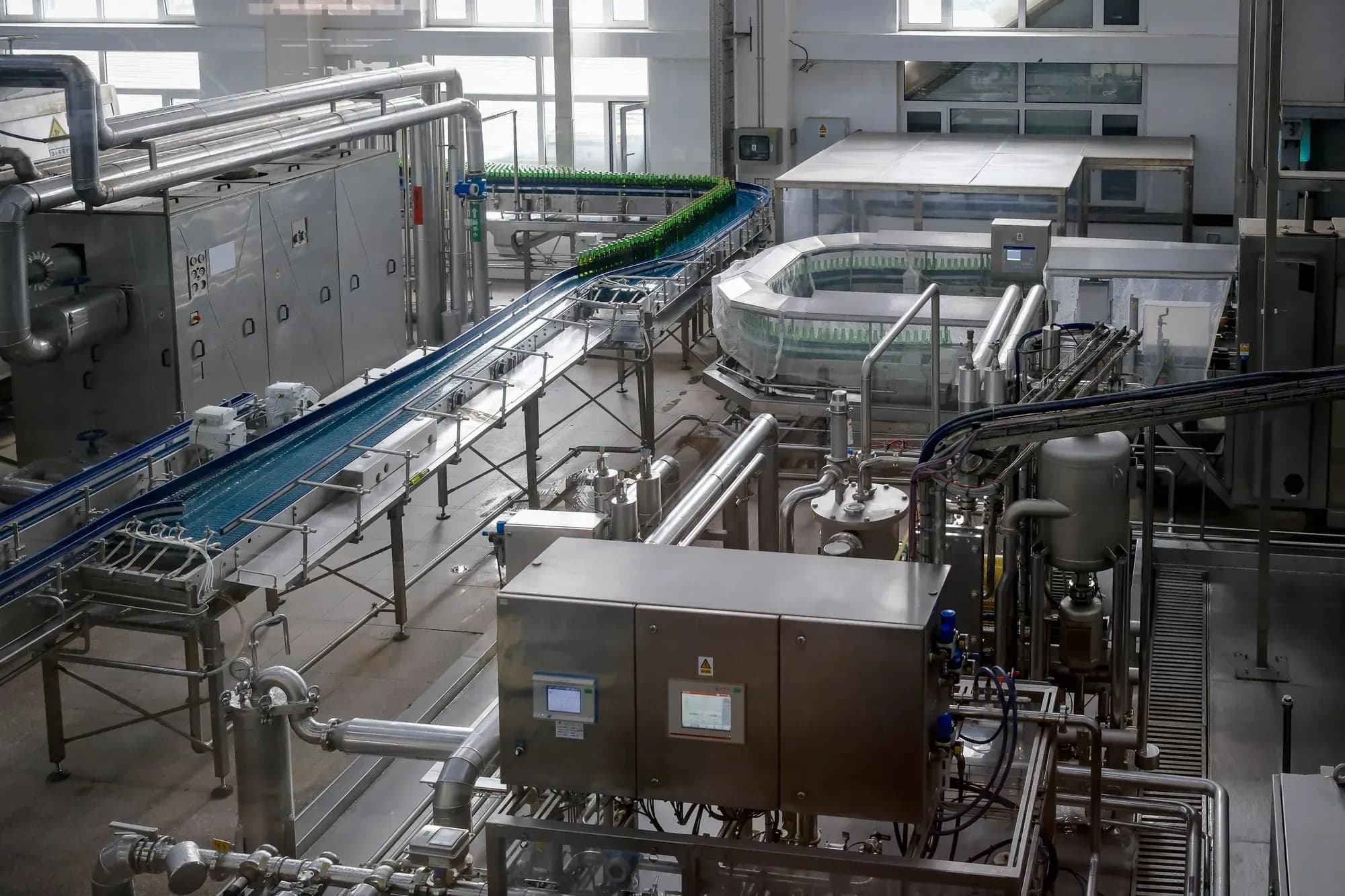
  • Bottling line with conveyors, tanks and control cabinets inside a beverage factory

    Free to start · Quality and projects

    Quality Engineer

    5 working days free · about 3 to 4 hours

    8D, PFMEA, SPC and a customer complaint with 24-hour containment.

    • Quality tools (8D, FMEA, SPC)
    • Root-cause analysis
    • Analysis and statistics

    You produce

    • Pareto of the rejects
    • SPC chart with Cp and Cpk
    • PFMEA with RPN and Action Priority
    Start free
  • Engineer in a white hard hat with a notepad beside a long row of solar panels

    Free to start · Quality and projects

    Engineering Project Coordinator

    5 working days free · about 3 to 4 hours

    RAID log, status report, document register and a late vendor.

    • Project control (RAID, status, schedule)
    • Analysis and statistics
    • Written communication

    You produce

    • RAID log classified from kick-off notes
    • Action log from two meetings
    • Minutes and confirmation email
    Start free

Why a job simulation

Learn by doing the job, not by reading about it

  • Try the job before you applySpend a working day, then another, in a junior role and see whether you like the work. A day is 30 to 45 minutes.
  • A real working dayClock in, join the morning meeting, work your tickets, write the end-of-day report, plan tomorrow, clock out.
  • A manager who plans with youOn day 1 your manager checks what you know and makes a learning plan. Help opens only where you need it.
  • Real project documentsDrawings, procedures, work orders and specifications with proper title blocks, written the way a working team writes them.
  • Every ticket markedYou get feedback on each hand-in and a model answer when you finish it.
  • Colleagues you can askAI colleagues with names, roles and faces, always labelled as simulated. They explain and point you to the right document; they do not hand out answers.
  • A work pack you keepA PDF and a zip with your documents, timesheet and skills before and after, plus a final review and a manager's letter written by AI and labelled.
  • Free to start5 working days free, about 3 to 4 hours. No card to start.
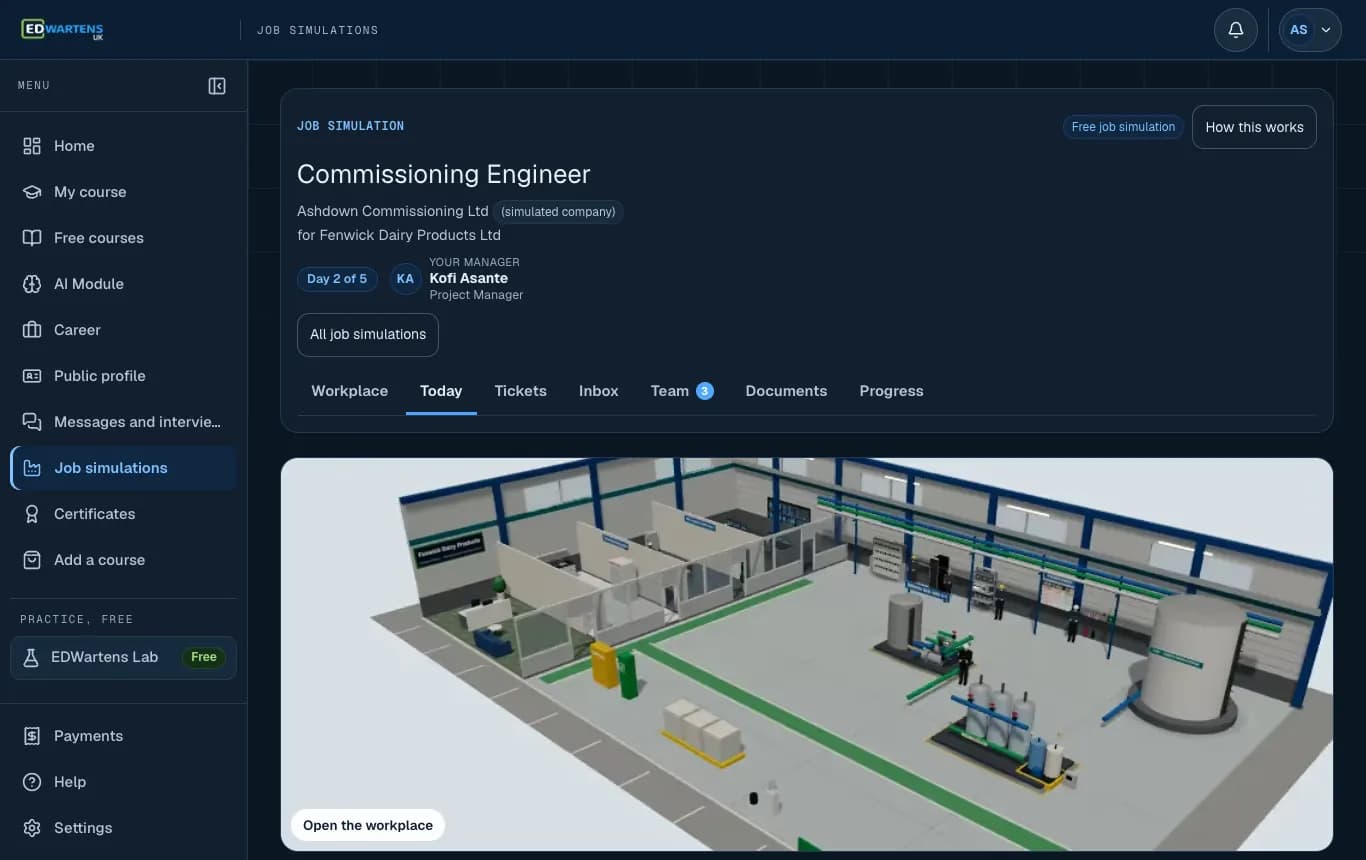
The Today screen of the Commissioning Engineer job simulation: the manager, the day's tickets and the 3D workplace

A screen from the simulator. The company, the people and the data are fictional.

How it works

A working day, from clock in to clock out

A working day takes 30 to 45 minutes. Free is 5 working days, about 3 to 4 hours in all. Premium is 20 working days, about 12 to 15 hours. Do one day at a time, or several days in one sitting. A day opens when you have finished the one before, and there is no deadline.

  1. Clock inBadge in at the start of your working day. Your time is logged from clock in to clock out.
  2. Morning meetingA toolbox talk, stand-up or handover brief, depending on the role, with a safety point for the day and what is planned.
  3. Do the day's workOpen the day's email, read the documents and work through your tickets. Each one is checked when you hand it in.
  4. Report and plan tomorrowWrite the end-of-day report your role uses (a shift handover, a daily progress report or a status update), then choose tomorrow's priorities.
  5. Clock outClock out and see your day summed up. Carry on to the next day, or stop for today and come back.

Want a taste first? Try the three-minute demo. It needs no account, nothing is saved, and it is one slice of one day. Try the 3-minute demo (opens in a new tab)

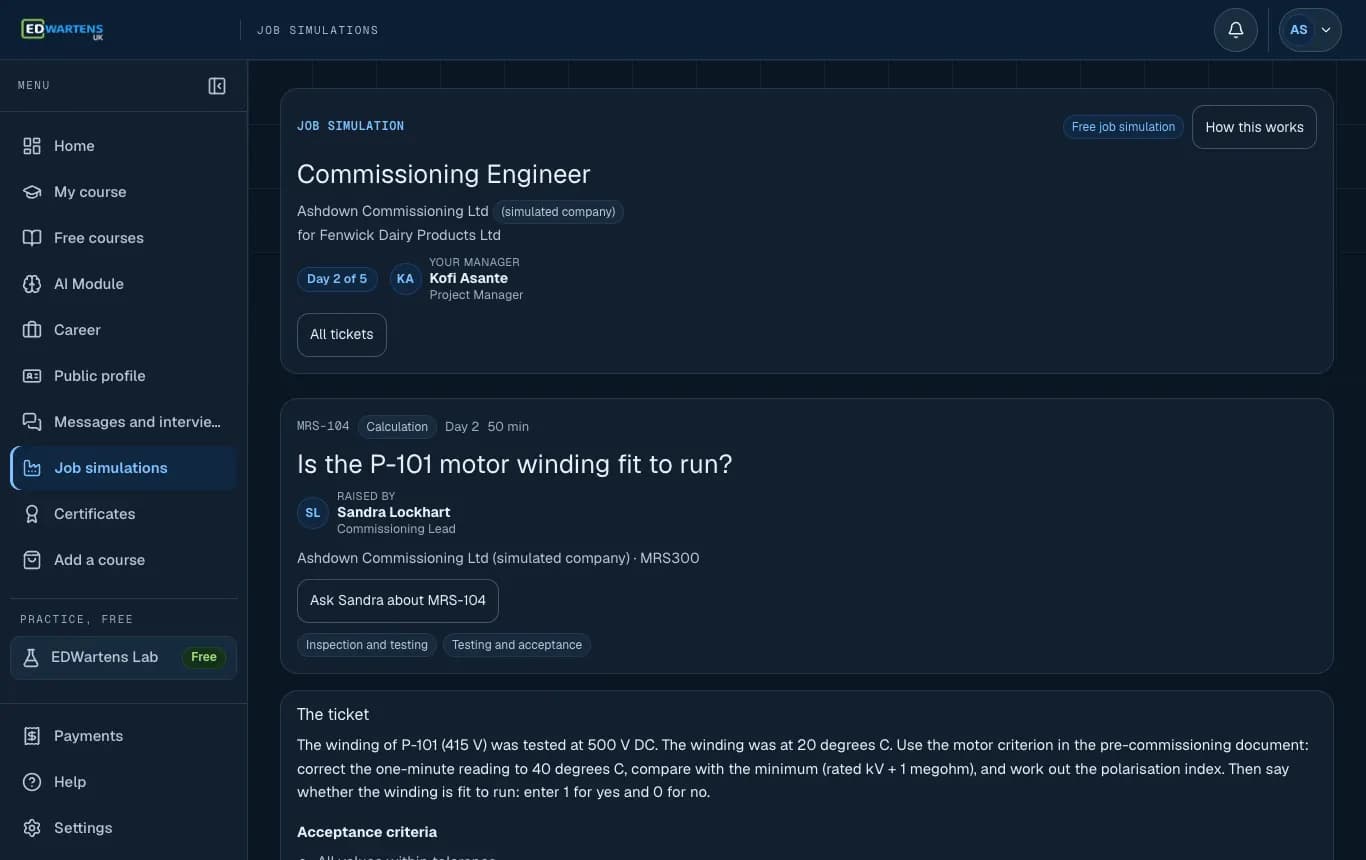
A ticket in the Commissioning Engineer job simulation, with its brief and acceptance points

Day 1

Your manager checks what you know

So that you get the right work, and help only where you need it.

  • Your manager asks what you knowOn day 1 you rate yourself on about eight skills for the role, from never done it to could teach it. Your manager then asks two short "show me" questions on the skills you rated highest.
  • A learning planFrom your answers your manager writes you a learning plan. The plan uses AI and is labelled. It only uses your own results and the tickets and free courses on this page.
  • Help only where you need itA "How to do this" panel opens on tickets that use a skill you rated low. Where you have shown you know a skill, the help stays folded away, and you can open it any time.
  • Check-ins along the wayIn Premium your manager also checks in on days 5, 10 and 15, moving your skill levels up or down on the evidence of your work.
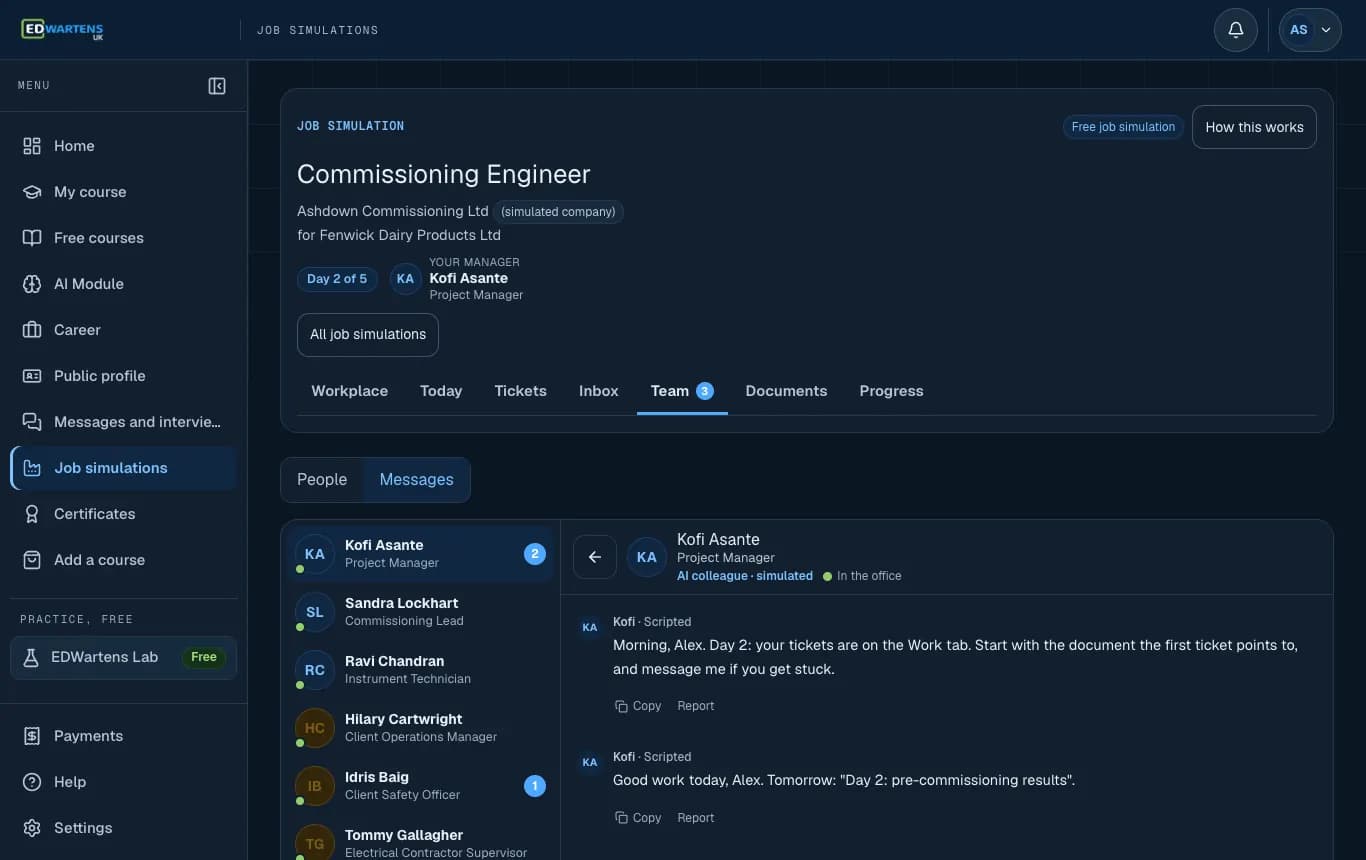
The team page in the Commissioning Engineer job simulation, with colleagues to ask

What you work on and what you keep

Named projects, proper documents and a work pack

  • One or two named projectsEach role has one or two named projects at the simulated company, with milestones by working day. You always know what you are working towards, and at the end you can explain what you delivered.
  • Documents with title blocksCompany documents carry a proper title block: company, project, document number, revision, status, and who prepared, checked and approved them. What you hand in is a controlled document too, with a number and a revision.
  • A work pack you keepYour work pack is yours to keep, as a PDF and a zip. It holds the project file, your deliverables, the company documents for your edition, your timesheet, your skills before and after, your manager's letter and a link to your certificate if you buy one.
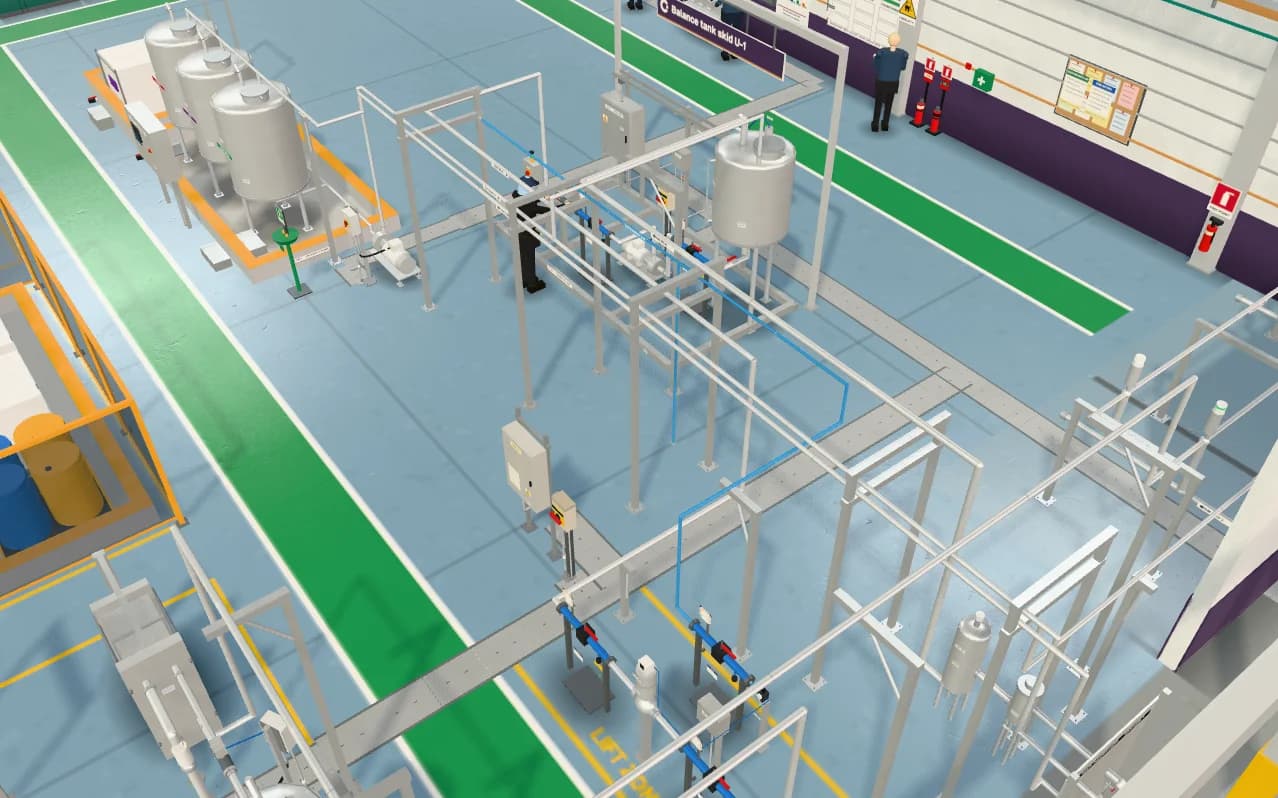
  • The workplaceYou walk around a 3D workplace at the simulated company, with colleagues at their desks and the machines in the room. Colleagues have names, roles and faces, always labelled as simulated.
  • AI colleaguesYour colleagues are AI, with names, roles and faces, always labelled as simulated. They help you think a ticket through, and they do not hand out the answer.
  • Hands-on tickets (UK)Real lab machines stand in the workplace, and the hands-on tickets point to the matching EDWartens Lab exercise. In the UK edition you do the lab exercise yourself, tick a checklist and hand in your notes and figures. It is a self-review hand-in. The lab does not mark you or send us a result.
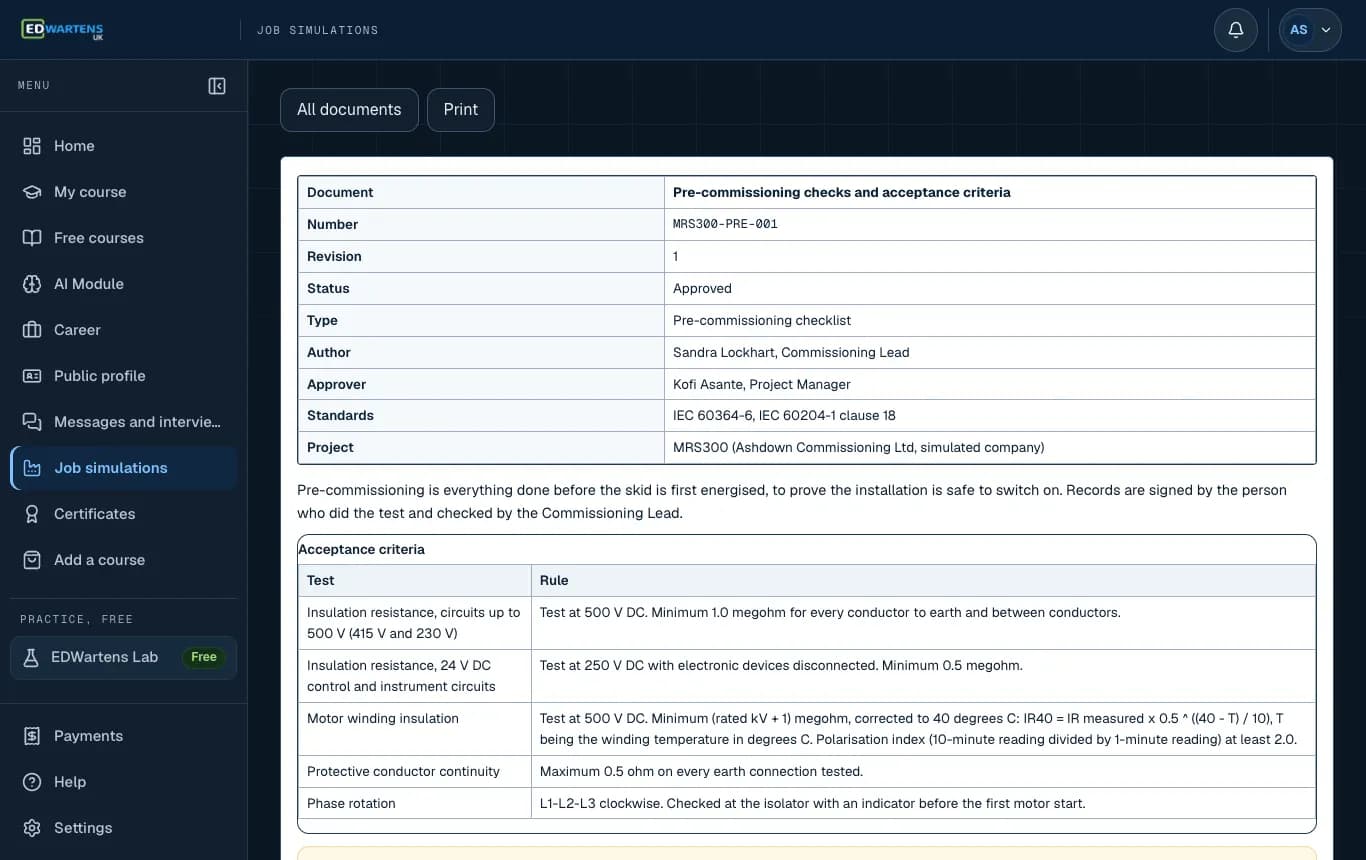
A project document in the Commissioning Engineer job simulation

How it ends

  1. A final reviewAfter you clock out on day 5 (Free) or day 20 (Premium), your manager reviews the work with you. You rate the same skills again and see a before and after table.
  2. What you deliveredThe projects you delivered, three strengths and two next steps. The strengths and next steps are chosen by rule from your results.
  3. A manager's letterA short letter about your work, written by AI from your results in the voice of your simulated manager. It is labelled "Written by AI from your results".
  4. Your work packThen you badge out, and your work pack is ready on your account.

Free, Certificate, Premium

What is free and what is optional

Nothing is sold inside the work. The certificate and Premium are optional, and every price includes VAT.

Free, Certificate and Premium job simulation compared
WhatFreeCertificate (optional)Premium (optional)
Price, VAT includedFree£14.99£53.99
Length5 working days, about 3 to 4 hoursFor the days you complete20 working days, about 12 to 15 hours
Checked tasks and model answers
Graded, verifiable certificate
Capstone reviewed by an engineer
What you get
  • Every ticket of the first week, checked as you hand it in, with model answers
  • Five working days (about 3 to 4 hours), clock in to clock out
  • Your manager's day-1 skills check and learning plan
  • Project documents with proper title blocks
  • Your work pack (PDF and zip) and a final review
  • A graded, verifiable certificate with your score and band
  • A public verification page and QR code
  • The details to list it on LinkedIn under Licences & certifications, ready to copy
  • Working days 6 to 20 (about 12 to 15 hours in all): change requests, site work, faults and handover
  • A capstone deliverable reviewed by an engineer
  • An AI viva on your own work
  • The graded certificate and a work record PDF with your skill scores

Buy the certificate first and Premium credits it: you then pay £39.00. Nothing is sold inside the work. Certificates are issued by WARTENS LTD and are not accredited qualifications. Job simulation certificate: how it works.

Before you pay you accept our terms and confirm that you want the digital service straight away. Once it is supplied, the 14-day right to cancel ends. See our cancellation and refund policy.

A day in a simulation

Then the day's work: an email and a ticket

After the morning meeting, the day's work arrives as an email and tickets. This is a real email and a real ticket from the PLC Programmer job simulation. Every role works this way.

Morning email · company

Welcome to Tarnbrook Controls, line BFL-200

From: Project Manager, Tarnbrook Controls Ltd (simulated company)

Welcome to the team. You are the junior PLC programmer on project BFL-200, the control upgrade of bottling line 2 for Larkfield Drinks. The Lead Engineer owns the software and you report to them.

How we work here: tickets have a number (BFL-101 and up) and acceptance criteria. Documents carry a number and a revision letter and we never overwrite an old revision. At the end of each day send a three-line status: done, doing next, blocked. Questions to the client go through the query log, not by phone.

Site rules and our project standards are on one page in the attachment. Read it before anything else.
BFL-101 Ticket

Site induction and project standards

Raised by: Client Safety Officer

Before anyone from Tarnbrook Controls touches line 2, the client's Safety Officer wants proof that you have read the site rules and understand the standards the project follows. The questions come from the one-page site rules and standards sheet (BFL200-HSE-001). Take your time: on a real site a wrong answer here is a wrong action later.

Acceptance

  • At least 60 percent correct.
  • You can say why each right answer is right.

Compare

Job simulation, virtual work experience or a placement?

The three get mixed up. They are different things, and all three have a place. Here is how they differ.

Job simulation, virtual work experience and a real placement compared
QuestionEDWartens job simulationVirtual work experienceReal placement or internship
What it isA working day at a simulated company: clock in, meeting, tickets, report, clock outOnline programmes that introduce a job or sector, run by many providersTime inside a real employer, with real colleagues
Is it employment?NoNoA placement is not always paid; an internship usually is
Who checks your workEach task is checked as you hand it in, with a model answerVaries by provider: some self-check, some give feedbackA supervisor, in real work
Length30 to 45 minutes a day. Free is 5 days (about 3 to 4 hours); Premium is 20 days (about 12 to 15 hours)Varies, often a few hours to a few daysDays to many months
What you keepA work pack (PDF and zip) and your work record; an optional certificate with a public verification pageOften a certificate of completion; check what each provider saysA reference, if you earn one
Best forTrying a junior engineering or AI role and having something specific to showExploring a sector before you chooseReal site contact, where one is possible

A fuller, neutral comparisonFree virtual work experience for engineering

Plainly

What this is, and what it is not

What it is

  • A practice simulation of a junior role at a simulated company.
  • 30 to 45 minutes a day, with real project documents and checked work.
  • Something specific to show and talk about: your work pack and, if you want it, a verifiable certificate.

What it is not

  • Not employment, an internship or a work placement. No employer is involved.
  • No promise of a job, an interview or any result.
  • Not an accredited or regulated qualification, and it does not lead to an ECS card, a licence or a registration.
  • The company, clients, colleagues and their portraits are fictional.

Written for the UK

UK settings and the standards you will hear about

The simulated companies are UK-style employers, the money is in pounds, and the work names the standards a UK engineer meets: for example BS 7671, IEC 61131-3, PUWER 1998, CDM 2015, DSEAR and ATEX, IEC 62443 and ENA G98 and G99, depending on the role.

  • Each role page lists the UK standards and regulations for that role, for awareness. The tasks use simplified data, so always read the current edition of anything you rely on.
  • Schemes such as the ECS card and CompEx are described so you know they exist. A job simulation does not lead to them.
  • UK pay appears only where we can give a dated, sourced figure. Otherwise we leave it out.
  • The certificate is issued by WARTENS LTD. It is not an accredited or regulated qualification.

Questions

Quick answers

All the questions

Do I need a PLC or software installed?
No. The documents and tasks run in your browser. Where a real engineer would use industry software, the role page names it and says what you use here instead. Hands-on tickets point to an exercise in EDWartens Lab, our browser-based practice labs. You do the exercise, tick a checklist and hand in your notes for self-review.
Which engineering job simulation should I start with?
If you are new, start with one marked No experience needed in the filters. If you know some basics, pick the role closest to the job you want. Use the Which one suits me? helper if you are unsure.
Does it prepare me for an ECS card or a site job?
No. It shows how the work is done and names the UK standards you will hear about, but it is not a qualification, an ECS card or a site induction.
What is a job simulation?
A job simulation is a working day at a simulated UK company. You clock in, join the morning meeting, work through real project documents and tickets, write your end-of-day report and clock out. A day takes 30 to 45 minutes. It is practice, not a real job, and it is free to start.
What does a working day look like?
A working day at a simulated company: you clock in, join the morning meeting, work through the day's tickets, write the end-of-day report, plan tomorrow and clock out. It takes 30 to 45 minutes. Do one day at a time, or several days in one sitting. A day opens when you have finished the one before, and there is no deadline.
Is a job simulation a real job, an internship or work experience?
No. It is a practice simulation of a junior role at a simulated company. It is not employment, an internship, a work placement or a job offer, no employer is involved, and we do not promise a job or an interview.
Is it really free to start?
Yes. Days 1 to 5 are free: the working days, the tickets, the documents, your manager's skills check, checking and model answers, your work pack and a final review. The certificate (£14.99) and Premium (£53.99) are optional. Both prices include VAT.
How long does it take?
A working day takes 30 to 45 minutes. Free is 5 working days, about 3 to 4 hours in all. Premium is 20 working days, about 12 to 15 hours.

Honest limits

A job simulation is a realistic training project at a simulated company. It is not employment, an internship or a work placement, and it is not a job offer. Hours are active hours the learner logged on EDWartens UK.

We do not promise a job, an interview or a result. Content reviewed 24 Oct 2026.

Pick a role and start free

Days 1 to 5 cost nothing. Premium runs to day 20 and the certificate is optional. Practice, not employment.

A corner of the simulated workplace in the Commissioning Engineer job simulation