
Professional Module · self-paced
Build job-ready Siemens PLC, HMI and SCADA skills, at your own pace
The Professional Module without the live days. Watch 44 Siemens TIA Portal video lessons whenever you like, practise in the lab, work through Basic Engineering and a job-ready programme, and finish with a project to show employers, seven job simulators and a certificate they can verify.
£980 including VAT
£816.67 + VAT for businesses
One payment, no deposit. Start the day you enrol, with 12 months of access.
- 44 video lessons
- Start today
- 12 months' access
- Job-ready programme
- 7 job simulators included
- Certificate
What you get
Skills, proof and support for your next job
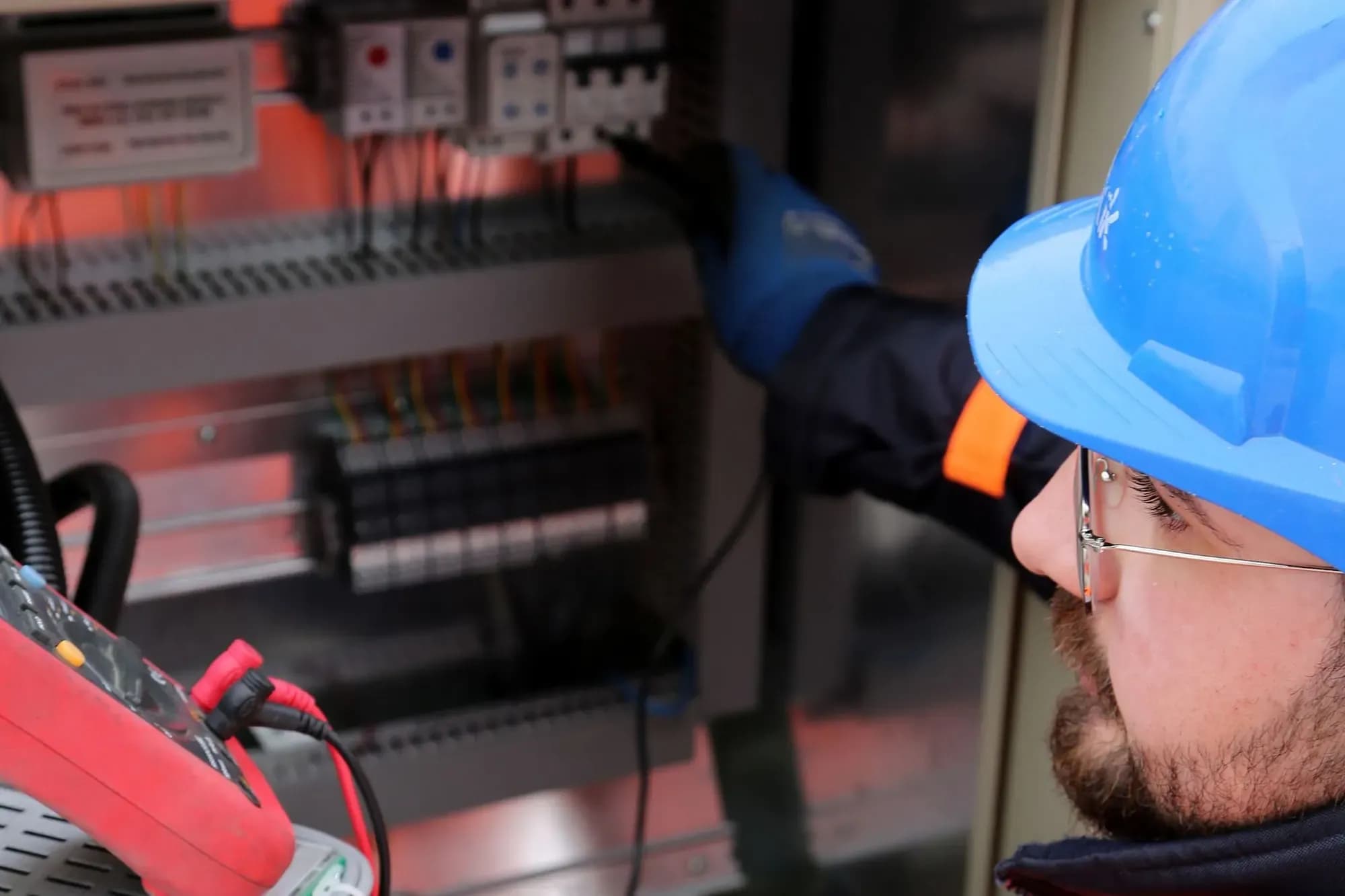
- 44 Siemens TIA Portal video lessonsWatch PLC programming, HMI and SCADA lessons from our own YouTube channel, in order, on your timetable.
- Everything else the Professional Module hasBasic Engineering, the Job-ready programme, a project, a final assessment and a certificate. Only the live days are replaced.
- Practise after every moduleA lab task in the EDWartens Lab with each module, so what you watched is something you have done yourself.
- A real project to showFinish with a PLC, HMI and SCADA project you built yourself and had approved by an engineer.
- The Job-ready programme13 short modules on how UK controls recruitment works, your CV, applications and interviews.
- Weekly job links, picked by our teamEvery week our team sends job links to your portal. The UK job board adds alerts and an application tracker.
- Seven job simulators includedPractise seven engineering roles at simulated UK companies, with the Premium edition and certificate at no extra charge.
- A certificate employers can checkA certificate of completion with a number and QR code anyone can verify.
- CV templates and interview preparationA one-to-one career session you request from Help when you are ready, seven role-specific CV templates and interview preparation.
- An engineer profile employers can viewOpt in to a public profile that employers can find, so your skills and projects are in front of them.
After the course
What you will be able to do
- Set up an S7 PLC and its hardware configuration in a TIA Portal project
- Write ladder logic for real control tasks, including timers, counters and data handling
- Run and test your logic in PLCSIM before it goes near a machine
- Build HMI screens with navigation between them
- Link an HMI to your PLC program
- Create SCADA screens with animation, alarms, trends and recipes
- Explain the basics of electrical, mechanical, instrumentation and safety topics
- Write a UK engineering CV and prepare for interviews
Self-paced
Recorded lessons, no timetable
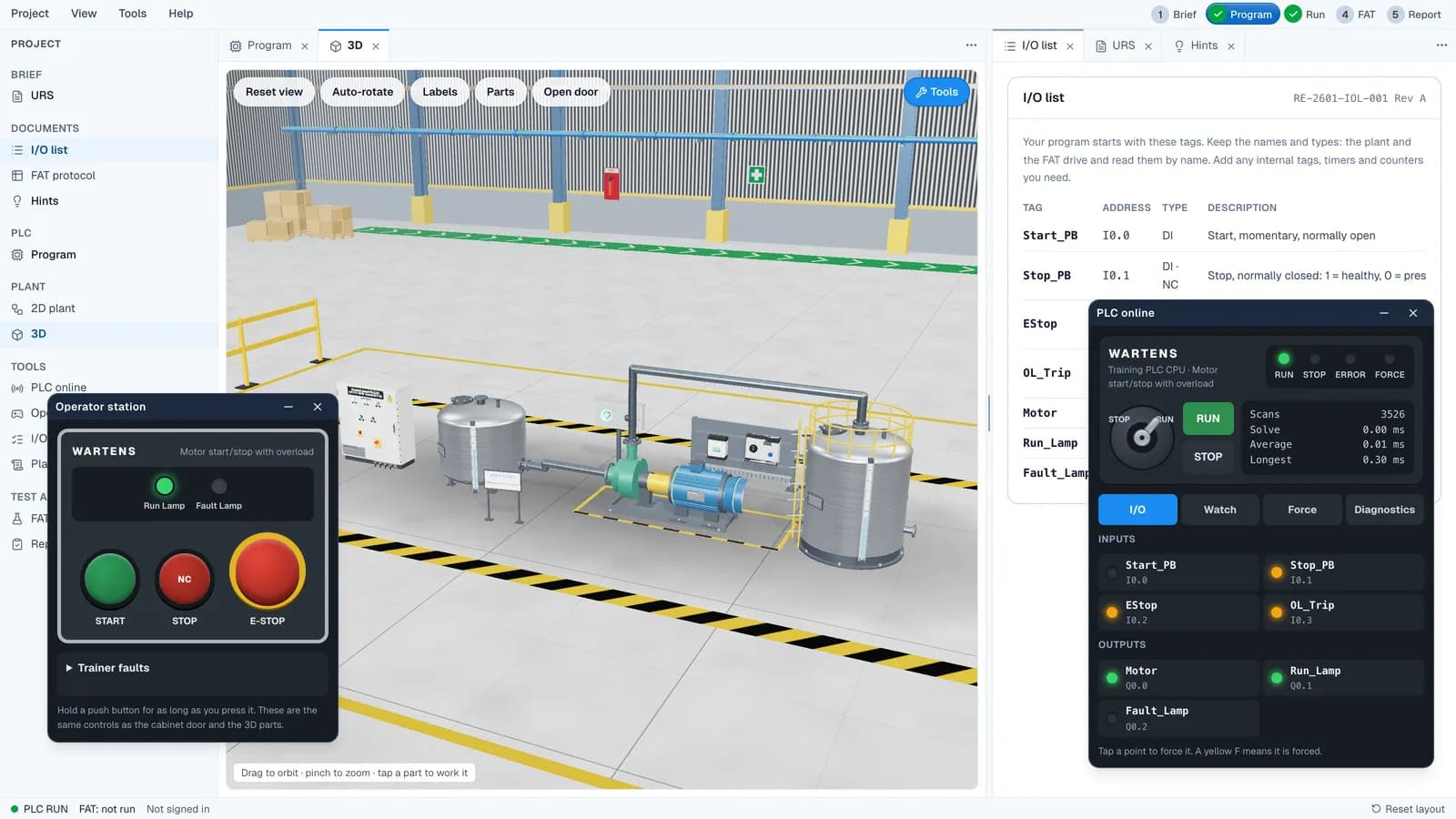
The Professional Module teaches PLC, HMI and SCADA in five live days. This version teaches the same topics in 44 recorded lessons, so you pause, replay and practise in your own time.
- No start dates and no cohorts: begin the day you pay
- Pause and replay any lesson
- Ask the AI tutor or a trainer from any module
- Practise after each module in the EDWartens Lab
Is it for you?
Who this course suits
This course suits you if you are
- You want the Professional Module but cannot give five days to live classes
- You work shifts or study around a job
- You prefer to learn by watching, pausing and practising
- You want one course that covers PLC, HMI, SCADA, basic engineering and career support
Choose something else if you want
- You want an instructor in the room or on a call each day: choose the live Professional Module
- You need hands-on time on a physical PLC rig
- You work with Rockwell: see the Allen-Bradley Module
Curriculum
44 lessons, then job-ready
The lessons are in the order of our Siemens TIA Portal playlist. Each module adds notes, a lab task and a short quiz, and each phase ends with a test.
Phase 1 · videos 1 to 19PLC programming with Siemens TIA Portal
What a PLC does, Siemens hardware and addressing, your first TIA Portal project, ladder logic, interlocking, program blocks and edge detection.
Introduction to Siemens TIA Portal
- 01 PLC Basics for Beginners: How Inputs and Outputs Work39 min
- 02 PLC Communication Interfaces Explained | Siemens PLC Basics19 min
- 03 PLC Programming Languages Explained | Which One to Learn?19 min
Overview of PLC Hardware and Architecture
- 04 Siemens PLC Hardware Explained for Beginners18 min
- 05 TIA Portal Addressing Explained | Inputs, Outputs & Memory32 min
- 06 TIA Portal Data Types Explained | PLC Programming Basics17 min
Basics of Ladder Logic Programming
- 07 Create Your First TIA Portal Project & Download to PLC23 min
- 08 Your First PLC Ladder Logic Program in TIA Portal26 min
- 09 PLC Logic Gates Explained with Siemens TIA Portal52 min
- 10 PLC Programming Practice Problem #1 | TIA Portal17 min
- 11 Negate Assignment in TIA Portal | PLC Logic Explained21 min
Hands-on practice: Creating PLC Programs
- 12 Push Button PLC Programming | Start & Stop Basics29 min
- 13 Set Reset & SR RS Flip-Flops in TIA Portal Explained44 min
- 14 Motor Interlocking in PLC | Siemens TIA Portal Tutorial23 min
- 15 Conveyor Interlocking PLC Logic | TIA Portal Example28 min
- 16 Program Blocks in TIA Portal | PLC Structure Basics25 min
- 17 TIA Portal Program Blocks Part 2 | Organize PLC Logic17 min
- 18 PLC Edge Detection Explained | Rising & Falling Edges21 min
- 19 TIA Portal Edge Detection Practice | PLC Signals24 min
Phase 2 · videos 20 to 33Advanced PLC programming and applications
Timers, counters, comparators, maths, data conversion, MOVE, program control, word logic and shift and rotate, with practice problems.
Advanced PLC Programming Concepts
- 20 PLC Timers in TIA Portal Explained | TON, TOF & More51 min
- 21 PLC Timer Practice Problem #1 | TIA Portal23 min
- 22 PLC Timer Practice Problem #2 | Siemens PLC30 min
- 23 PLC Timer Practice Problem #3 | Test Your Logic18 min
- 24 PLC Counter Operations in TIA Portal Explained24 min
- 25 PLC Counter Practice Problem | TIA Portal Tutorial13 min
Simulation and Testing of PLC Programs
- 26 PLC Comparators in TIA Portal | Compare Values20 min
- 27 Math Instructions in Siemens TIA Portal | PLC Basics32 min
- 28 PLC Data Conversion in TIA Portal Explained23 min
- 29 MOVE Instruction in TIA Portal | Transfer PLC Data1 h 17 min
Practical Applications and Case Studies
- 30 PLC Reactor Control Problem | TIA Portal Practice37 min
- 31 Program Control Instructions in TIA Portal Explained26 min
- 32 Word Logic Operations in TIA Portal Explained26 min
- 33 Shift & Rotate Instructions in Siemens TIA Portal16 min
Phase 3 · videos 34 and 35HMI development with Siemens TIA Portal
What an HMI is, adding a panel to your project, screens, navigation, tags shared with the PLC and good practice for operators.
Introduction to HMI and Industrial Automation
- 34 What Is HMI? Siemens TIA Portal HMI Basics13 min
Creating HMI Projects in TIA Portal
- 35 Add an HMI in TIA Portal | HMI Screen Elements44 min
Designing HMI Screens and Navigation
Notes, a lab task and a practice quiz.
Integrating HMI with PLC Programs
Notes, a lab task and a practice quiz.
Best Practices for HMI Development
Notes, a lab task and a practice quiz.
Phase 4 · videos 36 to 44Introduction to SCADA (WinCC)
What SCADA is, adding it in TIA Portal, screens and navigation, animation, alarms, trends, user administration, recipes and the historian.
Overview of WinCC SCADA System
- 36 What Is SCADA? Industrial Automation Explained9 min
- 37 Add SCADA in TIA Portal | Screen Elements Tutorial27 min
Tags and Data Acquisition
- 38 SCADA Screen Navigation & Templates Explained17 min
Creating SCADA Graphics and Objects
- 39 SCADA Screen Management in TIA Portal25 min
Dynamic Graphics and Animation
- 40 SCADA Animations Explained | Movement on HMI Screens25 min
Alarm and Event Management
- 41 SCADA Analog Alarms Explained | Monitoring Values27 min
Trending and Historical Data Analysis
- 42 SCADA Trends & User Administration | TIA Portal29 min
Best Practices and Project Review
- 43 SCADA PLC Control & Discrete Alarms Explained24 min
- 44 SCADA Recipes & Historian Explained | TIA Portal24 min
Phase 0 and Phase 5Getting started, and Basic Engineering
Install TIA Portal, PLCSIM and Factory I/O, and start with pre-recorded introductions to automation, PLCs and basic electronics. Then work through the nine Basic Engineering topics, each with notes, a lab task and a short quiz:
Electrical engineering, Mechanical engineering, Instrumentation and sensors, Pneumatics and hydraulics, Control systems and automation, Robotics, Industrial communication protocols, Maintenance and reliability, Safety and standards.
Phase 6 · Job-ready programme13 modules on getting the job
A one-to-one career session (request it from Help in your portal), CV and interview preparation, and short modules on the UK job market and how to apply. Your project and the final assessment come at the end.
- The UK automation job market
- Your engineering CV for UK employers
- LinkedIn and networking for engineers
- Applying smartly: the job board, weekly links, alerts and your tracker
- Recruitment agencies, contract or permanent, and IR35 basics
- Competency interviews with STAR answers
- Technical interviews: PLC, HMI, SCADA, safety and fault-finding questions
- Site safety employers expect
- Cards and tickets: CSCS, ECS and the 18th Edition
- Right to work and sponsorship: what to ask an employer
- Your first 90 days on site
- Prove it: your job simulators, portfolio and public engineer profile
- Next steps: EngTech and IEng registration, and continuing learning
EDWartens Lab
Practise in the EDWartens Lab
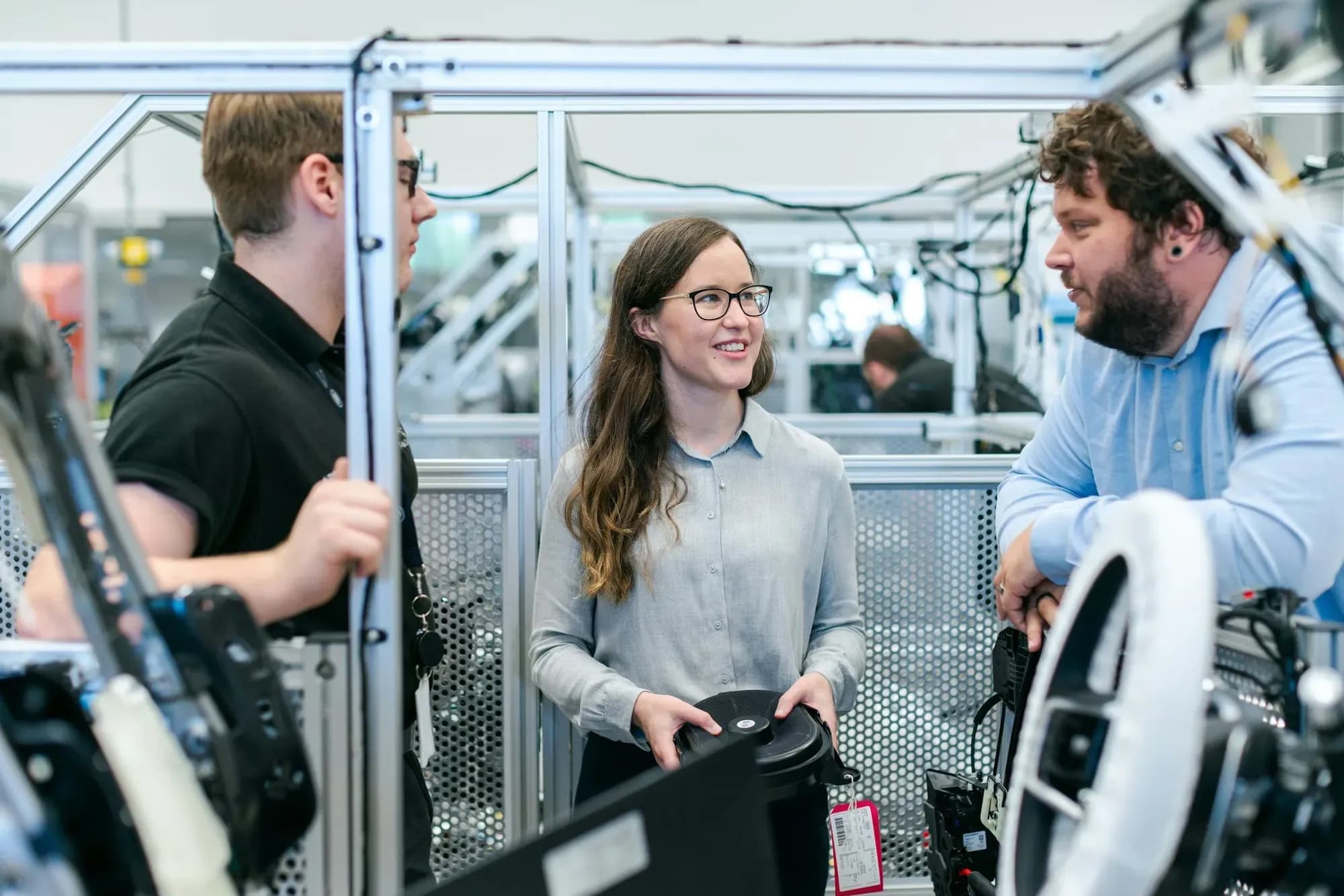
Our own browser lab lets you write ladder logic and run it against a simulated PLC, wire and prove dead a control panel, and work a motor control centre. Open it free, any time, or signed in from your portal.
- Build ladder, SFC and structured text programs
- Go online and watch power flow through each rung
- Force inputs and outputs and see the machine respond
Control panel buildWire a real control panel.Open this lab (opens in a new tab) Substation and MCCWork a real switchroom.Open this lab (opens in a new tab) 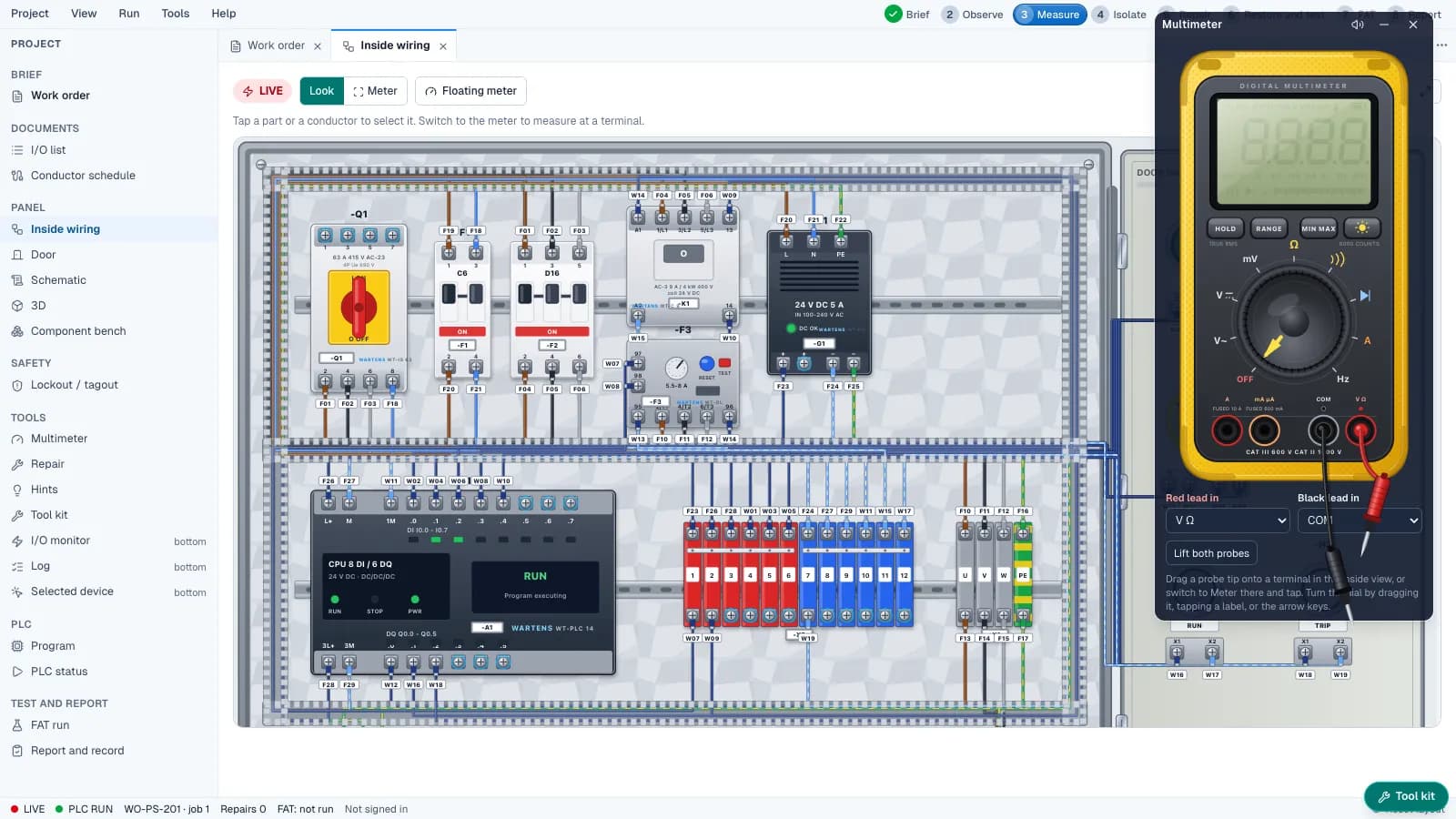
Find faults inside a control panel with a virtual multimeter.
Job support
Support that carries on after the lessons
Learning the skill is half of it. The portal helps with the other half: where the jobs are and how to apply.
- Job-ready programme13 modules on UK recruitment, your CV, applications, interviews and your first 90 days.
- Weekly job linksPicked by our team and sent to your portal each week, with a notification.
- Job board and alertsReal UK adverts, refreshed daily, with alerts for the roles you want.
- Application trackerEvery application, date and next step in one place.
Also included: a one-to-one career session with our team, which you request from Help in your portal when you are ready, seven role-specific CV templates, interview preparation and a public engineer profile employers can find, if you opt in. We cannot promise an interview or a job, and we do not quote placement rates.

Included job simulators
Seven job simulators, included
Do the job before you apply. Each simulation puts you in a simulated UK workplace with a morning email, tickets, documents and colleagues.
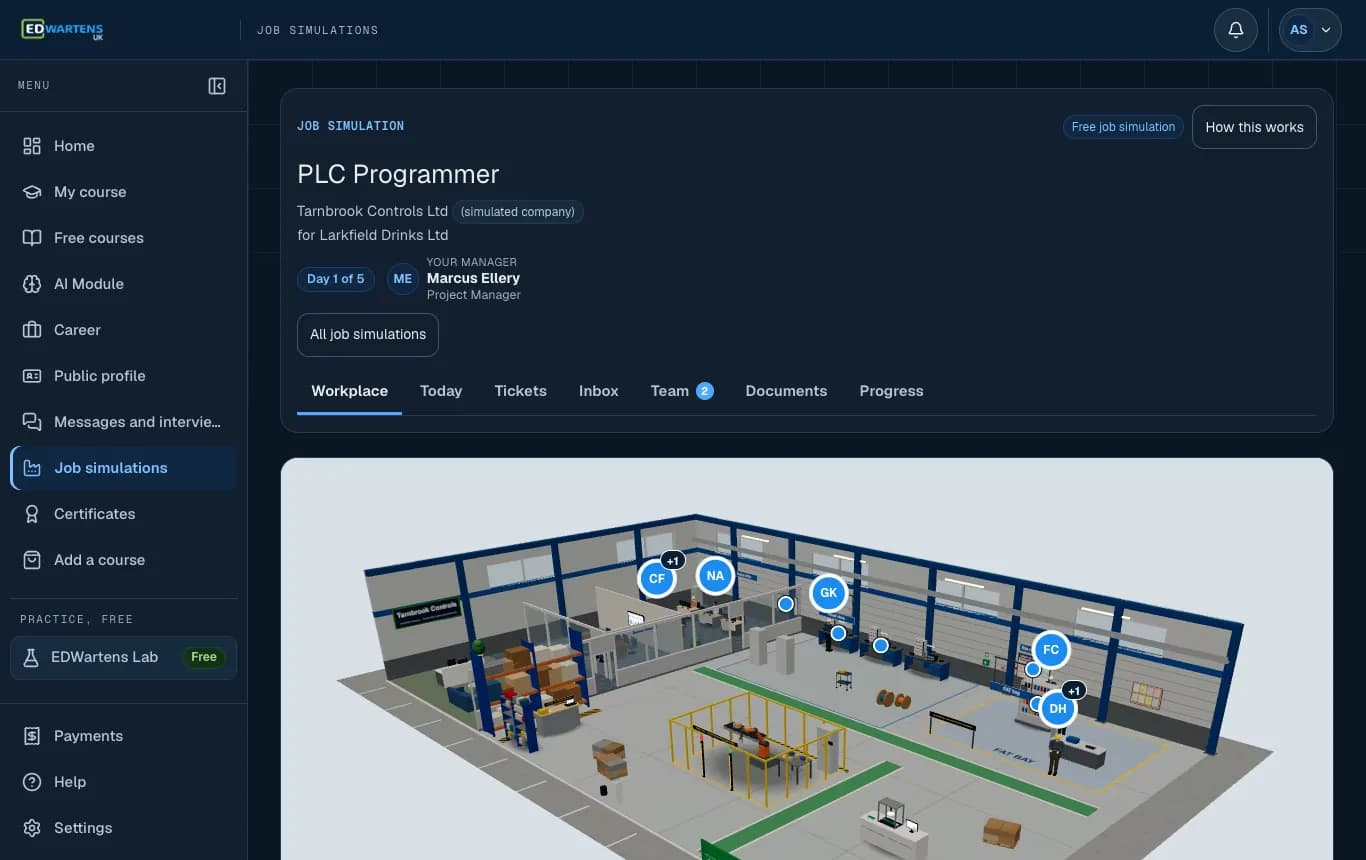
Start in the workplace, with the team around you. 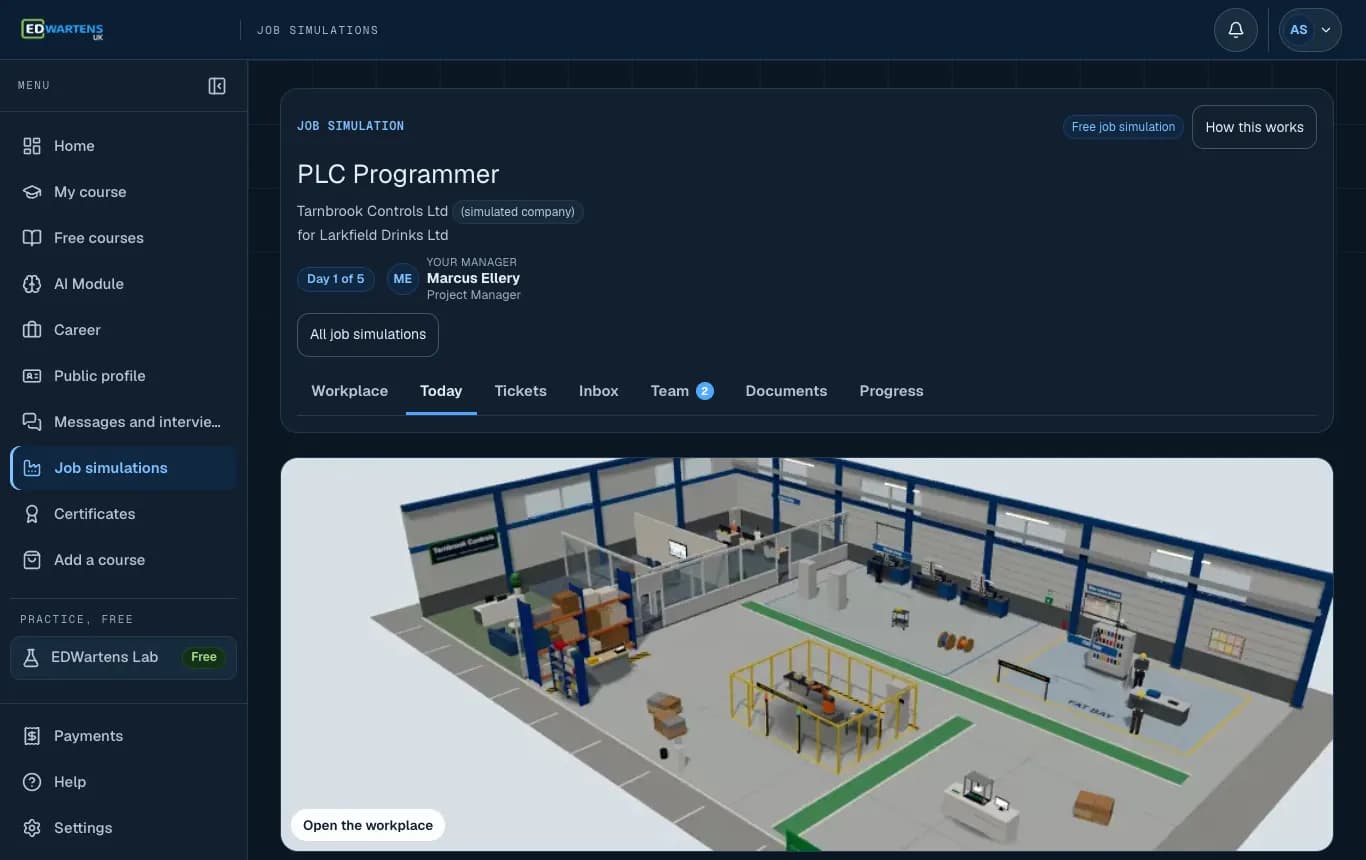
Today: the morning email and your tickets for the day. 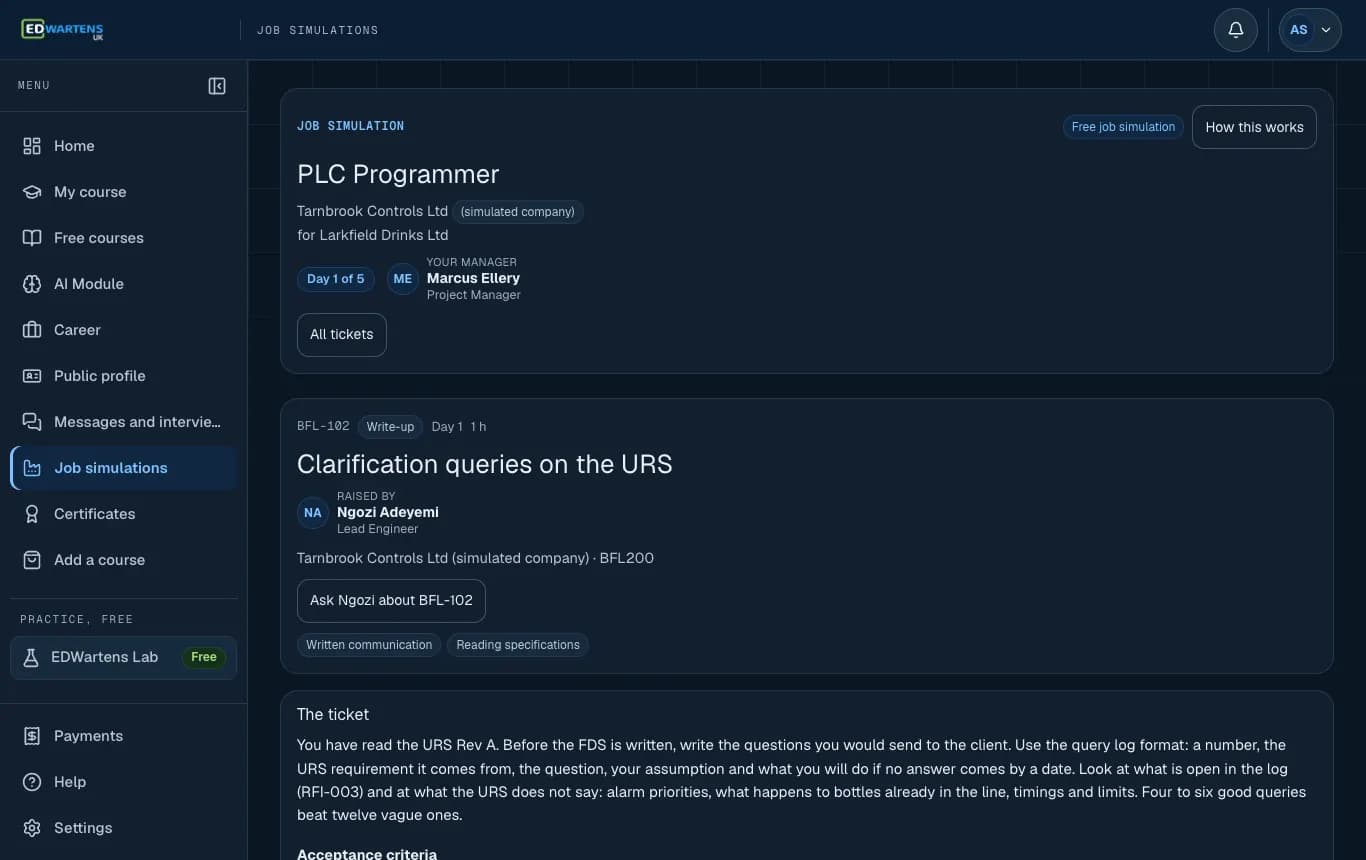
A ticket, written the way a colleague would write it.
Screenshots from the simulator. Company, people and data are fictional. Portraits are AI-generated.
The 7 simulations that come with the Professional Module (Self-paced)
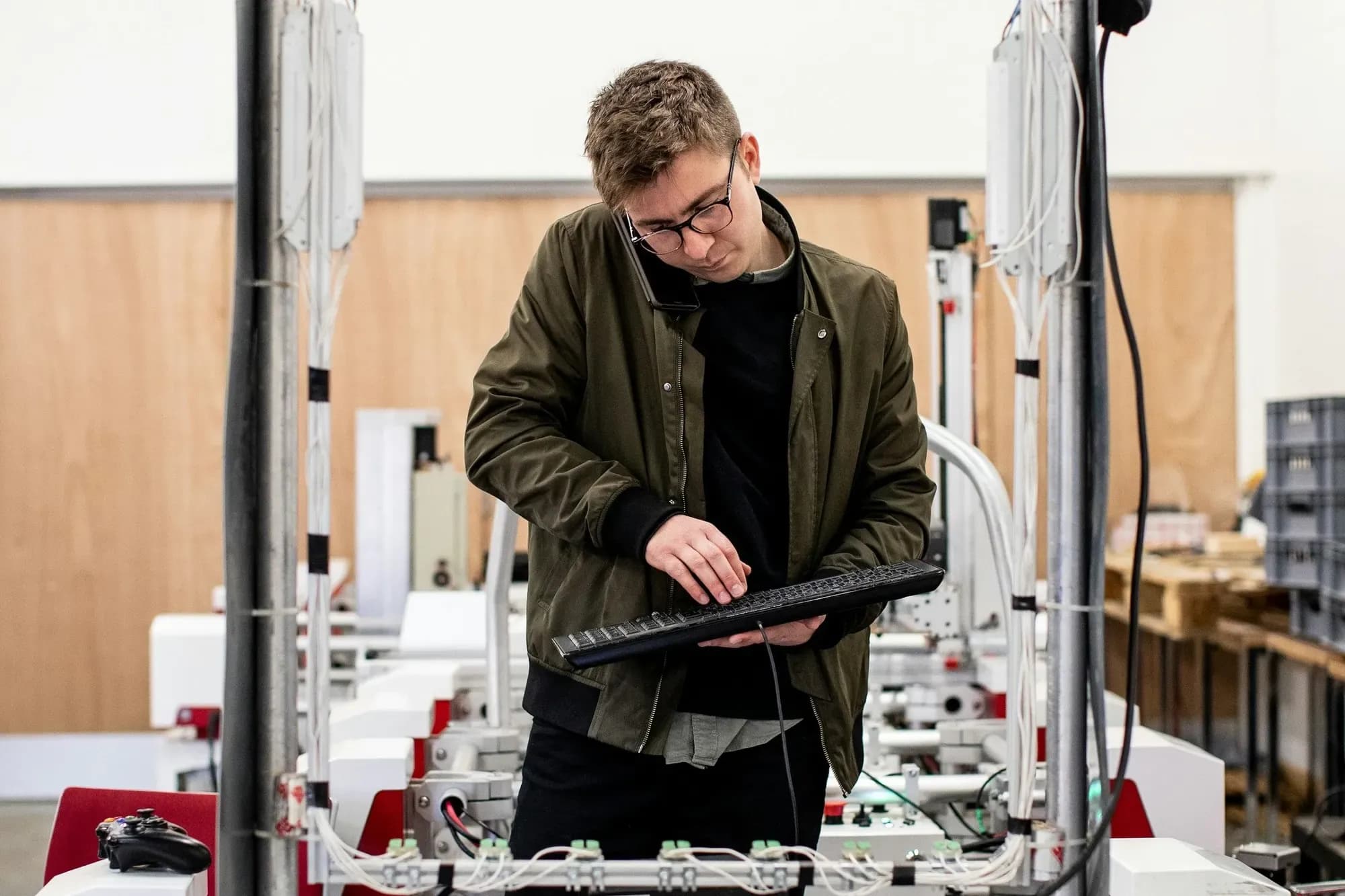
PLC Programmer
Write the I/O list, program the line, run the FAT and handle a change request.
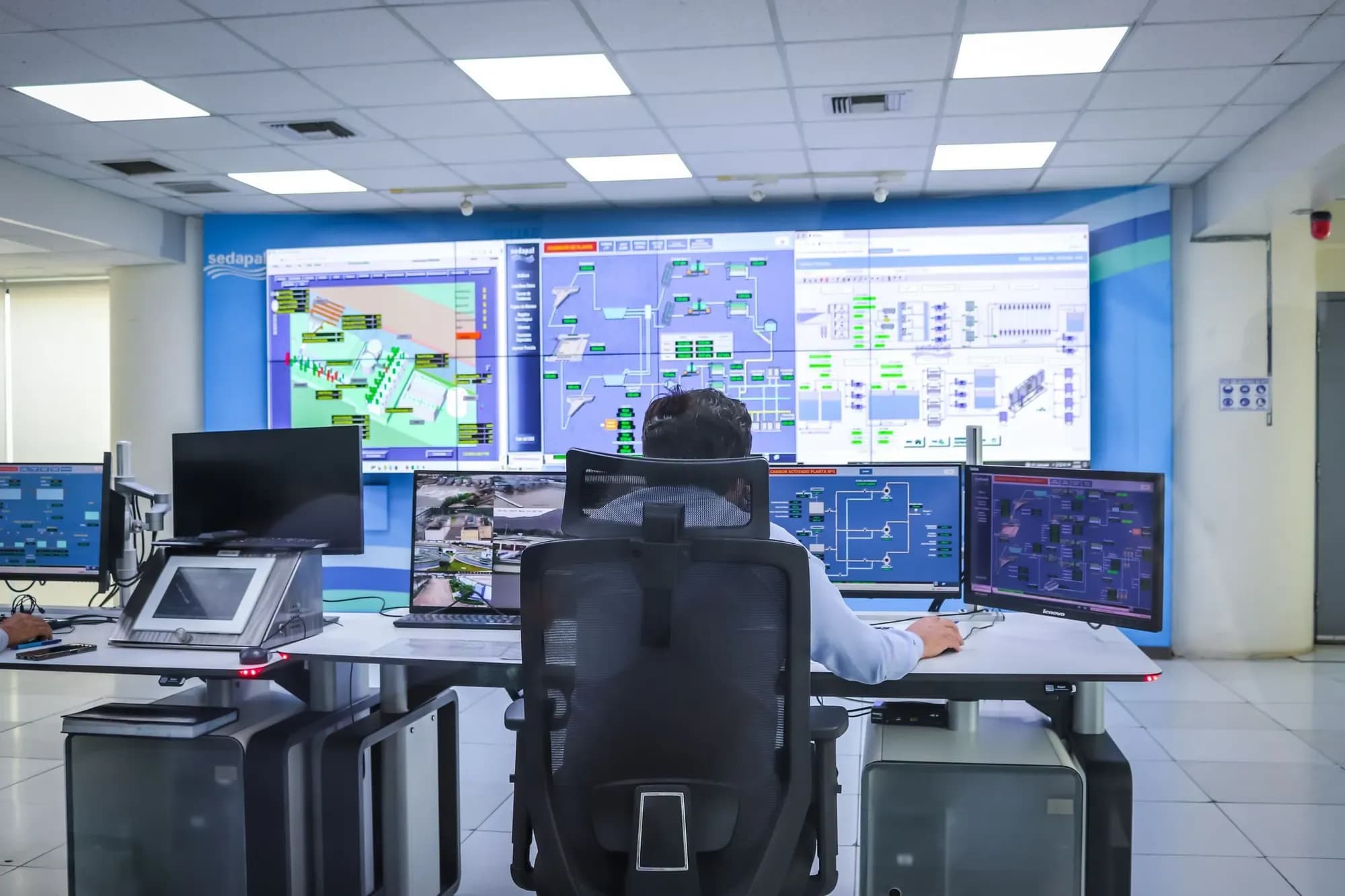
SCADA and HMI Engineer
Build the tag list, alarm list and screens for a live process.

Commissioning Engineer
Loop checks, I/O checkout, SAT and a punch list on a plant that is nearly ready.
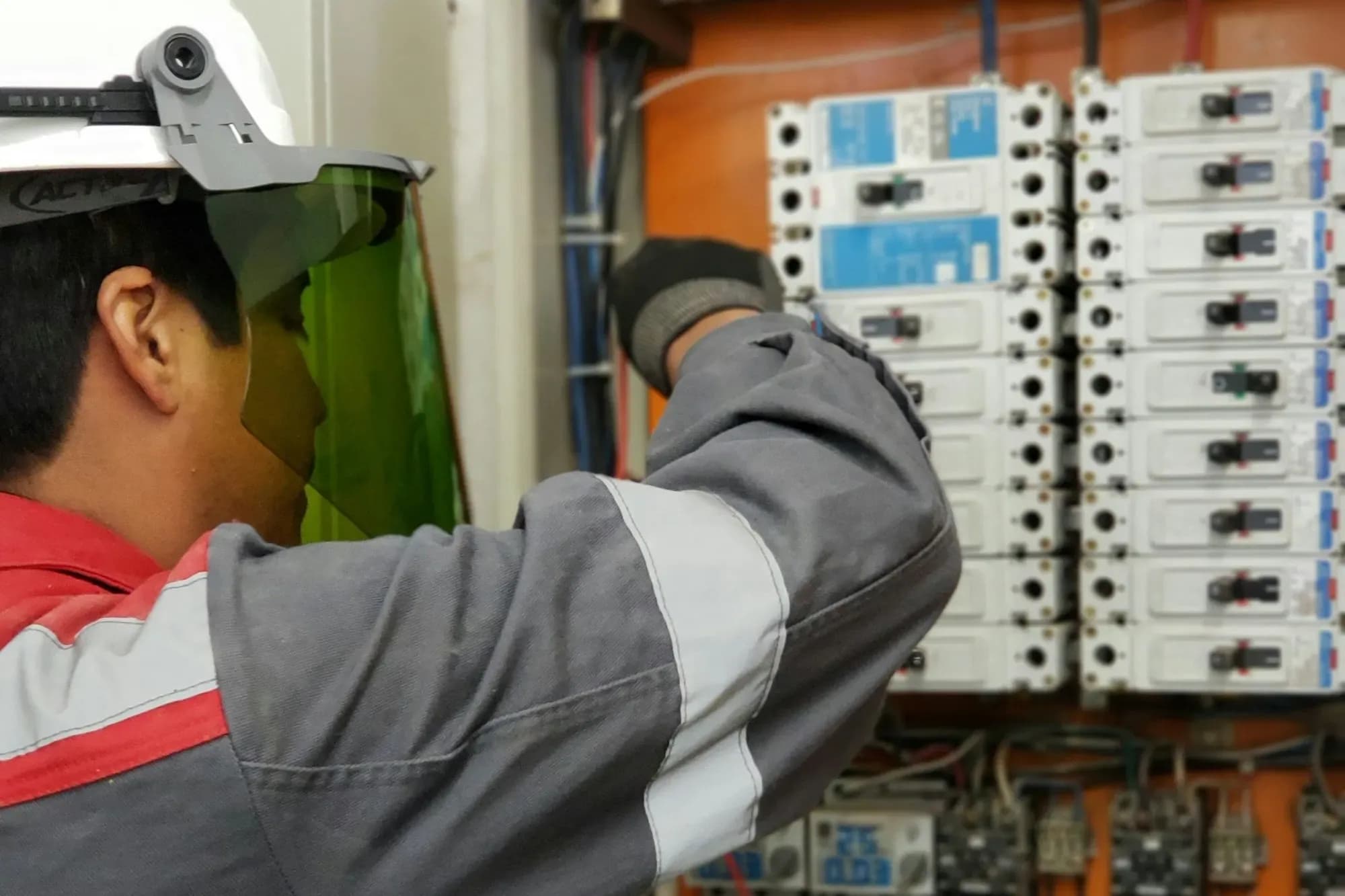
Maintenance Electrical Engineer
Work orders, safe isolation, fault finding and a root-cause report.
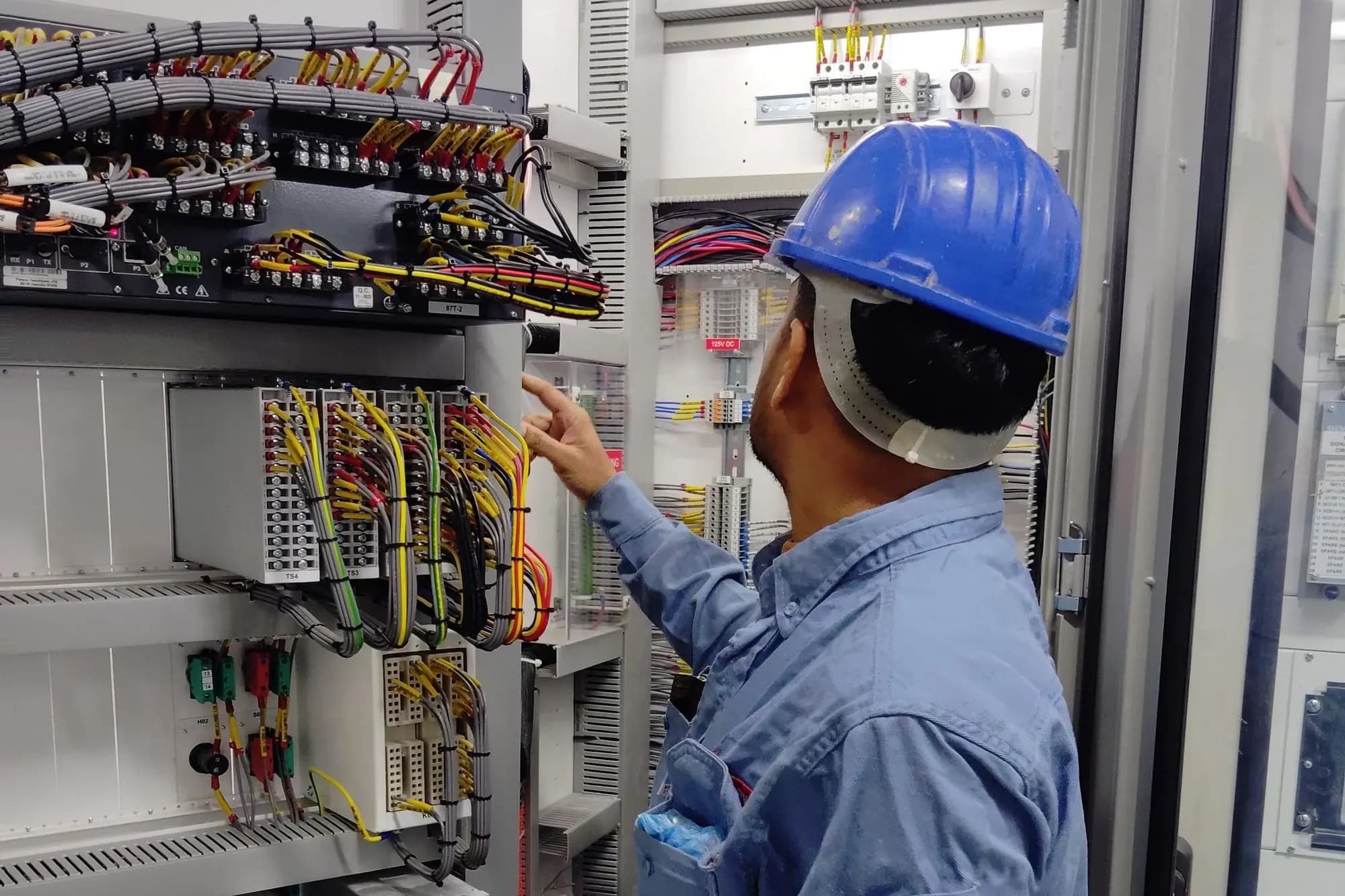
Control Panel Design Engineer
GA drawing, schematics, BOM, heat calculation and the routine test.

Instrumentation Engineer
Instrument index, datasheets, loop diagrams and calibration on a process plant.

Multi-skilled Maintenance Engineer
Mixed faults on a food line, safe isolation, PPM in a CMMS and a reliability plan.
Each simulation is sold separately: the Premium edition (days 6 to 20, an engineer-reviewed capstone and a viva) is £53.99 including VAT. With this course you get Premium and its certificate for these roles at no extra charge. The companies are simulated; a simulation is training, not employment or a work placement.
Your certificate
Proof you can show an employer
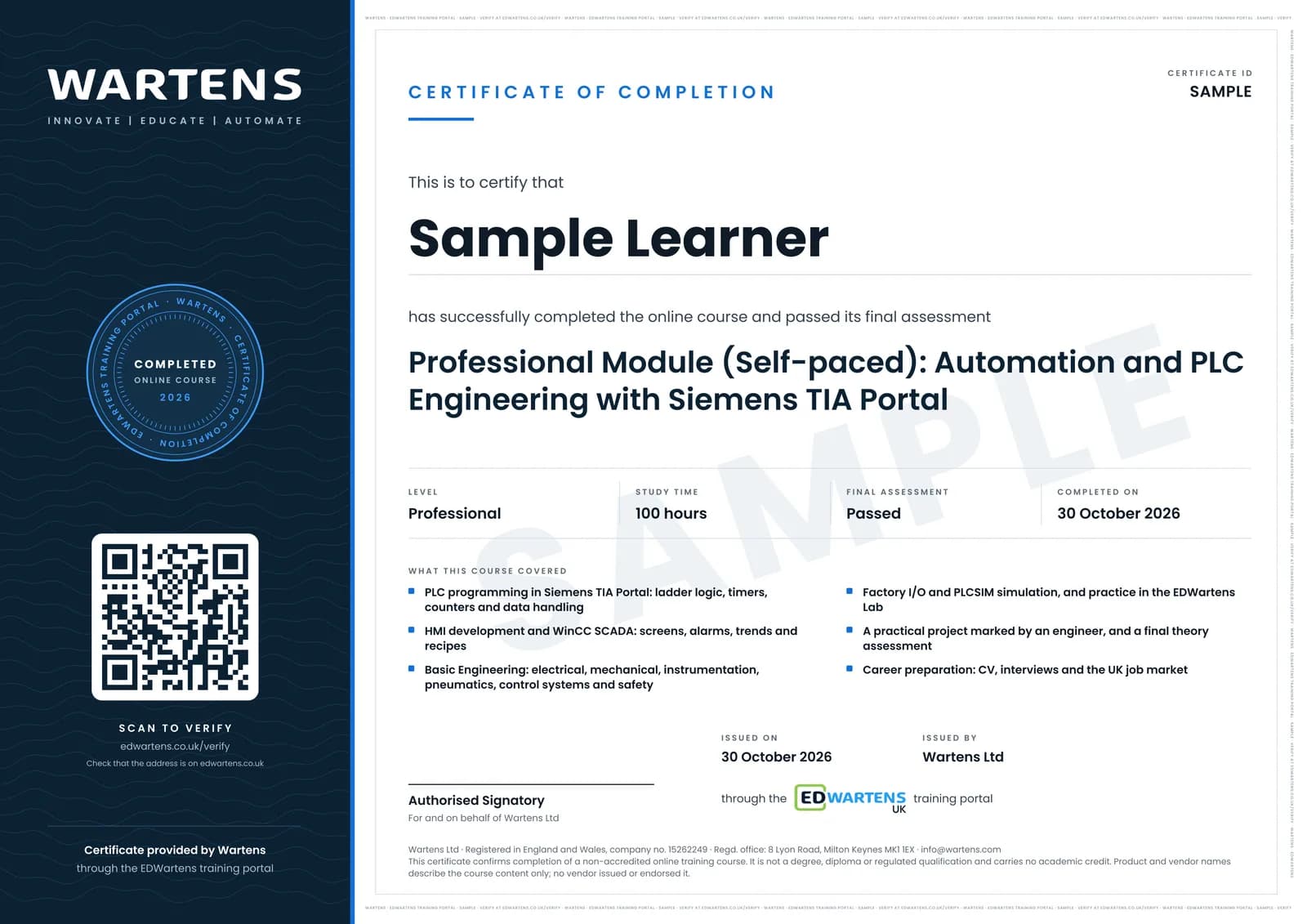
A certificate of completion from Wartens Ltd, naming the Professional Module (Self-paced). CPD certificate worth 80 CPD credits, accredited by The CPD Group. It is issued when you have done all of these:
- Pass each phase test
- Pass the final theory assessment (80% or more)
- Have your practical project approved by an engineer (80% or more)
It is a certificate of completion, not a regulated qualification, and it does not guarantee a job. Employers can check any certificate at edwartens.co.uk/verify.
Price and payment
£980 including VAT, everything included
One price. No extra charges for the portal, the career support or the certificate.
One price
£980
including VAT (£816.67 + £163.33 VAT)
- How you pay
- In full, once
Those are sums from our own price and a national average. They say nothing about what you will earn.
What the fee covers
- 44 recorded Siemens TIA Portal lessons. About 19.5 hours of video, with notes, a lab task and a quiz for each module.
- Basic Engineering modules. 9 self-paced topics with quizzes, and questions to a trainer.
- Software set-up guide. Installation guide for TIA Portal, PLCSIM and Factory I/O.
- Lab practice. The EDWartens Lab with every module.
- Job-ready programme. 13 modules on the UK job market, your CV, applications and interviews.
- Career support. Weekly job links, the job board with alerts and a tracker, a one-to-one career session you request from Help, seven CV templates and interview preparation.
- Seven job simulators. The Premium edition and its certificate for each of the seven roles.
- Project, final assessment and certificate. Your project marked by an engineer, and a certificate of completion with a number and QR code employers can verify.
Not included: your computer and internet connection, and any software licences you choose to buy for use after the course.
Pay in full: £980
Includes VAT (£816.67 + VAT). By debit or credit card through Stripe; we never see your card details. The whole course opens straight away.
One payment, no deposit
This course is paid in full, once. Your 12 months' access starts on the day you pay, and every lesson is open from that day.
Employer paying?
We can send a VAT invoice; the payment terms on the invoice apply. Contact us with the company's details before you enrol. A VAT-registered employer can usually reclaim the VAT.
This is a private course. It is not eligible for Advanced Learner Loans or Skills Bootcamp funding; see fees and payment.
Your 14-day right to cancel
- If you buy as a consumer, you can cancel within 14 days of the day we confirm your booking, without giving a reason, and we refund what you paid.
- Professional Module (Self-paced): the lessons are digital content that opens as soon as you pay, so at checkout you ask for access straight away. If you cancel within 14 days and have not opened any lesson, you get everything back. Once you open a lesson, the right to cancel ends.
The full rules are in the cancellations and refunds policy and the Professional Module (Self-paced) terms. Nothing here affects your legal rights.
Enrol now
One payment of £980 including VAT, and the whole course opens straight away.
Prices include VAT. Course terms · Cancellations and refunds · Fees and payment
Course facts
The practical details
- Delivery
- Self-paced online learning with recorded lessons in the student portal. There are no live classes.
- Start
- Start the day you enrol
- Access period
- 12 months from the day you enrol
- Duration
- About 19.5 hours of video, plus notes, quizzes, lab tasks, Basic Engineering and a project
- Requirements
- A Windows PC that can run TIA Portal and a reliable internet connection. No PLC experience needed.
- Software
- Siemens TIA Portal (certificate states V17), PLCSIM, WinCC, Factory I/O
- Assessment
- A test at the end of each phase, a final theory assessment and a practical project, each marked at the pass mark shown in your portal (80% or more for the final and the project)
- Certificate
- A certificate of completion from Wartens Ltd and a CPD certificate worth 80 CPD credits, accredited by The CPD Group. Neither is a regulated qualification.
Questions
Questions people ask before enrolling
What is different from the live Professional Module?
How long do I have?
Do I need PLC experience?
What computer do I need?
Will it get me a job?
Can I ask questions without a live class?
How do I pass and get the certificate?
Is it CPD-accredited or a qualification?
There is no physical PLC rig. Is that a problem?
How do I pay, and can my employer pay?
What if I change my mind?
Ready to start building these skills?
Start today for £980 including VAT, in one payment. You have a 14-day right to cancel.