

Free course · HMI
HMI Design and Programming: Siemens WinCC and FactoryTalk View ME
What an HMI is and how to design one well, then two mainstream tools end to end: Siemens WinCC in TIA Portal and Rockwell FactoryTalk View Machine Edition on PanelView Plus, with WinCC flexible for the legacy base.
Free to learn. Verifiable certificate £19 when you pass the final exam (optional, VAT included).
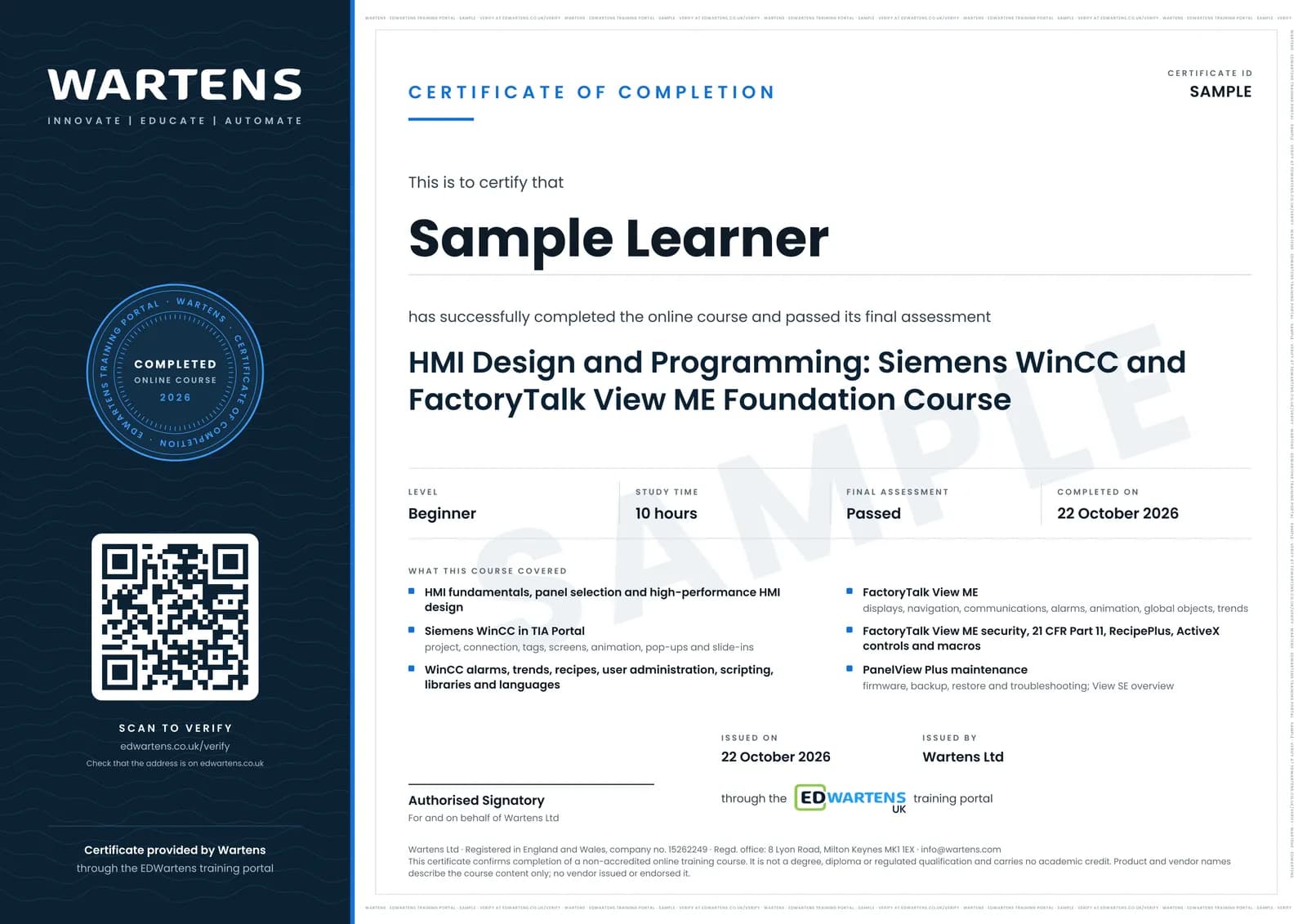
Sample certificate. Optional, issued when you pass the final exam.
- Level
- Beginner
- Modules
- 16
- Video
- 18 hours
- Price
- Free
Outcome
What you will be able to do
Explain what an HMI is and what high-performance design means, build a WinCC project from template to transfer with alarms, trends, recipes, users, scripting and languages, read a WinCC flexible project, and build a FactoryTalk View ME application with displays, navigation, communications, alarms, animation, global objects, security and 21 CFR Part 11, recipes, ActiveX, macros, firmware, backup and troubleshooting, with a look at FactoryTalk View SE.
- Design a high-performance HMI: grey ground, colour for abnormal, screen hierarchy
- Build a WinCC TIA project with templates, connection, tags, screens, animation, text lists, pop-ups
- Configure alarms, trends, recipes, users, scripts, libraries and languages in WinCC
- Read and maintain a WinCC flexible 2008 legacy project
- Create a FactoryTalk View ME application, displays, navigation, runtime file and terminal communications
- Add alarms, animation, global objects, language switching, trends and parameters in ME
- Implement security, 21 CFR Part 11, recipes, ActiveX and macros
- Maintain PanelView Plus terminals: firmware, backup, restore, conversion, troubleshooting; know when SE fits
Software
TIA Portal with WinCC (21-day trial). FactoryTalk View Studio ME is paid: it runs 7 days without activation, then in two-hour demo sessions
Hardware
None. Both tools simulate the panel.
Syllabus
16 modules
Each module has video lessons, notes and a short quiz. The final exam closes the course.
- What an HMI Is and How to Choose One3 lessonsLab
- Siemens WinCC: Project, Templates, Connection, Tags5 lessonsLab
- Siemens Screens and Animation5 lessons
- Siemens Alarms, Trends, Recipes3 lessonsLab
- Siemens Users, Scripting, Libraries, Languages4 lessons
- Siemens Transfer, Media, Cross References, Analog5 lessons
- WinCC flexible 2008 Legacy4 lessons
- FactoryTalk View: Install, Tour, Activation, First ME Application7 lessons
- FTV ME: Displays, Navigation, Runtime, Communications8 lessonsLab
- FTV ME: Hello World to Alarms and Animation5 lessonsLab
- FTV ME: Global Objects, Languages, Remote Access, Trends, Parameters5 lessons
- FTV ME: Security and 21 CFR Part 116 lessons
- FTV ME: Recipes, ActiveX and Macros6 lessons
- FTV ME: Firmware, Backup, Restore, Conversion, Troubleshooting9 lessons
- FactoryTalk View SE and Newer ME Features6 lessons
- Final Assessment1 lesson
How it works
How this course works
- Watch the video lessonsOne module at a time, at your own pace.
- Take the module quizA short quiz at the end of each module shows what stuck.
- Keep your notesWrite in My notes beside each module and ask the trainer if you are stuck.
- Practise in the labOptionalTry a task from the module in the EDWartens Lab, in your browser.
- Sit the final examPass it once you have been through the modules.
- Certificate, if you want oneOptionalPaid, and only after you pass. Anyone can check it online.
EDWartens Lab
Practise this in the EDWartens Lab
Practise the design rules behind a good HMI: build an ISA-101 style overview that stays grey until something is wrong, and set alarms that do not flood.
Works alongside HMI Design and Programming: Siemens WinCC and FactoryTalk View ME. The Lab is process control practice in your browser: no install, no hardware, free to use. Sign in as a learner and it opens with your account.
Levels to try with this course
PRC-01 · Process lab
Read the P&ID
Open in the lab (opens in a new tab)PRC-07 · Process lab
Build an operator screen
Open in the lab (opens in a new tab)PRC-06 · Process lab
Alarm rationalisation
Open in the lab (opens in a new tab)PRC-10 · Process lab
Connect the panel to the PLC
Open in the lab (opens in a new tab)
Optional. Skip it whenever you like: it never blocks your progress or your certificate.
Why practise in a lab
Technical work is judged on what you can do: wiring, commissioning, finding a fault. Doing a task yourself teaches more than watching it a second time, and a lab lets you try it safely before you meet real equipment. It does not replace working on real hardware.
- Practise safely, so a mistake costs nothing.
- The lab checks your work like a site test, so you know when it is right.
- Free, in your browser, with nothing to install.
Certificate
An optional certificate when you pass
Learning is free. Pass the final exam and you can have a certificate for £19, including VAT, with a number employers can check online. It records that you completed a free online course; it is not a regulated qualification or a CPD certificate.
- Your name, the course, its study time and your final exam score
- A unique certificate number and a QR code to its verification page
- Issued by Wartens Ltd; add it to your LinkedIn profile in one click
- Pay now or after you pass: it is issued the moment you pass the final
Credits
Who made the lessons
The video lessons belong to their creators. EDWartens wrote the study plan, notes, quizzes and the final exam.
- PCC | A GCG Company
the Siemens WinCC TIA Portal HMI training series
- TechJourneyHub
the WinCC flexible 2008 and WinCC TIA tutorials
- Rockwell Automation
the official PanelView Plus and FactoryTalk View ME videos
- PLCprogrammer
the FactoryTalk View Studio lessons and HMI fundamentals
- RealPars
4 lessons in "What an HMI Is and How to Choose One" and "Final Assessment"
- PCC
20 lessons in "Siemens WinCC: Project, Templates, Connection, Tags", "Siemens Screens and Animation", "Siemens Alarms, Trends, Recipes", "Siemens Users, Scripting, Libraries, Languages" and "Siemens Transfer, Media, Cross References, Analog"
- PLCGurus.NET
3 lessons in "FactoryTalk View: Install, Tour, Activation, First ME Application"
- OnlineAutomationClass.com
2 lessons in "FactoryTalk View: Install, Tour, Activation, First ME Application"
- Dan Staifer
a lesson in "FTV ME: Hello World to Alarms and Animation"
- PLC Automation Training
2 lessons in "FTV ME: Security and 21 CFR Part 11" and "FTV ME: Firmware, Backup, Restore, Conversion, Troubleshooting"
- James Cash
a lesson in "FTV ME: Security and 21 CFR Part 11"
- IIOT+
a lesson in "FTV ME: Recipes, ActiveX and Macros"
- Ranjithkumar Karuppiya
a lesson in "FactoryTalk View SE and Newer ME Features"
- Shane Welcher SR
a lesson in "FactoryTalk View SE and Newer ME Features"
Questions
About this course
Do I need panels?
Why two vendors in one course?
Which versions?
Is the course really free?
What certificate do I get, and is it a Siemens or Rockwell qualification?
Who made the video lessons?
How long does the course take?
Want a live class and career support?
The Professional Module is five live days of Siemens PLC, HMI and SCADA with an instructor, then a resume session and a CPD certificate.