
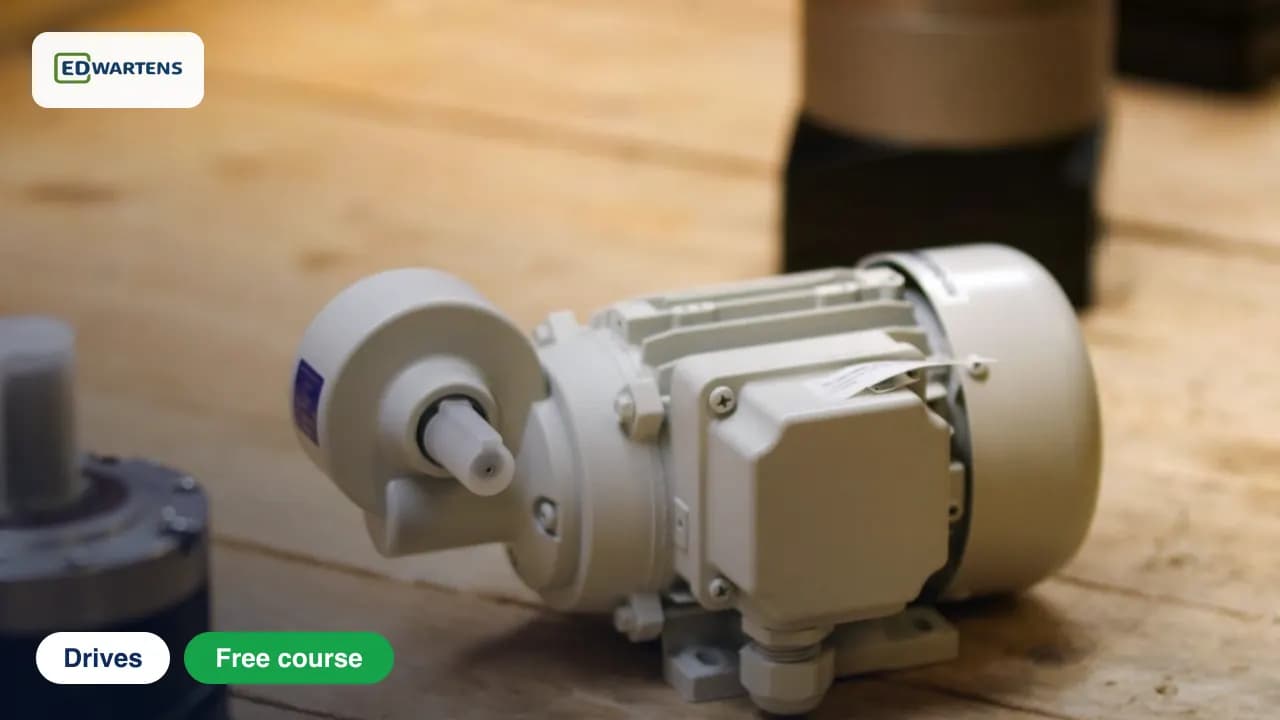
Free course · Drives
Variable Frequency Drives: Wiring, Programming, PLC and Network Control
Power wiring, keypad and terminal control, analog and preset speed references, relay outputs, PLC and Modbus control, fieldbus, safety functions and troubleshooting, on a generic drive and the Schneider ATV320.
Free to learn. Verifiable certificate £19 when you pass the final exam (optional, VAT included).
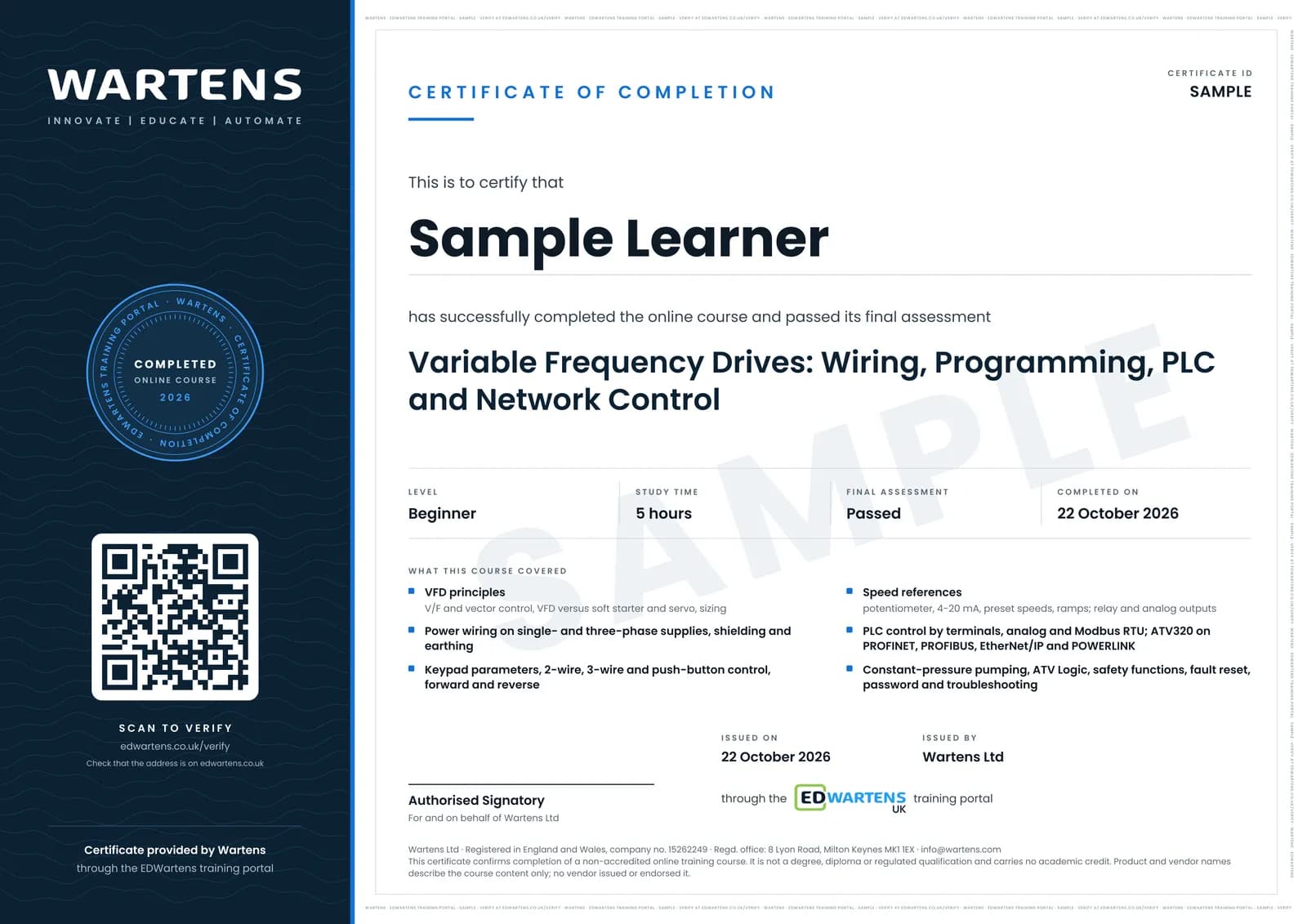
Sample certificate. Optional, issued when you pass the final exam.
- Level
- Beginner
- Modules
- 13
- Video
- 12 hours
- Price
- Free
Outcome
What you will be able to do
Explain what a VFD does and choose one; wire it on single- or three-phase supply; set basic parameters; run in 2-wire, 3-wire and push-button control with reverse; give the speed reference from a potentiometer, 4-20 mA or presets with ramps; use relay and analog outputs; control the drive from a PLC by terminals, analog and Modbus RTU; connect an ATV320 over PROFINET, PROFIBUS, EtherNet/IP and POWERLINK; build constant-pressure pumping; set safety, fault reset and passwords; troubleshoot.
- Explain V/F against vector control and VFD against soft starter and servo
- Wire a drive on single-phase or three-phase supply, with shielding and earthing
- Set motor nameplate and basic parameters from the keypad
- Run in 2-wire, 3-wire and single-button control with forward and reverse
- Give the speed reference by potentiometer, 4-20 mA, presets and ramps
- Wire relay and analog outputs to a PLC and control the drive from a PLC
- Control the drive over Modbus RTU and connect an ATV320 to PROFINET, PROFIBUS and EtherNet/IP
- Configure constant-pressure pumping, safety functions and fault reset, and troubleshoot
Software
None required. SoMove (free from Schneider) optional for the ATV320 modules.
Hardware
None required. Any small VFD and a three-phase motor let you do every exercise for real.
Syllabus
13 modules
Each module has video lessons, notes and a short quiz. The final exam closes the course.
- What a VFD Is and Which One to Buy5 lessons
- Power Wiring: Supplies, Motors and Phases4 lessonsLab
- Keypad and Basic Parameters6 lessons
- Terminal Control: 2-Wire, 3-Wire, Push Buttons, Reverse7 lessonsLab
- Speed Reference: Potentiometer, 4-20 mA, Presets and Ramps7 lessonsLab
- Relay and Analog Outputs and Status4 lessonsLab
- PLC Control of a VFD4 lessons
- Modbus RTU and RS-485 Control4 lessons
- Fieldbus on the ATV320: PROFINET, PROFIBUS, EtherNet/IP, POWERLINK6 lessons
- Applications: Constant Pressure and Logic Inside the Drive4 lessons
- Safety Functions, Fault Reset, Password and Reset4 lessonsLab
- Troubleshooting and Testing3 lessons
- Final Assessment1 lesson
How it works
How this course works
- Watch the video lessonsOne module at a time, at your own pace.
- Take the module quizA short quiz at the end of each module shows what stuck.
- Keep your notesWrite in My notes beside each module and ask the trainer if you are stuck.
- Practise in the labOptionalTry a task from the module in the EDWartens Lab, in your browser.
- Sit the final examPass it once you have been through the modules.
- Certificate, if you want oneOptionalPaid, and only after you pass. Anyone can check it online.
EDWartens Lab
Practise this in the EDWartens Lab
Wire a variable frequency drive in the Panel Lab: power in and out, safe torque off, run command, speed reference and fault relay, then prove it.
Works alongside Variable Frequency Drives: Wiring, Programming, PLC and Network Control. The Lab is control panel build practice in your browser: no install, no hardware, free to use. Sign in as a learner and it opens with your account.
Levels to try with this course
Panel Lab
Commission the variable-speed infeed conveyor drive
Open in the lab (opens in a new tab)PLC-02 · PLC lab
Forward/reverse conveyor
Open in the lab (opens in a new tab)
Optional. Skip it whenever you like: it never blocks your progress or your certificate.
Why practise in a lab
Technical work is judged on what you can do: wiring, commissioning, finding a fault. Doing a task yourself teaches more than watching it a second time, and a lab lets you try it safely before you meet real equipment. It does not replace working on real hardware.
- Practise safely, so a mistake costs nothing.
- The lab checks your work like a site test, so you know when it is right.
- Free, in your browser, with nothing to install.
Certificate
An optional certificate when you pass
Learning is free. Pass the final exam and you can have a certificate for £19, including VAT, with a number employers can check online. It records that you completed a free online course; it is not a regulated qualification or a CPD certificate.
- Your name, the course, its study time and your final exam score
- A unique certificate number and a QR code to its verification page
- Issued by Wartens Ltd; add it to your LinkedIn profile in one click
- Pay now or after you pass: it is issued the moment you pass the final
Credits
Who made the lessons
The video lessons belong to their creators. EDWartens wrote the study plan, notes, quizzes and the final exam.
- ATO Automation
the VFD wiring, parameter and control videos
- Schneider Electric
the official Altivar Machine ATV320 how-to videos
- The Engineering Mindset
a lesson in "What a VFD Is and Which One to Buy"
- RealPars
a lesson in "Modbus RTU and RS-485 Control"
Questions
About this course
Do I need a drive?
Is this only about the Schneider ATV320?
Is this safe to do at home?
What certificate do I get, and is it a Schneider qualification?
Is the course really free?
Who made the video lessons?
How long does the course take?
Want a live class and career support?
The Professional Module is five live days of Siemens PLC, HMI and SCADA with an instructor, then a resume session and a CPD certificate.