

Free course · AI and machine learning
AI Agents and Workflow Automation with n8n
No-code automation with a language model in the loop, for the jobs an engineering office does by hand: triage maintenance tickets, send the 07:00 plant report, log a phone form into a register, watch a mailbox. n8n runs free on a laptop; the AI node points at a free model or a local Ollama. Every write goes through a human approval step.
Free to learn. Verifiable certificate £19 when you pass the final exam (optional, VAT included).
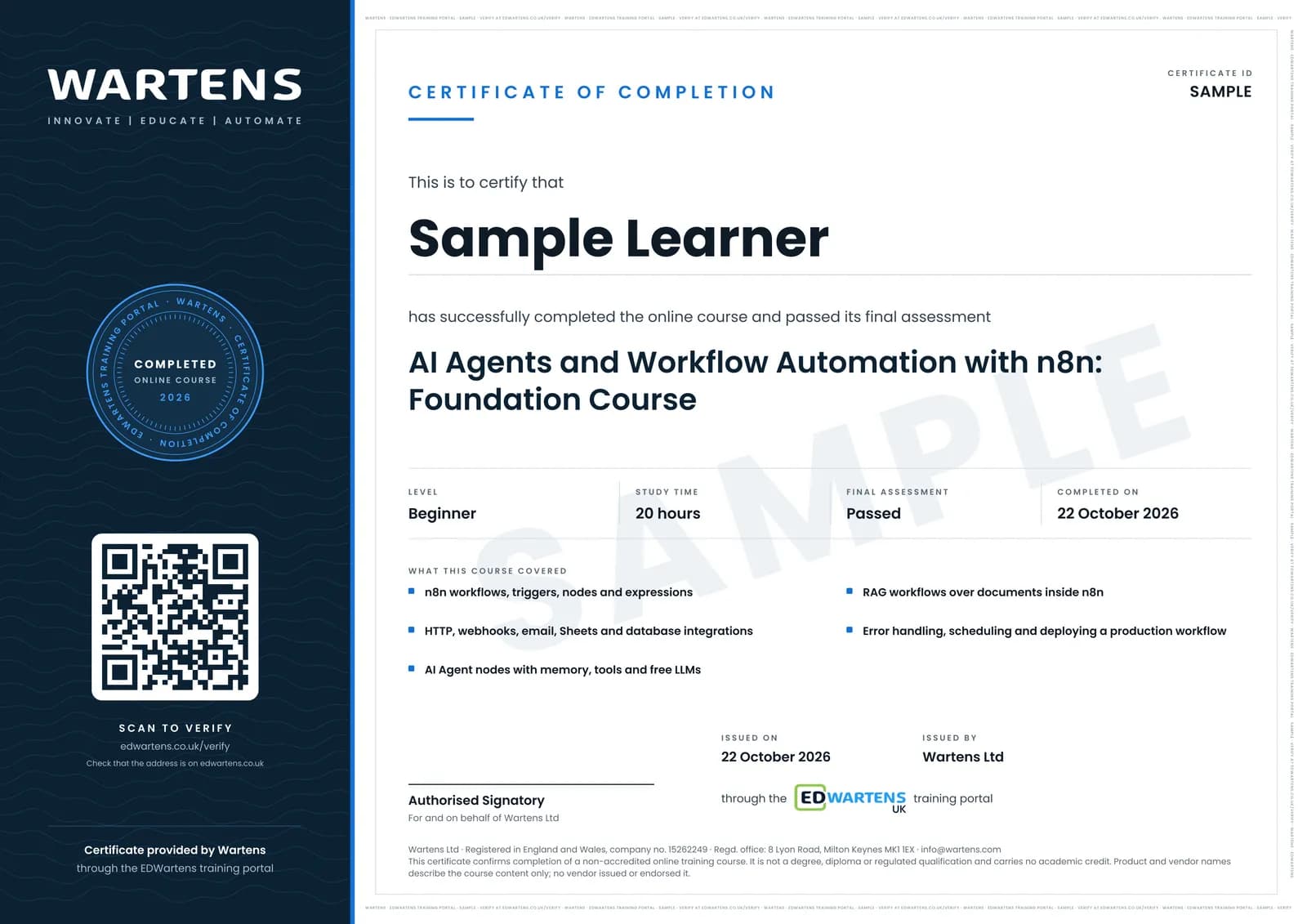
Sample certificate. Optional, issued when you pass the final exam.
- Level
- Beginner
- Modules
- 12
- Video
- 25 hours
- Price
- Free
Outcome
What you will be able to do
Install and run n8n; build workflows from triggers, app nodes, core nodes and expressions; transform data with Set, Split Out, Aggregate and Merge; handle errors with retries and an error workflow; build AI agents with memory, tools and structured output on free or local models; gate every write behind human approval; build a RAG agent over documents; and deploy self-hosted with backups.
- Run n8n free on your own laptop and build a form-to-sheet-to-alert workflow
- Read and shape data with expressions, Set, Split Out, Aggregate and Merge
- Make a workflow safe to run unattended: retries, error workflow, idempotent writes
- Build an AI agent on a free or local model with a system prompt, memory, tools and JSON output
- Gate every write behind a human approval step, and test which tool the agent calls
- Build a document-reading RAG agent and deploy self-hosted with backups
Software
n8n (free self-hosted via npx or Docker, or the 14-day cloud trial), a free OpenRouter key, optionally Ollama.
Hardware
None. A laptop with 8 GB RAM for the optional local-model modules.
Syllabus
12 modules
Each module has video lessons, notes and a short quiz. The final exam closes the course.
- What n8n is: workflows, APIs and webhooks3 lessons
- Nodes, items and expressions3 lessons
- Core workflow concepts and everyday nodes3 lessons
- Your first workflow: form to sheet to alert3 lessons
- Transforming data1 lesson
- Error handling and safe writes3 lessons
- Your first AI agent3 lessonsLab
- Tools, guardrails and human-in-the-loop3 lessonsLab
- Local AI with n8n2 lessons
- RAG agents over your documents2 lessonsLab
- Deploying and working as a team4 lessons
- Final assessment0 lessons
How it works
How this course works
- Watch the video lessonsOne module at a time, at your own pace.
- Take the module quizA short quiz at the end of each module shows what stuck.
- Keep your notesWrite in My notes beside each module and ask the trainer if you are stuck.
- Practise in the labOptionalTry a task from the module in the EDWartens Lab, in your browser.
- Sit the final examPass it once you have been through the modules.
- Certificate, if you want oneOptionalPaid, and only after you pass. Anyone can check it online.
EDWartens Lab
Practise this in the EDWartens Lab
Practise the checks behind a good n8n agent in the AI Workbench: exact structured output, tool limits with human approval, and answers that cite their source.
Works alongside AI Agents and Workflow Automation with n8n. The Lab is ai for industry practice in your browser: no install, no hardware, free to use. Sign in as a learner and it opens with your account.
Levels to try with this course
AIW-06 · AI Workbench
Prompt to spec
Open in the lab (opens in a new tab)AIW-08 · AI Workbench
A safe agent
Open in the lab (opens in a new tab)AIW-07 · AI Workbench
Answers with sources
Open in the lab (opens in a new tab)
Optional. Skip it whenever you like: it never blocks your progress or your certificate.
Why practise in a lab
Technical work is judged on what you can do: wiring, commissioning, finding a fault. Doing a task yourself teaches more than watching it a second time, and a lab lets you try it safely before you meet real equipment. It does not replace working on real hardware.
- Practise safely, so a mistake costs nothing.
- The lab checks your work like a site test, so you know when it is right.
- Free, in your browser, with nothing to install.
Certificate
An optional certificate when you pass
Learning is free. Pass the final exam and you can have a certificate for £19, including VAT, with a number employers can check online. It records that you completed a free online course; it is not a regulated qualification or a CPD certificate.
- Your name, the course, its study time and your final exam score
- A unique certificate number and a QR code to its verification page
- Issued by Wartens Ltd; add it to your LinkedIn profile in one click
- Pay now or after you pass: it is issued the moment you pass the final
Credits
Who made the lessons
The video lessons belong to their creators. EDWartens wrote the study plan, notes, quizzes and the final exam.
- n8n
the n8n Beginner Course, the quick-start tutorials, the AI agent lessons and the integration walkthroughs
- Sven Janssen
the Nodemation basics on the canvas and transforming JSON
- AI Lavishka
the RAG agent builds and the self-hosted versus cloud comparison
- Nate Herk | AI Automation
the eight-hour Build and Sell n8n AI Agents course
- freeCodeCamp.org
the n8n zero-to-hero course
Questions
About this course
Is n8n free?
Do I need to code?
What is the project?
Which AI model does it use?
Is the course really free?
What certificate do I get?
Who made the video lessons?
Want a live class and career support?
The Professional Module is five live days of Siemens PLC, HMI and SCADA with an instructor, then a resume session and a CPD certificate.