
Free course · Safety
Siemens Safety Integrated: S7-1500F and S7-1200F in TIA Portal
Functional safety on Siemens hardware: F-CPUs and F-modules, creating an F-project, PROFIsafe addresses, safe inputs 1oo1 and 1oo2, safe outputs and wiring, E-stop, safety door, two-hand, feedback monitoring, operating modes, global acknowledgement, a complete cell example and G120 drive safety.
Free to learn. Verifiable certificate £19 when you pass the final exam (optional, VAT included).
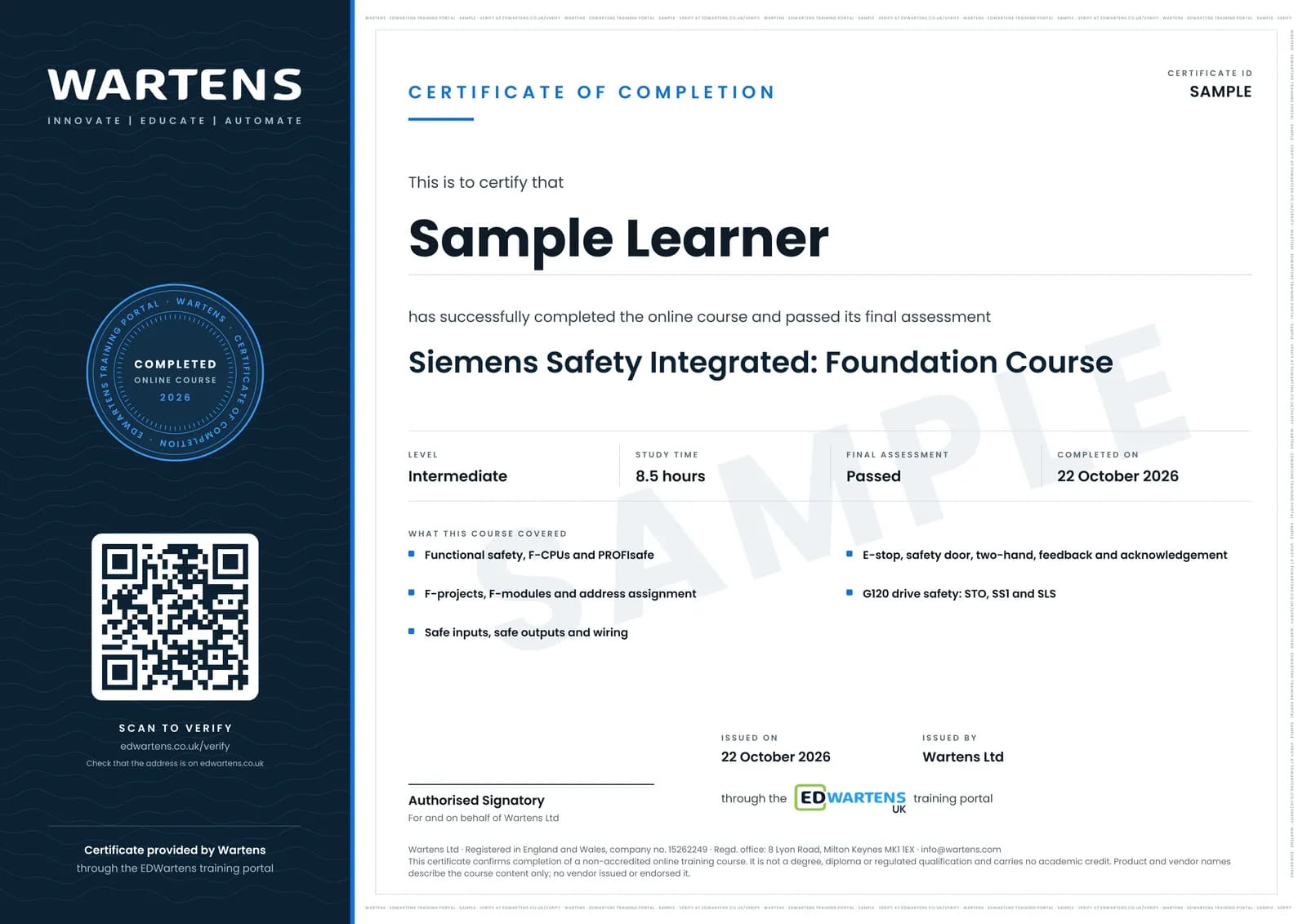
Sample certificate. Optional, issued when you pass the final exam.
- Level
- Intermediate
- Modules
- 11
- Video
- 14 hours
- Price
- Free
Outcome
What you will be able to do
Create a safety project on an F-CPU, configure F-DI and F-DQ modules and PROFIsafe addresses, evaluate safe inputs, wire and parameterise safe outputs, program E-stop, safety door, two-hand and feedback monitoring with the Siemens safety library, handle acknowledgement and operating modes, and integrate G120 drive safety over PROFIsafe.
- Explain SIL, PL and Siemens Safety Integrated
- Create an F-project, configure F-modules and assign PROFIsafe addresses
- Evaluate safe inputs 1oo1 and 1oo2 and wire safe outputs
- Program E-stop, safety door, two-hand and feedback monitoring
- Handle acknowledgement, operating modes and a complete cell
- Integrate G120 drive safety: STO, SS1 and SLS
Software
TIA Portal with STEP 7 Safety (trial) and PLCSIM
Hardware
None required. An S7-1200F or S7-1500F with ET 200SP F-modules makes the wiring modules real.
Syllabus
11 modules
Each module has video lessons, notes and a short quiz. The final exam closes the course.
- Functional Safety and Siemens Safety Integrated4 lessons
- Creating an F-Project and the F-CPU5 lessons
- Hardware Configuration: F-Modules and ET 200SP5 lessons
- PROFIsafe Addresses, Download and Acceptance6 lessons
- Safe Inputs: 1oo1, 1oo2, Sensor Supply and Reintegration3 lessons
- Safe Outputs and Wiring2 lessons
- E-Stop Programming3 lessonsLab
- Safety Door, Two-Hand, Feedback and Operation Mode4 lessonsLab
- Acknowledgement, the F-I/O DB and a Complete Cell2 lessonsLab
- Safety with Drives: G120 over PROFIsafe4 lessonsLab
- Final Assessment1 lesson
How it works
How this course works
- Watch the video lessonsOne module at a time, at your own pace.
- Take the module quizA short quiz at the end of each module shows what stuck.
- Keep your notesWrite in My notes beside each module and ask the trainer if you are stuck.
- Practise in the labOptionalTry a task from the module in the EDWartens Lab, in your browser.
- Sit the final examPass it once you have been through the modules.
- Certificate, if you want oneOptionalPaid, and only after you pass. Anyone can check it online.
EDWartens Lab
Practise this in the EDWartens Lab
Prove that the E-stops and gate stop a running robot cell and need a reset, and wire the two-channel safe torque off of a drive, the same functions you program in TIA Portal.
Works alongside Siemens Safety Integrated: S7-1500F and S7-1200F in TIA Portal. The Lab is robot cell practice in your browser: no install, no hardware, free to use. Sign in as a learner and it opens with your account.
Levels to try with this course
ROB-01 · Robotics lab
Safe start
Open in the lab (opens in a new tab)ROB-07 · Robotics lab
Safety validation
Open in the lab (opens in a new tab)Panel Lab
Commission the variable-speed infeed conveyor drive
Open in the lab (opens in a new tab)
Optional. Skip it whenever you like: it never blocks your progress or your certificate.
Why practise in a lab
Technical work is judged on what you can do: wiring, commissioning, finding a fault. Doing a task yourself teaches more than watching it a second time, and a lab lets you try it safely before you meet real equipment. It does not replace working on real hardware.
- Practise safely, so a mistake costs nothing.
- The lab checks your work like a site test, so you know when it is right.
- Free, in your browser, with nothing to install.
Certificate
An optional certificate when you pass
Learning is free. Pass the final exam and you can have a certificate for £19, including VAT, with a number employers can check online. It records that you completed a free online course; it is not a regulated qualification or a CPD certificate.
- Your name, the course, its study time and your final exam score
- A unique certificate number and a QR code to its verification page
- Issued by Wartens Ltd; add it to your LinkedIn profile in one click
- Pay now or after you pass: it is issued the moment you pass the final
Credits
Who made the lessons
The video lessons belong to their creators. EDWartens wrote the study plan, notes, quizzes and the final exam.
- Allan Ashley
the S7-1500 safety basics playlist
- Dimitry B.
the Siemens safety playlist
- zeller automation and plc
the TIA Portal Safety Integrated project series
Questions
About this course
Do I need STEP 7 Safety?
Does this make me a certified safety engineer?
Is the S7-1200F covered?
Is the course really free?
What certificate do I get, and is it a vendor qualification?
Who made the video lessons?
How long does the course take?
Want a live class and career support?
The Professional Module is five live days of Siemens PLC, HMI and SCADA with an instructor, then a resume session and a CPD certificate.