

Free course · Data and analytics
Power BI for Manufacturing: OEE and Production Dashboards
The no-code way out of the weekly Excel production report. Twelve modules take an engineer from opening Power BI Desktop for the first time to a shift-wise OEE dashboard: Power Query on downtime and production exports, a star schema a plant model can live in, the DAX behind availability, performance and quality, a downtime Pareto that ranks by lost minutes, reject rate by machine and shift, plan against actual, and the refresh, publishing and handover that keep it running after you.
Free to learn. Verifiable certificate £19 when you pass the final exam (optional, VAT included).
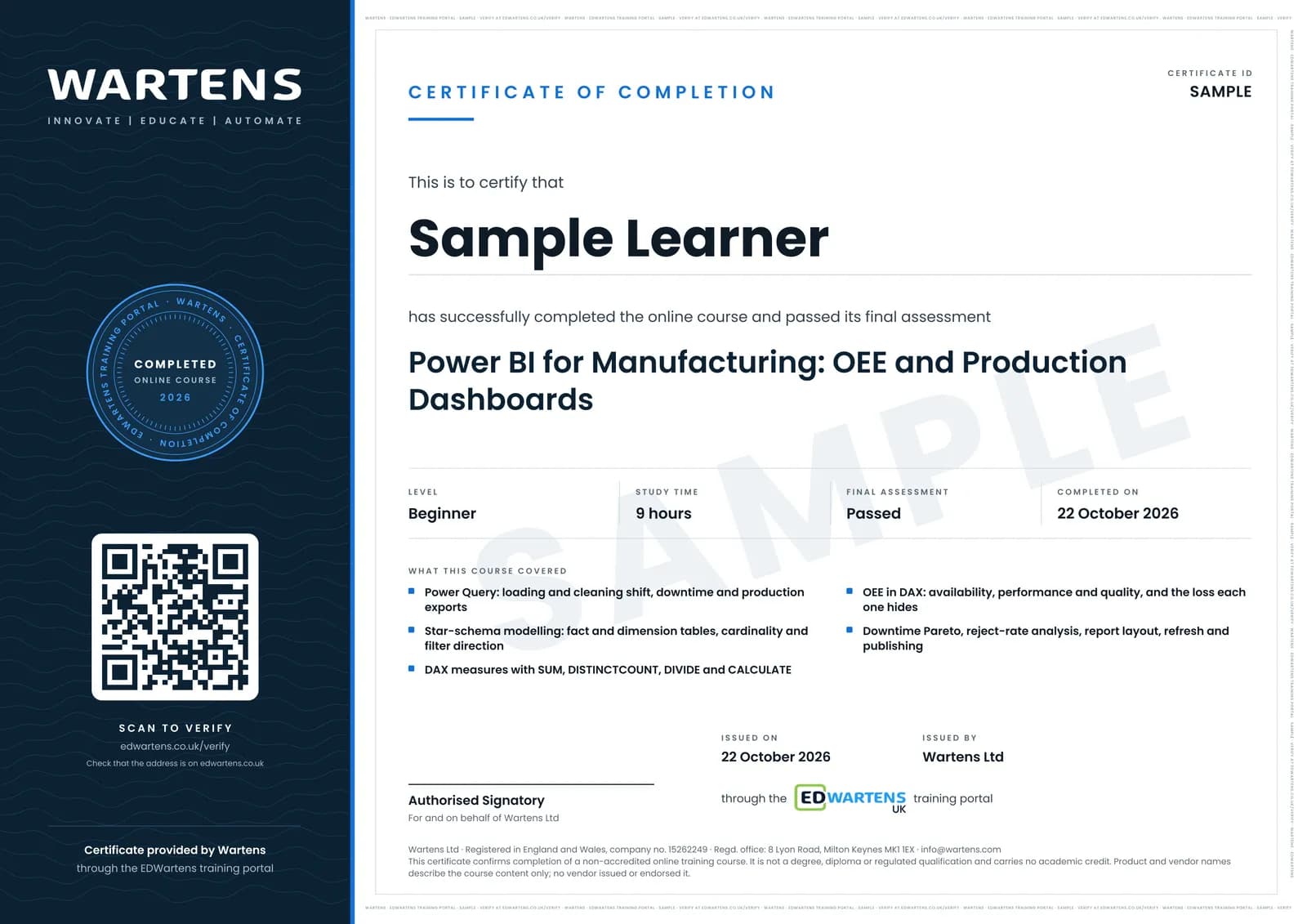
Sample certificate. Optional, issued when you pass the final exam.
- Level
- Beginner
- Modules
- 13
- Video
- 12 hours
- Price
- Free
Outcome
What you will be able to do
Load plant data from Excel, CSV and SQL with Power Query and write cleaning steps that rerun on next month's file; split a flat production sheet into a fact table and its dimensions and set the relationships correctly; write measures with SUM, DISTINCTCOUNT, DIVIDE and CALCULATE; calculate availability, performance, quality and OEE in DAX and defend the definitions you used; build a downtime Pareto, a reject-rate view and a machine-utilisation page; lay the report out so a plant head can read it on a phone; and set up refresh, publishing and a handover note so the dashboard survives your transfer.
- Clean a downtime or production export in Power Query with steps that rerun on next month's file
- Split a flat shift sheet into a star schema and set cardinality and filter direction correctly
- Write production measures in DAX with SUM, DISTINCTCOUNT, DIVIDE and CALCULATE
- Calculate availability, performance, quality and OEE, and say which loss each one hides
- Build a downtime Pareto ranked by lost minutes and a reject rate sliced by machine, shift and part
- Publish, schedule a refresh and write the handover note so the dashboard outlives you
Software
Power BI Desktop, a free download from Microsoft, Windows only. Excel for the sample files. Every module can be completed on Desktop alone, without a Power BI service licence.
Hardware
A Windows PC or laptop. Nothing on the plant side.
Syllabus
13 modules
Each module has video lessons, notes and a short quiz. The final exam closes the course.
- What Power BI does on an engineer's desk2 lessons
- Your first report, start to finish1 lesson
- The same workflow, taught a second way1 lesson
- Power Query and the star schema3 lessonsLab
- DAX: writing the measures1 lesson
- Choosing visuals a plant head can read2 lessons
- Report layout, tooltips and interaction2 lessons
- OEE: availability, performance and quality3 lessons
- Downtime Pareto and reject analysis2 lessonsLab
- A full build watched end to end2 lessons
- Plan against actual: targets and variance1 lessonLab
- Refresh, publish and hand over1 lesson
- Final assessment0 lessons
How it works
How this course works
- Watch the video lessonsOne module at a time, at your own pace.
- Take the module quizA short quiz at the end of each module shows what stuck.
- Keep your notesWrite in My notes beside each module and ask the trainer if you are stuck.
- Practise in the labOptionalTry a task from the module in the EDWartens Lab, in your browser.
- Sit the final examPass it once you have been through the modules.
- Certificate, if you want oneOptionalPaid, and only after you pass. Anyone can check it online.
EDWartens Lab
Practise this in the EDWartens Lab
Practise the data half of the course in the lab: clean a messy downtime export with steps that run again next week, then rank losses and compare lines to target. You build no dashboards or DAX there.
Works alongside Power BI for Manufacturing: OEE and Production Dashboards. The Lab is ai for industry practice in your browser: no install, no hardware, free to use. Sign in as a learner and it opens with your account.
Levels to try with this course
AIW-16 · AI Workbench
The downtime report: clean the export, answer in SQL
Open in the lab (opens in a new tab)
Optional. Skip it whenever you like: it never blocks your progress or your certificate.
Why practise in a lab
Technical work is judged on what you can do: wiring, commissioning, finding a fault. Doing a task yourself teaches more than watching it a second time, and a lab lets you try it safely before you meet real equipment. It does not replace working on real hardware.
- Practise safely, so a mistake costs nothing.
- The lab checks your work like a site test, so you know when it is right.
- Free, in your browser, with nothing to install.
Certificate
An optional certificate when you pass
Learning is free. Pass the final exam and you can have a certificate for £19, including VAT, with a number employers can check online. It records that you completed a free online course; it is not a regulated qualification or a CPD certificate.
- Your name, the course, its study time and your final exam score
- A unique certificate number and a QR code to its verification page
- Issued by Wartens Ltd; add it to your LinkedIn profile in one click
- Pay now or after you pass: it is issued the moment you pass the final
Credits
Who made the lessons
The video lessons belong to their creators. EDWartens wrote the study plan, notes, quizzes and the final exam.
- Chandoo
the getting-started and vocabulary lessons, Power Query, the star schema and data modelling, the DAX and Power Pivot examples, chart choice and the visuals masterclass, tooltip pages, and the three full dashboard builds
- Learn Skills Daily
the Power BI Full Course ladder, used as a second pass over the workflow and as the walkthrough beside the OEE, Pareto and reject-rate modules
- CQE Academy
a lesson in "OEE: availability, performance and quality"
- PK: An Excel Expert
a lesson in "OEE: availability, performance and quality"
- Havens Consulting
a lesson in "Downtime Pareto and reject analysis"
Questions
About this course
Is the course really free?
What certificate do I get?
Who made the video lessons?
Do I need to buy Power BI?
Is this the same as the Microsoft PL-300 certification?
Do I need to know Python or SQL first?
What if my plant has no OEE data yet?
Who is it for?
Want a live class and career support?
The Professional Module is five live days of Siemens PLC, HMI and SCADA with an instructor, then a resume session and a CPD certificate.