
Free course · AI and machine learning
MLOps Model Deployment and Monitoring
The half of machine learning that starts after the notebook: a reproducible environment and a baseline model; experiment tracking, model management and the registry with MLflow; turning a notebook into a pipeline that can be re-run and backfilled; batch, web-service and streaming deployment in Docker; monitoring data quality, drift and model quality with Evidently, PostgreSQL and Grafana; and the tests, linting, make targets and GitHub Actions pipeline that let a release happen without anybody copying a file to a server.
Free to learn. Verifiable certificate £19 when you pass the final exam (optional, VAT included).
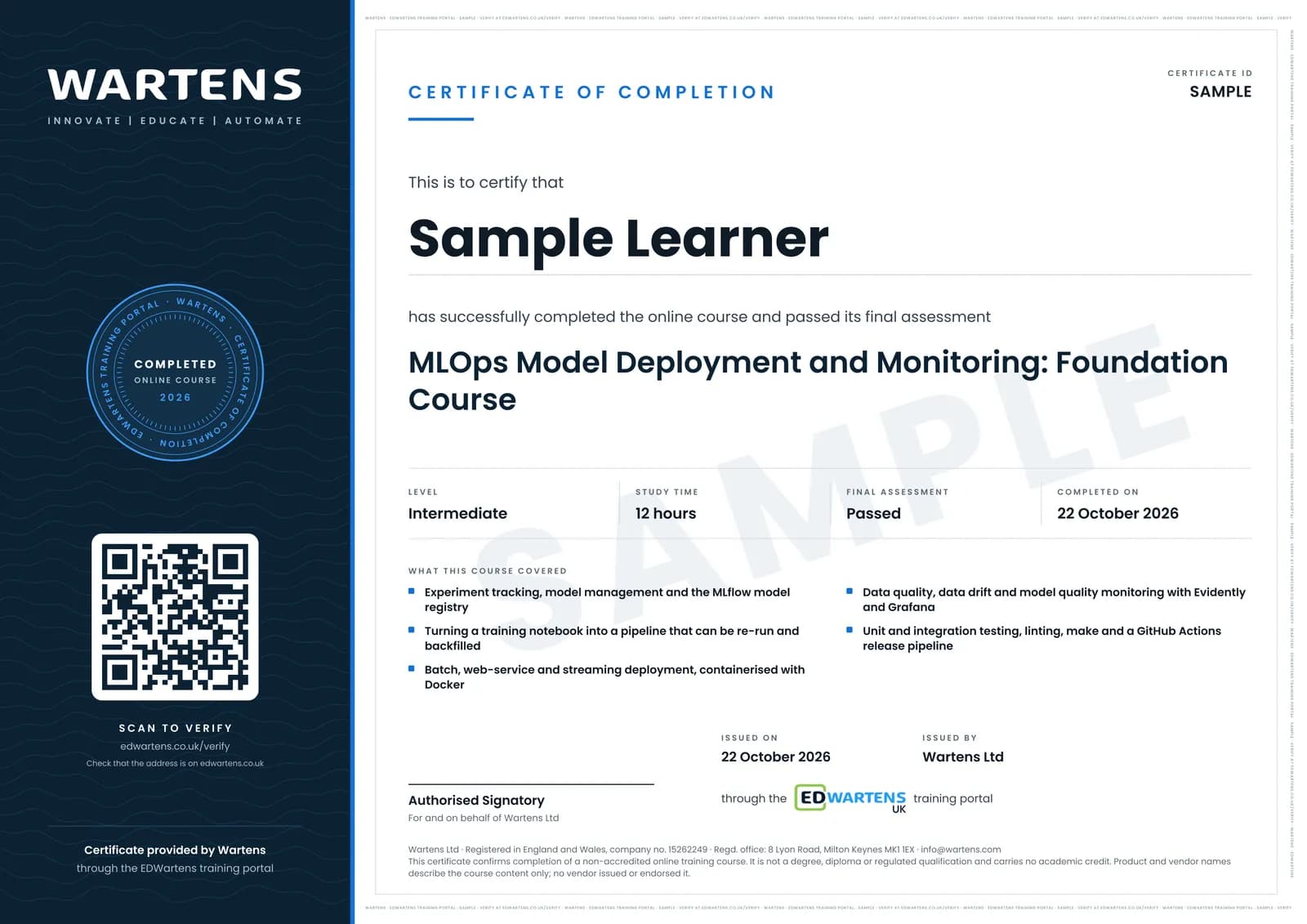
Sample certificate. Optional, issued when you pass the final exam.
- Level
- Intermediate
- Modules
- 15
- Video
- 17 hours
- Price
- Free
Outcome
What you will be able to do
Rebuild a training environment from a pinned requirements file; log parameters, metrics and artefacts to MLflow and choose a model on the record rather than on memory; register a model version, promote it and roll it back; turn a notebook into a parameterised pipeline script; decide between batch, web service and streaming and build the one you chose as a Docker image; load a model from the registry inside the service; write a batch scoring job that saves inputs beside predictions; build a reference dataset and monitor data quality, input drift, prediction drift and model quality into PostgreSQL and Grafana; and defend the repository with pytest, integration tests, linting and a GitHub Actions pipeline that releases without a manual copy step.
- Log parameters, metrics and artefacts to MLflow and choose a model on the record rather than on memory
- Register a model version, promote it, and roll back to the one it replaced
- Turn a training notebook into a parameterised script a scheduler can re-run and backfill
- Decide between batch, web service and streaming, then build the one you chose as a Docker image
- Monitor data quality, input drift, prediction drift and model quality with Evidently, PostgreSQL and Grafana
- Defend the repository with pytest, integration tests, linting and a GitHub Actions pipeline that releases without a manual copy
Software
Python 3, MLflow, scikit-learn, Docker and docker-compose, Flask and gunicorn, Evidently, PostgreSQL, Grafana, pytest, black, isort, pylint, Git and GitHub Actions. All free.
Hardware
A laptop with 8 GB RAM and about 10 GB of free disk. No GPU. No cloud account for the local route; AWS appears only in the lessons marked optional.
Syllabus
15 modules
Each module has video lessons, notes and a short quiz. The final exam closes the course.
- Why MLOps exists, and the maturity model3 lessons
- The working environment for a production model5 lessons
- The baseline model you will put into production1 lessonLab
- Experiment tracking with MLflow3 lessons
- Model management and the model registry2 lessons
- MLflow in practice, and where it stops2 lessons
- From notebook to a pipeline that can be re-run2 lessons
- Three ways to deploy, and a web service in Docker2 lessons
- Serving from the registry, batch scoring and streaming3 lessons
- What to monitor once the model is live3 lessons
- Metrics, dashboards and the monitoring service4 lessons
- Data quality checks, test suites and unit tests3 lessonsLab
- Integration tests and code quality2 lessons
- Automating the release: make and CI/CD4 lessons
- Final assessment0 lessons
How it works
How this course works
- Watch the video lessonsOne module at a time, at your own pace.
- Take the module quizA short quiz at the end of each module shows what stuck.
- Keep your notesWrite in My notes beside each module and ask the trainer if you are stuck.
- Practise in the labOptionalTry a task from the module in the EDWartens Lab, in your browser.
- Sit the final examPass it once you have been through the modules.
- Certificate, if you want oneOptionalPaid, and only after you pass. Anyone can check it online.
EDWartens Lab
Practise this in the EDWartens Lab
Train a model on plant data, move the decision threshold and weigh the cost of errors in the Lab's AI workbench.
Works alongside MLOps Model Deployment and Monitoring. The Lab is ai for industry practice in your browser: no install, no hardware, free to use. Sign in as a learner and it opens with your account.
Levels to try with this course
AIW-02 · AI Workbench
Train and evaluate without leakage
Open in the lab (opens in a new tab)AIW-01 · AI Workbench
Data health check
Open in the lab (opens in a new tab)
Optional. Skip it whenever you like: it never blocks your progress or your certificate.
Why practise in a lab
Technical work is judged on what you can do: wiring, commissioning, finding a fault. Doing a task yourself teaches more than watching it a second time, and a lab lets you try it safely before you meet real equipment. It does not replace working on real hardware.
- Practise safely, so a mistake costs nothing.
- The lab checks your work like a site test, so you know when it is right.
- Free, in your browser, with nothing to install.
Certificate
An optional certificate when you pass
Learning is free. Pass the final exam and you can have a certificate for £19, including VAT, with a number employers can check online. It records that you completed a free online course; it is not a regulated qualification or a CPD certificate.
- Your name, the course, its study time and your final exam score
- A unique certificate number and a QR code to its verification page
- Issued by Wartens Ltd; add it to your LinkedIn profile in one click
- Pay now or after you pass: it is issued the moment you pass the final
Credits
Who made the lessons
The video lessons belong to their creators. EDWartens wrote the study plan, notes, quizzes and the final exam.
- DataTalksClub
the MLOps Zoomcamp lessons: environment and baseline model, MLflow tracking and the model registry, pipelines, Flask, Docker and batch deployment, monitoring with Evidently and Grafana, pytest and integration tests, linting, make and GitHub Actions
- Abhishek.Veeramalla
the plain-language explanation of MLOps against AIOps, and the CPU against GPU lesson in the environment module
Questions
About this course
What do I need before this course?
Do I need a cloud account or a paid subscription?
Do I need a GPU?
Is this the same as the AWS or Google machine learning engineer certification?
What will I have worked through by the end?
Is the course really free?
What certificate do I get?
Who made the video lessons?
Want a live class and career support?
The Professional Module is five live days of Siemens PLC, HMI and SCADA with an instructor, then a resume session and a CPD certificate.