
Free course · CAD
FEA for Mechanical Engineers: Ansys Student and FreeCAD
How a mechanical engineer sets up, runs and checks a finite element analysis: the stiffness method, elements and degrees of freedom, geometry idealisation, meshing, supports and loads, static stress, mesh convergence and stress concentration, contacts and bolted joints, modal, thermal, buckling and fatigue, in Ansys Mechanical (the free Ansys Student edition) and the FreeCAD FEM workbench with CalculiX, with every result checked against a hand calculation.
Free to learn. Verifiable certificate £19 when you pass the final exam (optional, VAT included).
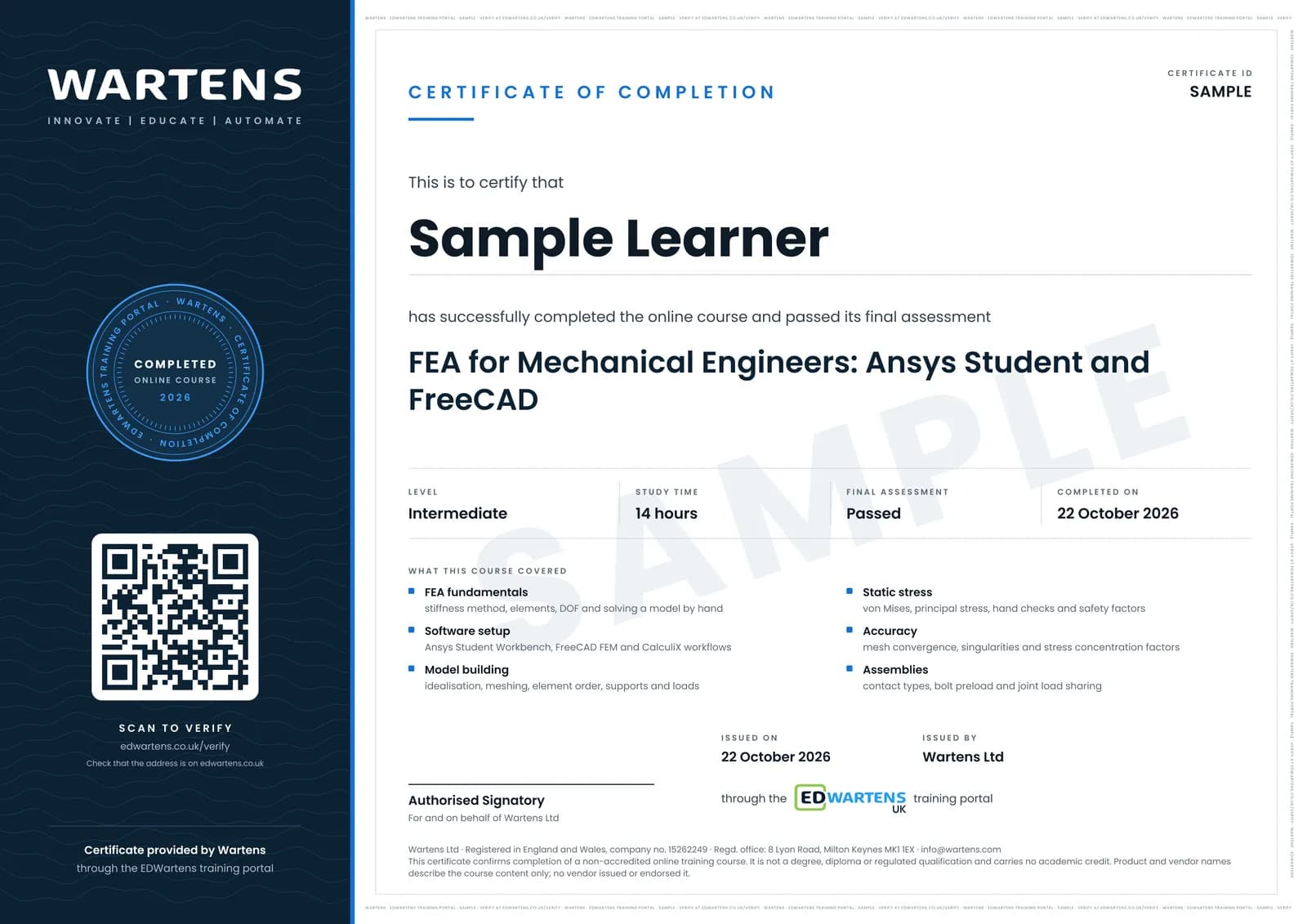
Sample certificate. Optional, issued when you pass the final exam.
- Level
- Intermediate
- Modules
- 15
- Video
- 23 hours
- Price
- Free
Outcome
What you will be able to do
Explain how the finite element method turns a part into a stiffness matrix and solve a small spring and bar model by hand; set up Ansys Student and the FreeCAD FEM workbench and run a first static analysis; choose solid, shell, beam or 2D idealisations; mesh with the right element size and order; apply supports, loads and symmetry without over- or under-constraining; read deformation, von Mises and principal stress and compare them with beam theory; run a mesh convergence study and tell a real stress concentration from a singularity; model bonded, frictional and bolted connections; find natural frequencies, thermal stresses and linear buckling loads; make a first fatigue estimate with an S-N curve and the Goodman line; and verify, validate and report a study so a checker can trust it.
- Assemble and solve a spring or bar stiffness model by hand, and count degrees of freedom
- Run static analyses in Ansys Student and in FreeCAD with CalculiX
- Choose solid, shell, beam or 2D idealisations and mesh with quadratic elements
- Apply supports, loads and symmetry, and check reactions and the deformed shape
- Read von Mises and principal stress and verify them against beam theory
- Run a mesh convergence study and separate a real Kt from a singularity
- Model contacts and bolt preload, and find frequencies, thermal stress and buckling loads
- Make a Goodman fatigue estimate and write a verified, validated FEA report
Software
Ansys Student 2026 R1 for the Ansys modules: free for learning, Windows 10 and 11 (64-bit) only, structural models up to 128K nodes or elements, educational use only. FreeCAD 1.1 with its FEM workbench and the bundled CalculiX solver for the open-source route: free for any use on Windows, macOS and Linux. A spreadsheet for hand calculations. On a Mac or Linux machine FreeCAD alone covers every exercise.
Hardware
A 64-bit computer with a mouse. Ansys Student needs Windows 10 or 11, at least 4 GB of RAM (more makes meshing and solving faster), about 50 GB of free disk and an OpenGL-capable graphics card. FreeCAD runs on more modest machines.
Syllabus
15 modules
Each module has video lessons, notes and a short quiz. The final exam closes the course.
- What finite element analysis is and when to use it3 lessons
- Stiffness, elements and degrees of freedom: the method by hand3 lessons
- Ansys Student, Workbench and a first static analysis4 lessons
- Idealisation: solids, shells, beams and 2D models4 lessons
- Meshing: element size, shape, order and quality4 lessons
- Boundary conditions, loads and symmetry5 lessons
- Static structural results: stress measures and checking them5 lessons
- Accuracy: mesh convergence, singularities and stress concentration5 lessons
- Contacts, assemblies and bolted joints5 lessons
- Modal analysis: natural frequencies and mode shapes7 lessons
- Thermal analysis and thermal stress4 lessons
- Linear buckling5 lessons
- Fatigue: a first estimate from FEA stresses5 lessons
- FreeCAD FEM with CalculiX, verification and the analysis report5 lessons
- Final assessment1 lesson
How it works
How this course works
- Watch the video lessonsOne module at a time, at your own pace.
- Take the module quizA short quiz at the end of each module shows what stuck.
- Keep your notesWrite in My notes beside each module and ask the trainer if you are stuck.
- Sit the final examPass it once you have been through the modules.
- Certificate, if you want oneOptionalPaid, and only after you pass. Anyone can check it online.
Certificate
An optional certificate when you pass
Learning is free. Pass the final exam and you can have a certificate for £19, including VAT, with a number employers can check online. It records that you completed a free online course; it is not a regulated qualification or a CPD certificate.
- Your name, the course, its study time and your final exam score
- A unique certificate number and a QR code to its verification page
- Issued by Wartens Ltd; add it to your LinkedIn profile in one click
- Pay now or after you pass: it is issued the moment you pass the final
Credits
Who made the lessons
The video lessons belong to their creators. EDWartens wrote the study plan, notes, quizzes and the final exam.
- Ansys Learning
the Ansys Innovation Course lessons: the Workbench and Mechanical interfaces, thin and slender structures, element size and element order, supports, constraint, symmetry, forces and pressures, inertial loads, artificially high stress, adaptive convergence, surface coating, submodelling, connecting parts and contact, frictional contact, preloaded bolted joints, the modal analysis course, heat transfer and thermal-stress linking, structural instabilities and buckling, and verifying and validating model setup
- Ansys How To
meshing best practices for Ansys Student, thermo-structural analysis in Ansys Mechanical, and fatigue analysis of a Formula SAE hub
- The Efficient Engineer
understanding the finite element method, stresses in beams, failure theories, buckling, and fatigue failure and S-N curves
- Unpopular Mechanics
what finite element analysis is, explained for beginners (also the final recap)
- Structures with Prof. H
the FEA using ANSYS lessons on getting started, plane stress and 2D analysis, truss analysis, and mesh refinement
- Postcard Professor
the theory and a worked example of the 1D spring element and its stiffness matrix
- Jousef Murad | Deep Dive
a beginner's guide to the finite element method
- DrDalyO
an introduction to a static structural analysis in Ansys Workbench
- Not Real Engineering
a static structural walk-through in Ansys Workbench
- cornellsimulation
Cornell SimCafe's hand calculations for checking a beam model in Ansys
- Meshing4u
comparing Ansys results with hand calculations
- Less Boring Lectures
stress concentration factors and factor of safety, fatigue failure criteria, and fatigue stress concentrations
- The Design Engineer
a fatigue analysis in Ansys Workbench
- MangoJelly Solutions for FreeCAD
the FreeCAD FEM workbench basics
- MEC 3D
a FreeCAD FEM analysis from solid to results in seven steps
- Computerized Engineering
an FEA study in FreeCAD with a mesh independence check
- Learn Engineering
a cantilever beam frequency analysis in the FreeCAD FEM workbench
Questions
About this course
What is finite element analysis (FEA)?
Who is this FEA course for, and what do I need to know first?
Which software does the course use, and does it work on a Mac?
Is this an Ansys certification or official Ansys training?
Is the course free to learn, and how long does it take?
What certificate do I get, and how is it verified?
Which standards and methods does the course follow?
What jobs does FEA lead to?
Want a live class and career support?
The Professional Module is five live days of Siemens PLC, HMI and SCADA with an instructor, then a resume session and a CPD certificate.