

Free course · Engineering data
Excel for Engineers: Formulas, Data and Dashboards
Excel for engineers and technicians: clean Tables of readings, references and core formulas, IF and tolerance checks, XLOOKUP and INDEX-MATCH, cleaning text and timestamps, PivotTables, scatter charts with trendlines and control-style charts, Power Query imports of CSV and PLC or SCADA logs, conditional formatting and validation, dynamic arrays, dashboards and macros, finished with a shift-report workbook.
Free to learn. Verifiable certificate £19 when you pass the final exam (optional, VAT included).
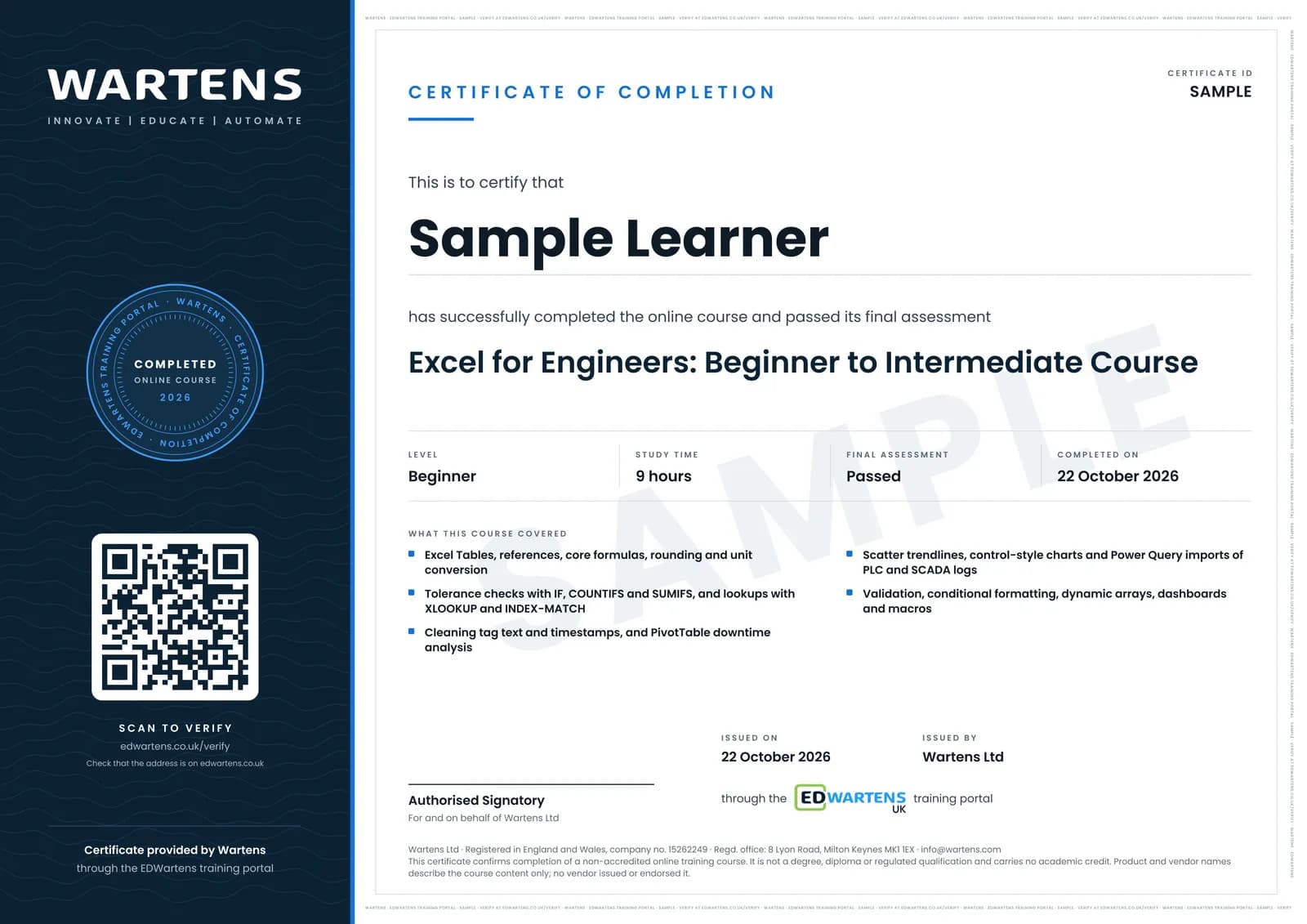
Sample certificate. Optional, issued when you pass the final exam.
- Level
- Beginner
- Modules
- 13
- Video
- 12 hours
- Price
- Free
Outcome
What you will be able to do
Set up engineering data as Excel Tables; write formulas with the right references and rounding; flag readings against tolerances with IF and conditional counts; look values up with XLOOKUP and INDEX-MATCH; clean tag names and text timestamps and calculate durations across midnight; summarise downtime with PivotTables; plot calibration data on a scatter chart with a trendline and build a control-style chart; import and combine CSV and PLC or SCADA log files with Power Query; protect entry sheets with validation and highlight out-of-limit values; use FILTER, UNIQUE, LET and LAMBDA; build a one-screen dashboard; record a simple macro; and assemble a shift-report workbook that refreshes from new data.
- Lay out readings, tags and logs as tidy Excel Tables with named limits
- Write formulas with relative, absolute and mixed references, ROUND and unit conversions
- Check measurements against tolerances with IF and count them with COUNTIFS and SUMIFS
- Look up tag and equipment data with XLOOKUP and INDEX-MATCH
- Clean tag paths and text timestamps, and calculate durations across midnight
- Find the biggest downtime losses with PivotTables and a Pareto
- Plot calibration data with a trendline and build control-style charts with proper limits
- Import and combine CSV and PLC or SCADA logs with Power Query, then build a dashboard and a one-click shift report
Software
Microsoft Excel for Windows or Mac from Microsoft 365, or Excel 2021 or 2024. Excel for the web (free with a Microsoft account) covers most modules. Dynamic arrays need Microsoft 365, Excel 2021 or later; LAMBDA and TEXTSPLIT need Microsoft 365 or Excel 2024; Power Query folder imports and macros need the desktop app. Copilot is not needed for any part of the course.
Hardware
A Windows or Mac computer. A second monitor helps but is not needed.
Syllabus
13 modules
Each module has video lessons, notes and a short quiz. The final exam closes the course.
- The Excel workspace, clean data entry and Tables3 lessons
- Cell references and core formulas3 lessons
- IF, logic and conditional counts3 lessons
- Lookups: XLOOKUP and INDEX-MATCH4 lessonsLab
- Cleaning text, dates and times4 lessonsLab
- PivotTables for plant data3 lessonsLab
- Charts for engineering data4 lessons
- Power Query: importing CSV files and PLC or SCADA logs3 lessonsLab
- Conditional formatting and data validation3 lessons
- Dynamic arrays, LET and LAMBDA3 lessons
- Building an engineering dashboard3 lessons
- Macros, and the shift-report workbook2 lessons
- Final Assessment1 lesson
How it works
How this course works
- Watch the video lessonsOne module at a time, at your own pace.
- Take the module quizA short quiz at the end of each module shows what stuck.
- Keep your notesWrite in My notes beside each module and ask the trainer if you are stuck.
- Practise in the labOptionalTry a task from the module in the EDWartens Lab, in your browser.
- Sit the final examPass it once you have been through the modules.
- Certificate, if you want oneOptionalPaid, and only after you pass. Anyone can check it online.
EDWartens Lab
Practise this in the EDWartens Lab
Practise the data half of the course in the lab: clean a messy downtime export with steps you can run again, make the pivot, and join a reference table, the same ideas as Power Query and PivotTables.
Works alongside Excel for Engineers: Formulas, Data and Dashboards. The Lab is ai for industry practice in your browser: no install, no hardware, free to use. Sign in as a learner and it opens with your account.
Levels to try with this course
AIW-16 · AI Workbench
The downtime report: clean the export, answer in SQL
Open in the lab (opens in a new tab)
Optional. Skip it whenever you like: it never blocks your progress or your certificate.
Why practise in a lab
Technical work is judged on what you can do: wiring, commissioning, finding a fault. Doing a task yourself teaches more than watching it a second time, and a lab lets you try it safely before you meet real equipment. It does not replace working on real hardware.
- Practise safely, so a mistake costs nothing.
- The lab checks your work like a site test, so you know when it is right.
- Free, in your browser, with nothing to install.
Certificate
An optional certificate when you pass
Learning is free. Pass the final exam and you can have a certificate for £19, including VAT, with a number employers can check online. It records that you completed a free online course; it is not a regulated qualification or a CPD certificate.
- Your name, the course, its study time and your final exam score
- A unique certificate number and a QR code to its verification page
- Issued by Wartens Ltd; add it to your LinkedIn profile in one click
- Pay now or after you pass: it is issued the moment you pass the final
Credits
Who made the lessons
The video lessons belong to their creators. EDWartens wrote the study plan, notes, quizzes and the final exam.
- Kevin Stratvert
the beginner tutorial, cell references, formulas and functions, IF, COUNTIF and COUNTIFS, XLOOKUP, INDEX MATCH, PivotTables, forecasting and trendlines, Power Query, conditional formatting, interactive dashboards and creating macros
- Leila Gharani
XLOOKUP, TEXTSPLIT, TEXTBEFORE and TEXTAFTER, PivotTables and date grouping, histograms, unpivot in Power Query, smart drop-down lists, custom data validation, LET, LAMBDA and a real-world macro
- excelisfun (Mike Girvin)
the Excel 365 Basics lessons on number formatting and ROUND, IF and logical tests, and date and time formulas
- Chandoo
the dynamic array functions lesson (FILTER, SORT, UNIQUE) and slicers for dashboards
- MyOnlineTrainingHub (Mynda Treacy)
combining a folder of files with Power Query, and the three-step interactive dashboard
- EngineerExcel
advanced lookups for engineering tables
- David McLachlan
the control chart with dynamic control lines
- Up4Excel
functions for cleaning dirty dates
- Steven Bradburn
adding a trendline, its equation and R squared
- Technology for Teachers and Students
everything about Excel Tables
- Kenji Explains
the fifteen-minute Excel essentials review before the final
- Microsoft
the short official lesson on creating and formatting tables (published on Microsoft's Copilot channel)
Questions
About this course
Who is this course for?
How is this different from a general Excel course?
Do I need Microsoft 365 or Copilot?
Is this Microsoft Office Specialist (MO-200) preparation?
Is the course really free?
What certificate do I get?
How long does the course take?
What is the project?
Want a live class and career support?
The Professional Module is five live days of Siemens PLC, HMI and SCADA with an instructor, then a resume session and a CPD certificate.