
Free course · AI and machine learning
Deep Learning with PyTorch for Engineers
Deep learning in PyTorch on engineering data: tensors and autograd, nn.Module and a training loop you write yourself, Datasets and DataLoaders over sensor logs, CNNs and transfer learning for defect images, 1-D CNNs and LSTMs for vibration and process tags, experiment tracking, Hugging Face models, and export to ONNX for a line PC.
Free to learn. Verifiable certificate £19 when you pass the final exam (optional, VAT included).
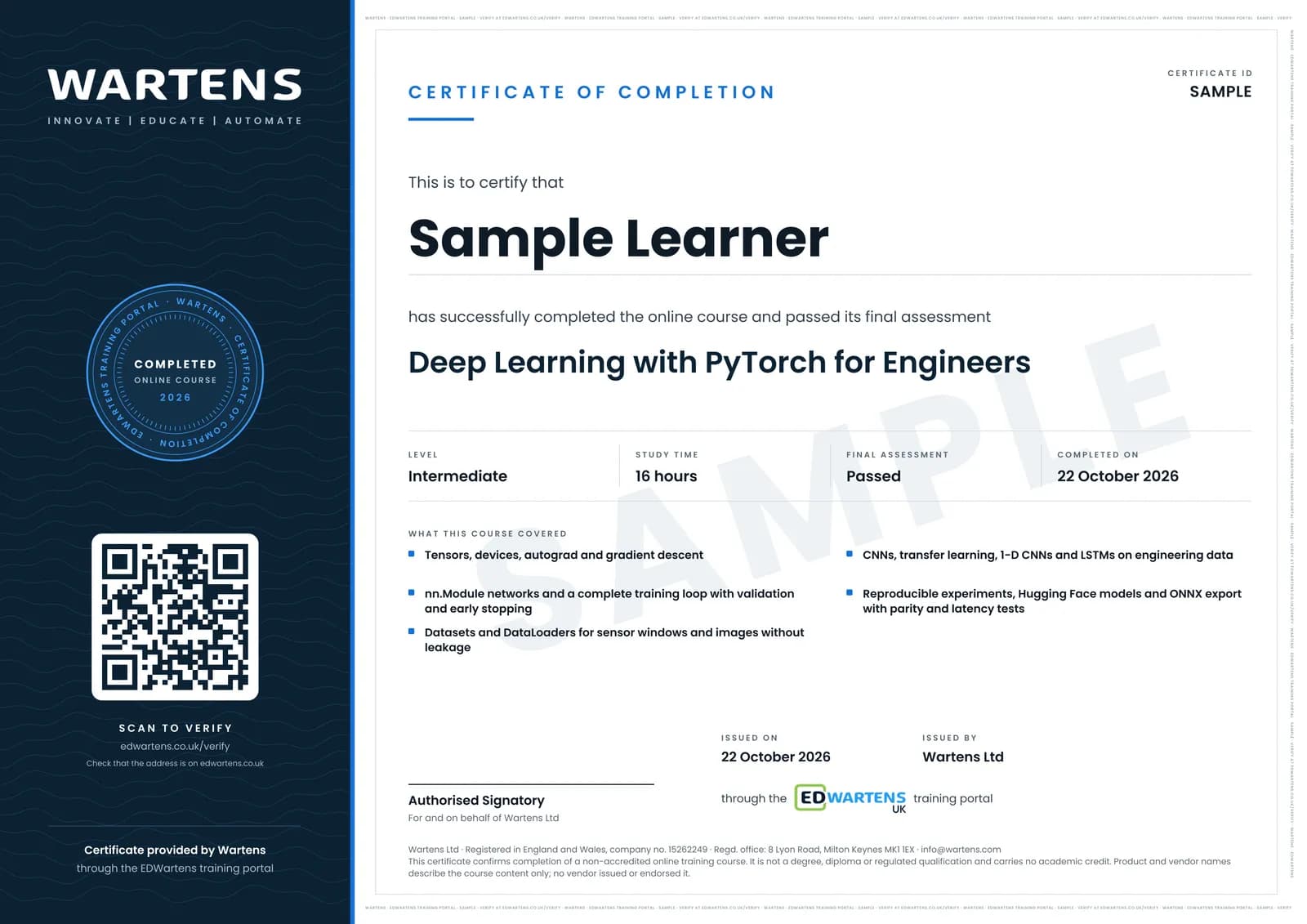
Sample certificate. Optional, issued when you pass the final exam.
- Level
- Intermediate
- Modules
- 13
- Video
- 23 hours
- Price
- Free
Outcome
What you will be able to do
Build and train PyTorch models on plant data: create and move tensors, use autograd, write nn.Module networks and a full training loop with validation, early stopping and the right metrics; serve sensor windows and images through Datasets and DataLoaders without leakage; train CNNs and fine-tune torchvision models for defect images; classify and forecast signals with 1-D CNNs and LSTMs; track experiments reproducibly; use Hugging Face models; and export to ONNX with a parity and latency check.
- Create, reshape and broadcast tensors, and move models and data between CPU, CUDA and Apple MPS
- Work gradients by hand with the chain rule and check them with autograd
- Write nn.Module networks and a full training loop with validation, early stopping and the best checkpoint
- Serve sensor windows and images through Datasets and DataLoaders, split by time or machine without leakage
- Train CNNs on defect images and fine-tune torchvision models with the weights API
- Classify vibration with 1-D CNNs and forecast process tags with LSTMs, against a naive baseline
- Make runs reproducible, track them, and use Hugging Face models as ordinary PyTorch modules
- Export to ONNX and prove the file with a parity test and a latency budget for a line PC
Software
Python 3.10 or later with PyTorch, torchvision, ONNX Runtime and Hugging Face Transformers. Google Colab runs every exercise in a browser, with a free GPU when one is available, so nothing has to be installed.
Hardware
None beyond a computer with a browser. A local NVIDIA GPU or an Apple silicon Mac is useful but not required.
Syllabus
13 modules
Each module has video lessons, notes and a short quiz. The final exam closes the course.
- Tensors, devices and the PyTorch workflow3 lessons
- Autograd and gradient descent, by hand and in PyTorch5 lessons
- Your first network: regression on plant sensor data4 lessons
- Classification and the training loop done properly6 lessonsLab
- Datasets, DataLoaders and transforms for plant data3 lessonsLab
- Convolutional networks for defect images2 lessons
- Transfer learning with torchvision models4 lessons
- 1-D CNNs and LSTMs for vibration and time series5 lessons
- Experiment tracking and reproducibility4 lessons
- Hugging Face models from PyTorch3 lessons
- Export: saving, torch.export, ONNX and ONNX Runtime for line PCs3 lessons
- Project review: a bearing-fault classifier from data to ONNX1 lessonLab
- Final assessment0 lessons
How it works
How this course works
- Watch the video lessonsOne module at a time, at your own pace.
- Take the module quizA short quiz at the end of each module shows what stuck.
- Keep your notesWrite in My notes beside each module and ask the trainer if you are stuck.
- Practise in the labOptionalTry a task from the module in the EDWartens Lab, in your browser.
- Sit the final examPass it once you have been through the modules.
- Certificate, if you want oneOptionalPaid, and only after you pass. Anyone can check it online.
EDWartens Lab
Practise this in the EDWartens Lab
Train a model on plant data, move the decision threshold and weigh the cost of errors in the Lab's AI workbench.
Works alongside Deep Learning with PyTorch for Engineers. The Lab is ai for industry practice in your browser: no install, no hardware, free to use. Sign in as a learner and it opens with your account.
Levels to try with this course
AIW-02 · AI Workbench
Train and evaluate without leakage
Open in the lab (opens in a new tab)AIW-04 · AI Workbench
Overfitting: tune the tree
Open in the lab (opens in a new tab)AIW-03 · AI Workbench
Choose the metric and the threshold
Open in the lab (opens in a new tab)
Optional. Skip it whenever you like: it never blocks your progress or your certificate.
Why practise in a lab
Technical work is judged on what you can do: wiring, commissioning, finding a fault. Doing a task yourself teaches more than watching it a second time, and a lab lets you try it safely before you meet real equipment. It does not replace working on real hardware.
- Practise safely, so a mistake costs nothing.
- The lab checks your work like a site test, so you know when it is right.
- Free, in your browser, with nothing to install.
Certificate
An optional certificate when you pass
Learning is free. Pass the final exam and you can have a certificate for £19, including VAT, with a number employers can check online. It records that you completed a free online course; it is not a regulated qualification or a CPD certificate.
- Your name, the course, its study time and your final exam score
- A unique certificate number and a QR code to its verification page
- Issued by Wartens Ltd; add it to your LinkedIn profile in one click
- Pay now or after you pass: it is issued the moment you pass the final
Credits
Who made the lessons
The video lessons belong to their creators. EDWartens wrote the study plan, notes, quizzes and the final exam.
- Patrick Loeber
the PyTorch Tutorials series (tensors, autograd, backpropagation, the training pipeline, regression and classification, Dataset and DataLoader, transforms, softmax and cross entropy, activations, feed-forward and convolutional networks, transfer learning, TensorBoard, saving and loading, RNN, LSTM and GRU, the learning-rate scheduler and PyTorch Lightning) and the LSTM time-sequence forecasting tutorial
- PyTorch
the official Introduction to PyTorch and The Fundamentals of Autograd videos, and Philipp Schmid's talk on PyTorch 2.0 with Hugging Face Transformers
- Jeff Heaton
lectures from Applications of Deep Neural Networks with PyTorch: introductions to PyTorch and to networks, reading weights by hand, multi-class metrics with ROC and AUC, pretrained networks, hyperparameters and LSTM time series
- Andrej Karpathy
building micrograd, an autograd engine written from scratch
- Daniel Bourke arXiv
the long PyTorch transfer learning session
- Aladdin Persson
the PyTorch CNN example and the transfer learning and fine-tuning tutorial
- StatQuest with Josh Starmer
Long Short-Term Memory, clearly explained
- PyData
the talk on 1-D convolutional neural networks for time series by Nathan Janos and Jeff Roach
- CoreWeave
the Weights & Biases tutorial on integrating experiment tracking with PyTorch
- Hugging Face
what happens inside the pipeline function (PyTorch)
- AssemblyAI
getting started with Hugging Face transformers, pipelines, tokenizers and models
- ONNX Runtime
converting models to the ONNX format
- Abhishek Thakur
converting a PyTorch model to ONNX and serving it
- Zachary Huang
PyTorch in one hour, the recap in the project module
- Fireship
PyTorch in 100 seconds
Questions
About this course
Who is this PyTorch course for?
Is the course free to learn?
What do I need to know before starting?
Do I need a GPU or any software installed?
How is this different from the TensorFlow deep learning course?
How long does the course take?
What certificate do I get?
What jobs does PyTorch lead to?
Want a live class and career support?
The Professional Module is five live days of Siemens PLC, HMI and SCADA with an instructor, then a resume session and a CPD certificate.