

Free course · CAD
BIM Coordination with ISO 19650: Clash Detection and IFC
How a BIM coordinator runs the information side of a building project: the ISO 19650 process and roles, OIR, AIR, PIR and EIR, level of information need, the BEP, MIDP and TIDP, the common data environment with status codes and file naming, IFC and openBIM, IDS model checking, federating models in Navisworks, clash tests, rules and tolerances, clash reports and BCF issues, open-source clash detection in Bonsai, 4D and 5D, and COBie handover.
Free to learn. Verifiable certificate £19 when you pass the final exam (optional, VAT included).
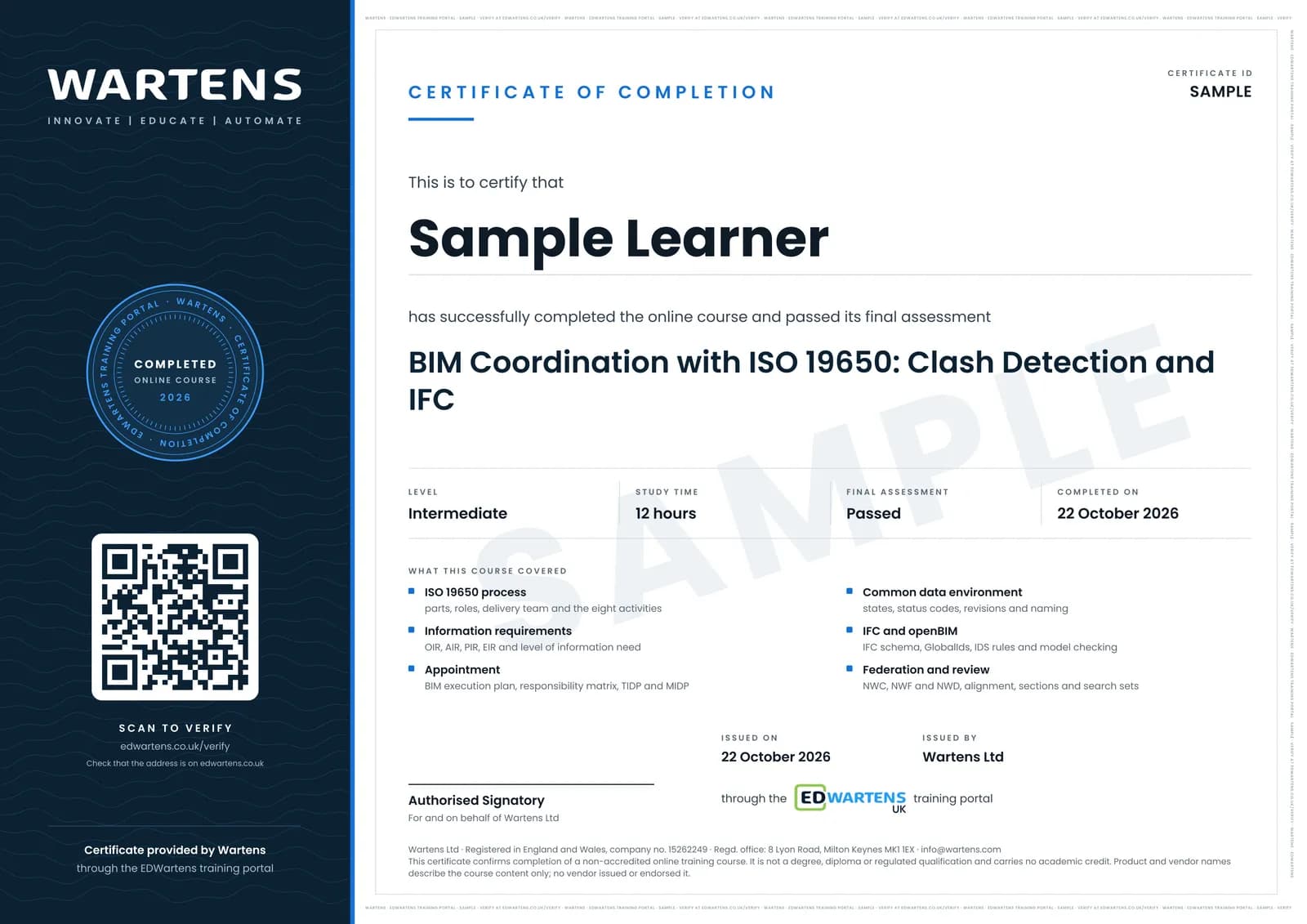
Sample certificate. Optional, issued when you pass the final exam.
- Level
- Intermediate
- Modules
- 14
- Video
- 19 hours
- Price
- Free
Outcome
What you will be able to do
Explain the ISO 19650 information management process and who does what; turn organisational and asset needs into information requirements with a level of information need; write a BIM execution plan, responsibility matrix, TIDP and MIDP; set up a CDE with states, status codes, revisions and container names; exchange and check IFC models against an IDS; federate discipline models; set up clash tests with the right type, tolerance and rules; group, report and track clashes as BCF issues through coordination meetings; run clash detection in Bonsai with IfcClash; link a model to a programme and take quantities; and check COBie and asset information for handover.
- Follow the ISO 19650 process and name the appointing party, lead appointed party and task teams
- Trace OIR and AIR to PIR and EIR, and write a level of information need for an object
- Read a BIM execution plan, build a responsibility matrix, and check TIDPs against the MIDP
- Run a CDE with status codes, revisions and ISO 19650 container names
- Check IFC models for units, origin, classes and GlobalIds, and against an IDS
- Federate models in Navisworks and build search sets, sections and viewpoints
- Set up a clash matrix with the right test types, tolerances and rules, and group the results
- Report clashes as BCF issues, run coordination meetings, and check COBie data for handover
Software
Bonsai (free and open-source IFC authoring and clash detection for Blender, with IfcOpenShell and IfcTester) and Autodesk Navisworks Freedom (free viewer for NWD files). Navisworks Manage, which holds Clash Detective and TimeLiner, is shown in the lessons and has a time-limited trial; every lab in the notes can be done in Bonsai. A spreadsheet (LibreOffice Calc is free) for the MIDP, registers and reports.
Hardware
A Windows, macOS or Linux computer able to run Blender with a 3D model loaded (8 GB of memory is enough for the sample models).
Syllabus
14 modules
Each module has video lessons, notes and a short quiz. The final exam closes the course.
- ISO 19650 and information management: parts, roles and the process4 lessons
- Information requirements: OIR, AIR, PIR, EIR and level of information need5 lessons
- Appointment: BIM execution plan, responsibility matrix, MIDP and TIDP4 lessons
- The common data environment: states, status codes, revisions and naming4 lessons
- IFC and openBIM: the schema, the spatial structure and clean exports5 lessons
- Information Delivery Specification (IDS) and model checking5 lessons
- Federating models in Navisworks: file formats, append and alignment5 lessons
- Reviewing the federated model: selection tree, properties, sections and sets6 lessons
- Clash detection: test types, tolerances, rules and the clash matrix4 lessons
- Clash reports, viewpoints, BCF and the coordination meeting7 lessons
- Open-source clash detection with Bonsai and IfcClash3 lessons
- 4D and 5D: linking the model to time and quantities4 lessons
- COBie, information model delivery and project close-out6 lessons
- Final assessment1 lesson
How it works
How this course works
- Watch the video lessonsOne module at a time, at your own pace.
- Take the module quizA short quiz at the end of each module shows what stuck.
- Keep your notesWrite in My notes beside each module and ask the trainer if you are stuck.
- Sit the final examPass it once you have been through the modules.
- Certificate, if you want oneOptionalPaid, and only after you pass. Anyone can check it online.
Certificate
An optional certificate when you pass
Learning is free. Pass the final exam and you can have a certificate for £19, including VAT, with a number employers can check online. It records that you completed a free online course; it is not a regulated qualification or a CPD certificate.
- Your name, the course, its study time and your final exam score
- A unique certificate number and a QR code to its verification page
- Issued by Wartens Ltd; add it to your LinkedIn profile in one click
- Pay now or after you pass: it is issued the moment you pass the final
Credits
Who made the lessons
The video lessons belong to their creators. EDWartens wrote the study plan, notes, quizzes and the final exam.
- Plannerly - The BIM Management Platform
the ISO 19650 Explained series: the information management process, appointment, mobilisation, information model delivery and close-out, plus level of information need, MIDP and TIDP, IDS and COBie
- BIM Design Hub
ISO 19650 in 3 minutes: standards, information requirements, the BEP, information management functions, benefits and challenges
- VDC A-Z
BIM LOD explained, set against level of information need
- Man and Machine Limited
the starter guide to level of information need and BS EN 17412-1
- The B1M
what a common data environment is
- NBS
common data environments in two minutes
- Symetri UK
ISO 19650 file naming and workflows
- BIMconnect
short explainers on IFC, openBIM and the BIM Collaboration Format
- buildingSMART International
why the openBIM workflow matters, IDS for openBIM and the official BCF explanation
- BIMvoice
IFC schema and classification, Bonsai for beginners, IFC model validation, BCF communication and clash detection in Bonsai
- SPB Production
creating an IDS with IfcTester and using Bonsai as an IFC viewer
- BIM For Construction
the Navisworks complete course: products, file formats, the interface, selection tree, properties, sections, sets, viewpoints, clash detection, clash matrix, reports, grouping, quantification and model comparison
- BIM DESTINATION
setting up, grouping and reviewing clash tests in Navisworks Manage
- BIM Corner
running coordination meetings and handling coordination issues
- Vincent Cadoret
clash sets and selector syntax in Bonsai (BlenderBIM)
- How To BIM
TimeLiner and 4D simulation in Navisworks
- The BIM Coordinator
Navisworks TimeLiner in depth
- activePLAN
a simple overview of COBie
- Bill East
COBie for owners and for contractors, from COBie's originator
Questions
About this course
What is BIM coordination?
Who is this BIM coordinator course for?
What software do I need?
Is the course free to learn, and how long does it take?
Which standards does the course cover?
Is this an ISO 19650 certification?
What certificate do I get, and how is it verified?
What jobs does BIM coordination lead to?
Want a live class and career support?
The Professional Module is five live days of Siemens PLC, HMI and SCADA with an instructor, then a resume session and a CPD certificate.