
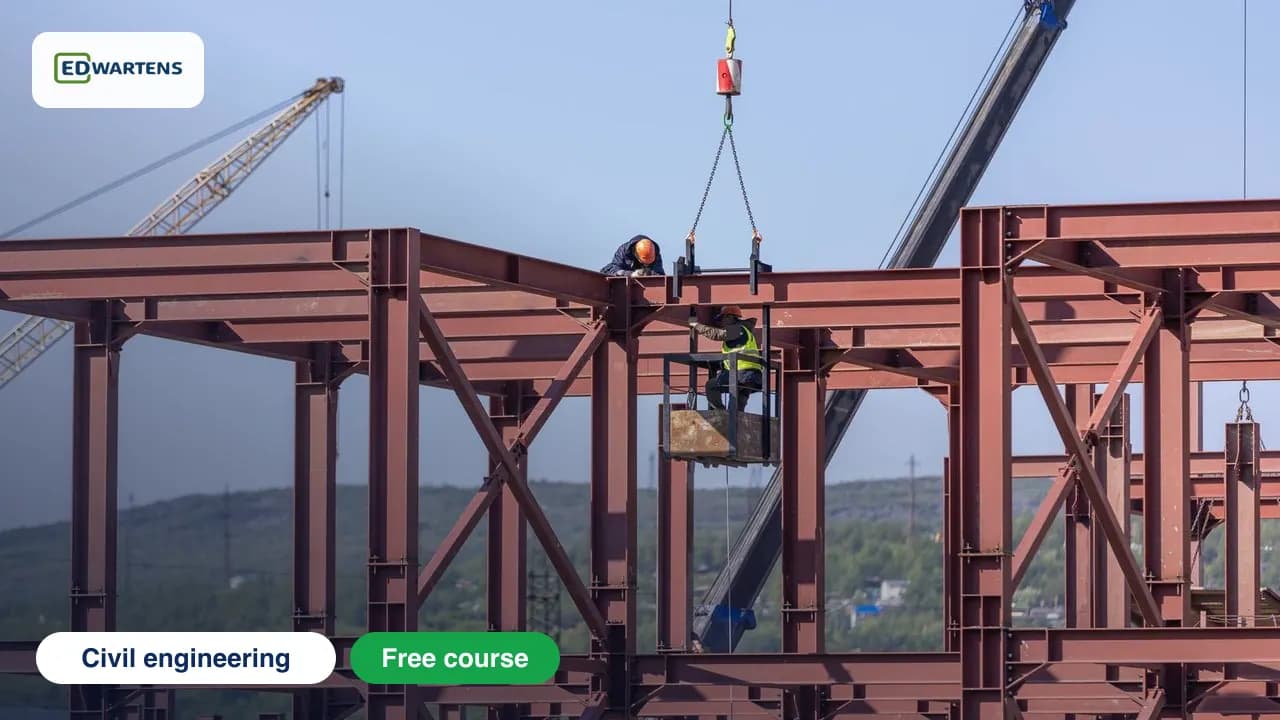
Free course · Civil engineering
STAAD.Pro: Structural Analysis and Design
This free course teaches STAAD.Pro on two worked structures, an industrial portal-frame shed and a three-storey steel frame. You build models with the structure wizard, assign sections, supports and releases, apply dead, live, wind and seismic loads with combinations, run linear, P-delta and modal analysis, and read code checks and reinforcement output. Every key result is checked by hand. It suits graduate structural engineers and CAD technicians. A qualified engineer stays responsible for any real design.
Free to learn. Verifiable certificate £19 when you pass the final exam (optional, VAT included).
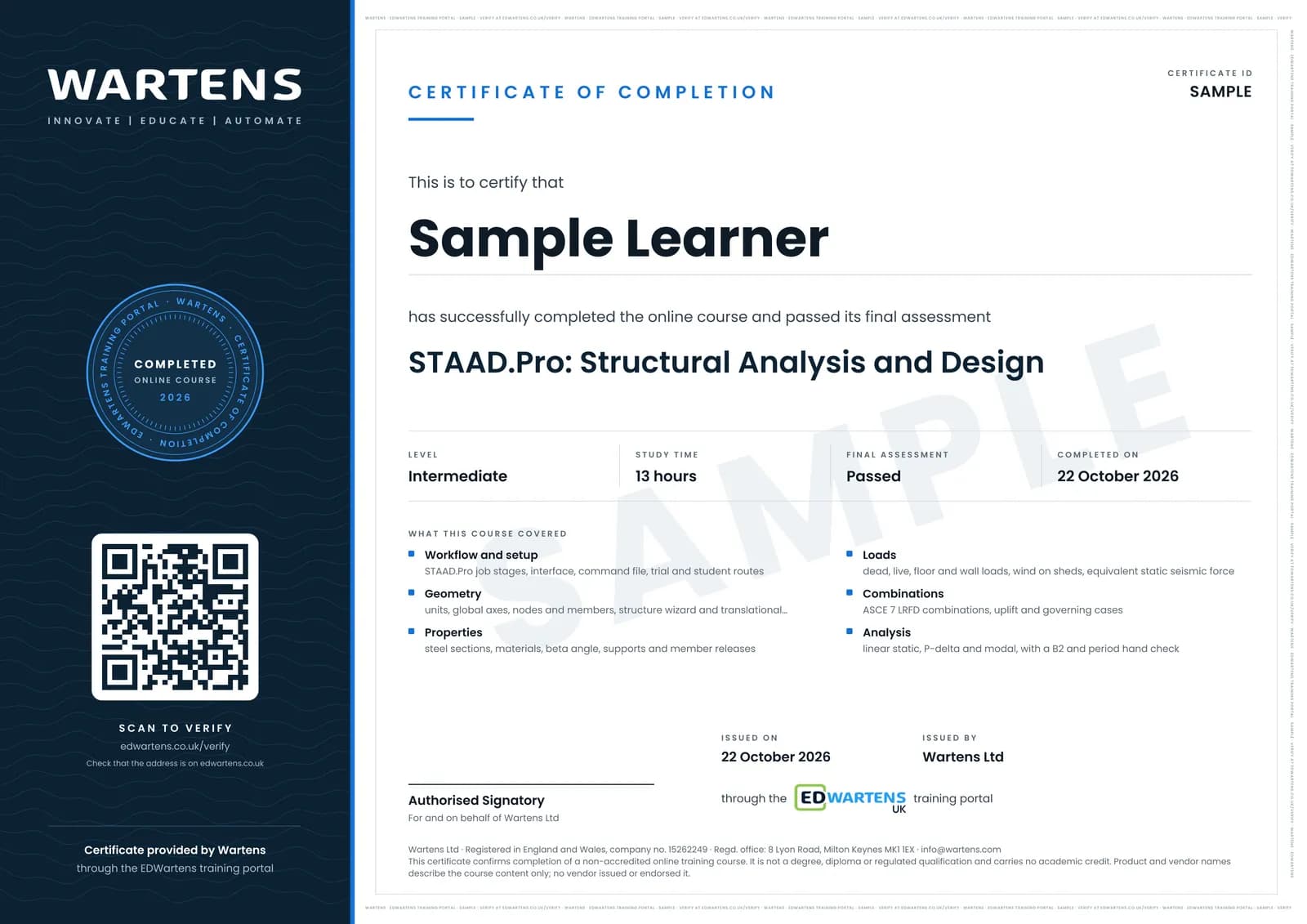
Sample certificate. Optional, issued when you pass the final exam.
- Level
- Intermediate
- Modules
- 14
- Video
- 23 hours
- Price
- Free
Outcome
What you will be able to do
Build frame and truss models in STAAD.Pro with the structure wizard and by nodes and members; assign sections, materials, supports and releases; apply dead, live, wind and equivalent static seismic loads and the code load combinations; run linear, P-delta and modal analysis; read deflections, reactions and diagrams and check them by hand with statics; run steel code checks and read utilisation ratios; read concrete beam and column reinforcement output; understand connections and foundations and what STAAD.Pro does not design; and assemble a calculation report. Software output is always checked, and real designs remain the responsibility of a qualified structural engineer under local regulations.
- Build frame and truss models with the structure wizard and by nodes and members
- Assign steel sections, materials, supports and member releases
- Apply dead, live, wind and equivalent static seismic loads and the code combinations
- Run linear, P-delta and modal analysis and judge which one a job needs
- Read deflections, reactions and diagrams and check them by hand with statics
- Run steel code checks to AISC 360 and read utilisation ratios and governing cases
- Read concrete beam and column reinforcement output and check a beam by hand
- Say what STAAD.Pro does not design, size a footing as a check and write a calculation report
Software
Bentley STAAD.Pro, year-named releases (STAAD.Pro 2025 or later; earlier CONNECT Edition versions use the same workflow), Windows 10 or 11, 64-bit. Bentley offers a free trial on request, with eligibility confirmed by a Bentley representative, and free access to Bentley software for students and educators through Bentley Education; check the terms on Bentley's own pages. A spreadsheet, or a few lines of Python or JavaScript, for the hand checks. The worked examples use AISC 360 steel design with ASCE 7 loads, and ACI 318 for concrete; the steps are the same under Eurocode 3 and 2 with EN 1990 and EN 1991.
Hardware
A 64-bit Windows 10 or 11 computer. Bentley lists 8 GB of memory or more as better for complex models, a modest processor and about 500 MB of disk for a typical install. Small learning models run on an ordinary laptop. The video lessons run on any device.
Syllabus
14 modules
Each module has video lessons, notes and a short quiz. The final exam closes the course.
- STAAD.Pro in the structural workflow3 lessons
- Units, coordinates, the command file and nodes and members3 lessons
- Structure wizard, repeat tools and a 2D frame3 lessons
- Section properties, materials, supports and releases5 lessons
- Dead, live and area loads3 lessons
- Wind loads on buildings and open sheds3 lessons
- Seismic load and load combinations4 lessons
- Analysis types: linear, P-delta and modal3 lessons
- Reading results and checking them by hand3 lessons
- Steel design: code check, utilisation ratio and member selection4 lessons
- Case study: the industrial portal-frame shed3 lessons
- Concrete design: beam and column reinforcement4 lessons
- Connections, foundations and the calculation report3 lessons
- Final assessment0 lessons
How it works
How this course works
- Watch the video lessonsOne module at a time, at your own pace.
- Take the module quizA short quiz at the end of each module shows what stuck.
- Keep your notesWrite in My notes beside each module and ask the trainer if you are stuck.
- Sit the final examPass it once you have been through the modules.
- Certificate, if you want oneOptionalPaid, and only after you pass. Anyone can check it online.
Certificate
An optional certificate when you pass
Learning is free. Pass the final exam and you can have a certificate for £19, including VAT, with a number employers can check online. It records that you completed a free online course; it is not a regulated qualification or a CPD certificate.
- Your name, the course, its study time and your final exam score
- A unique certificate number and a QR code to its verification page
- Issued by Wartens Ltd; add it to your LinkedIn profile in one click
- Pay now or after you pass: it is issued the moment you pass the final
Credits
Who made the lessons
The video lessons belong to their creators. EDWartens wrote the study plan, notes, quizzes and the final exam.
- Bentley Education
the official Bentley lessons on the STAAD.Pro CONNECT Edition interface, new model, modelling members, loading, assigning properties, specifications and supports, running analysis and design, and integrated steel connection design
- Bentley Structural
the official Bentley lessons on wind loads, static seismic loads and modal response spectrum loads, the direct analysis method to AISC 360, steel design and its parameters in AISC and Eurocode, the companion concrete design tool for beams, columns, walls and isolated footings, and report generation
- Engineering Academy
the structure wizard, a 2D frame, a beam analysis and making load combinations
- SIMPLY STRUCTURAL
floor loads, wall loads and the concept and assignment of moment releases
- DECODE BD
a three-part steel portal frame model, reaction results compared with a hand calculation, response spectrum basics and fixing instability and zero-stiffness errors
- Crumpled Underfoot
starting a first STAAD session, modelling, output and ACI concrete design and AISC steel design output
- Aspire civil studio
an equivalent static seismic base shear worked by hand to ASCE 7
- Civil Nirman
a quick way to apply wind load to an open structure
- Surojit Ghosh
wind load on a cladded warehouse, walls and roof
- Parag Pal
a portal frame analysed in STAAD.Pro
Jobs
Jobs this course can lead to
The skills in this course are used in quality and project engineering work, for example as a structural engineer, a graduate structural engineer and a CAD technician. No course can promise a job, and employers also look for experience, so read what live adverts ask for.
Questions
About this course
Last reviewed 1 November 2026.
Does it teach Eurocode 3 design?
How do I get STAAD.Pro?
Is the £19 certificate a professional qualification?
Which software and version does the course use?
How do I get a free trial or student licence?
Which design code does the course use?
Can I design a real structure with what I learn here?
Is this a Bentley certification?
How long does the course take, and what certificate do I get?
Civil and structural engineer
Take it with

Want a live class and career support?
The Professional Module is five live days of Siemens PLC, HMI and SCADA with an instructor, then a resume session and a CPD certificate.