EDWartens Lab

Free engineering simulators online (EDWartens Lab)

The EDWartens Lab is a set of free engineering simulators that run in your browser. You program a PLC, wire and prove dead a panel, tune a process loop or teach a robot, and each task is marked by a test. Nothing to install, and UK learners can open it signed in from their portal.

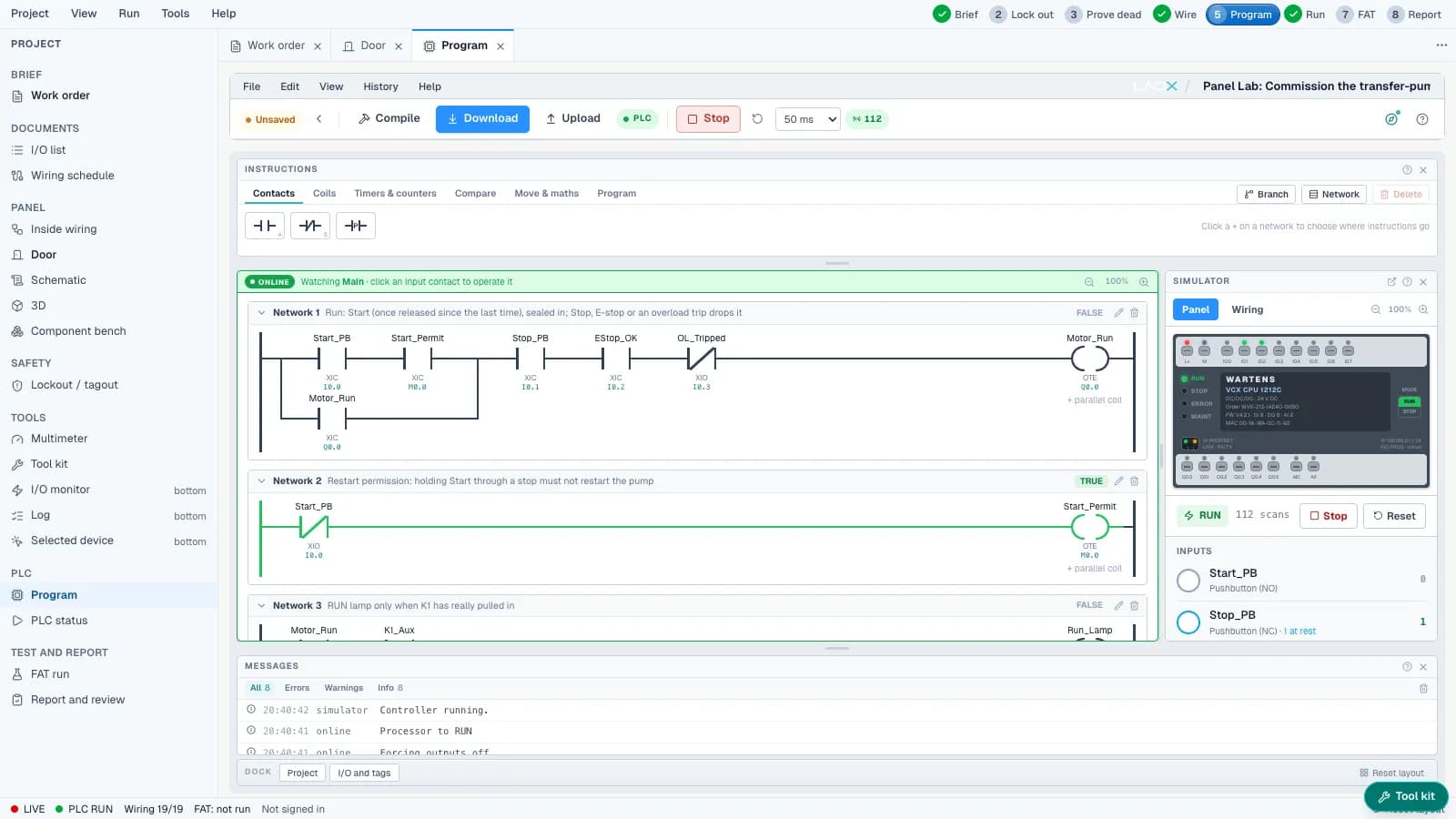
Program a PLC, see it run. A short loop from the PLC lab.

Inside the Lab

A real screen, a real task, a marked result

This is what you open: a brief, the tools for the job, and a test that marks your work.
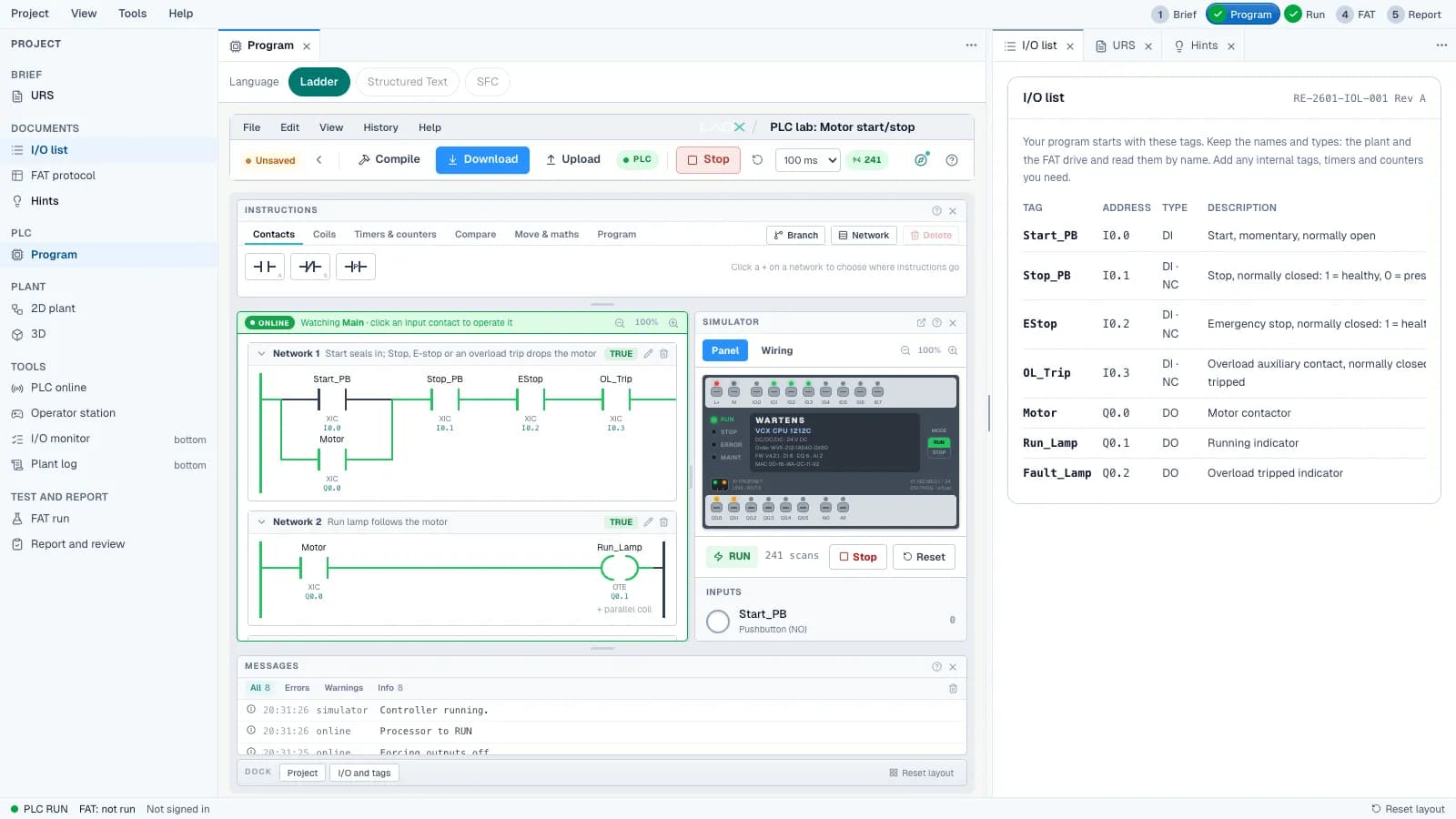
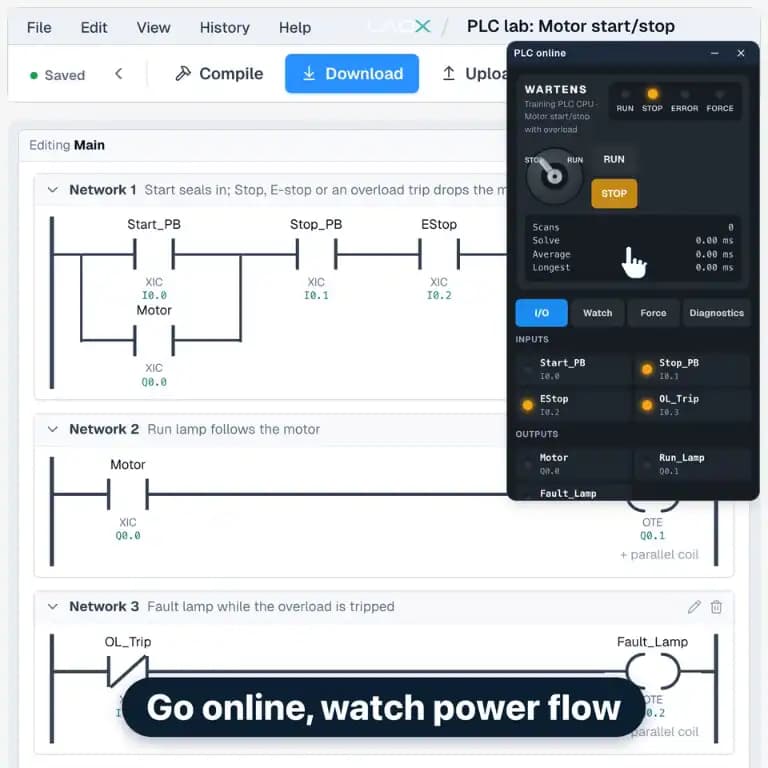
  • EDWartens Lab PLC editor: a motor start/stop ladder program running online beside the simulated PLC and the I/O list
    Write ladder, go online and watch power flow.
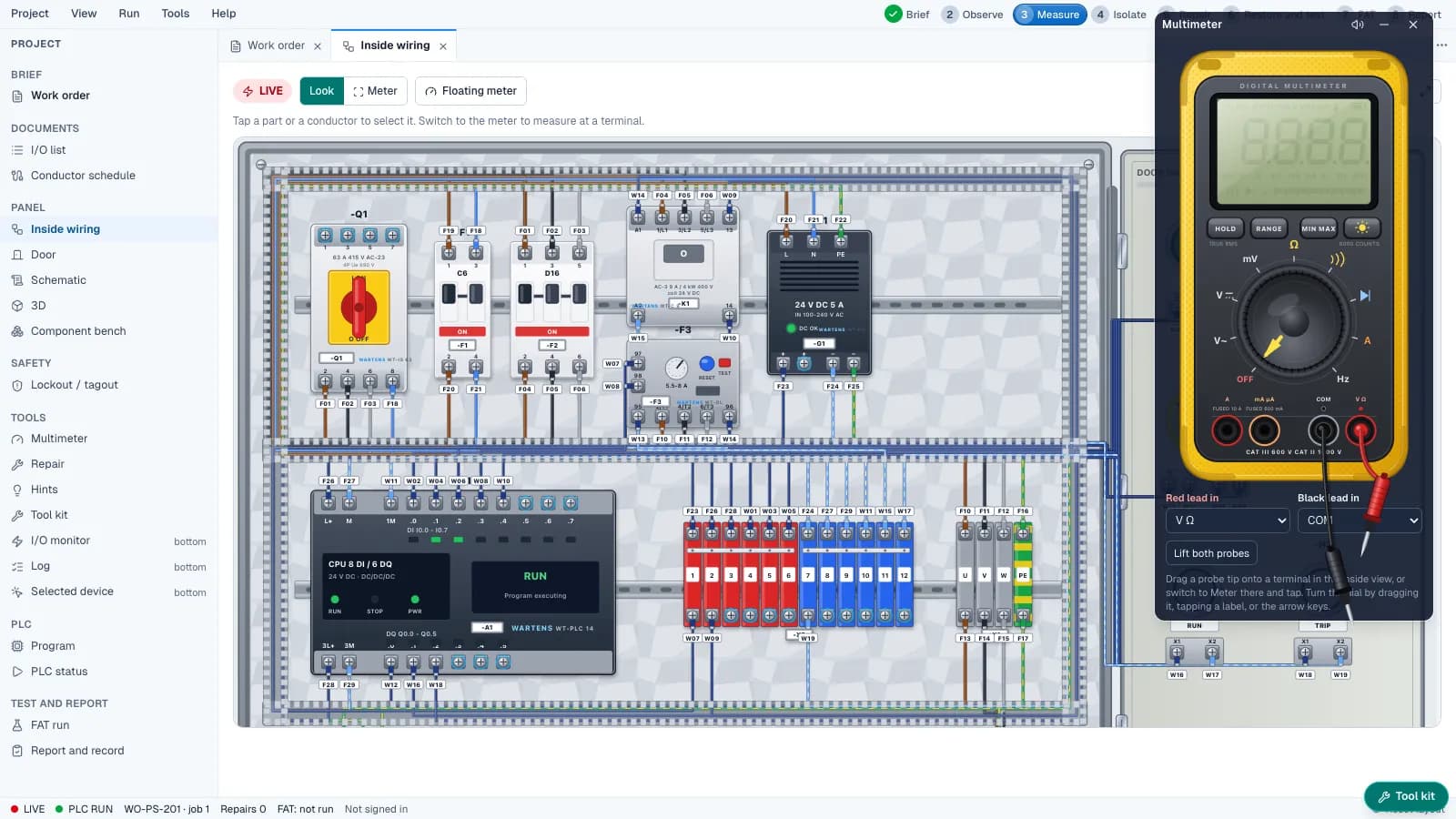
  • EDWartens Lab: fault-finding inside a control panel with a multimeter on the terminals
    Measure with a virtual multimeter and find the fault.
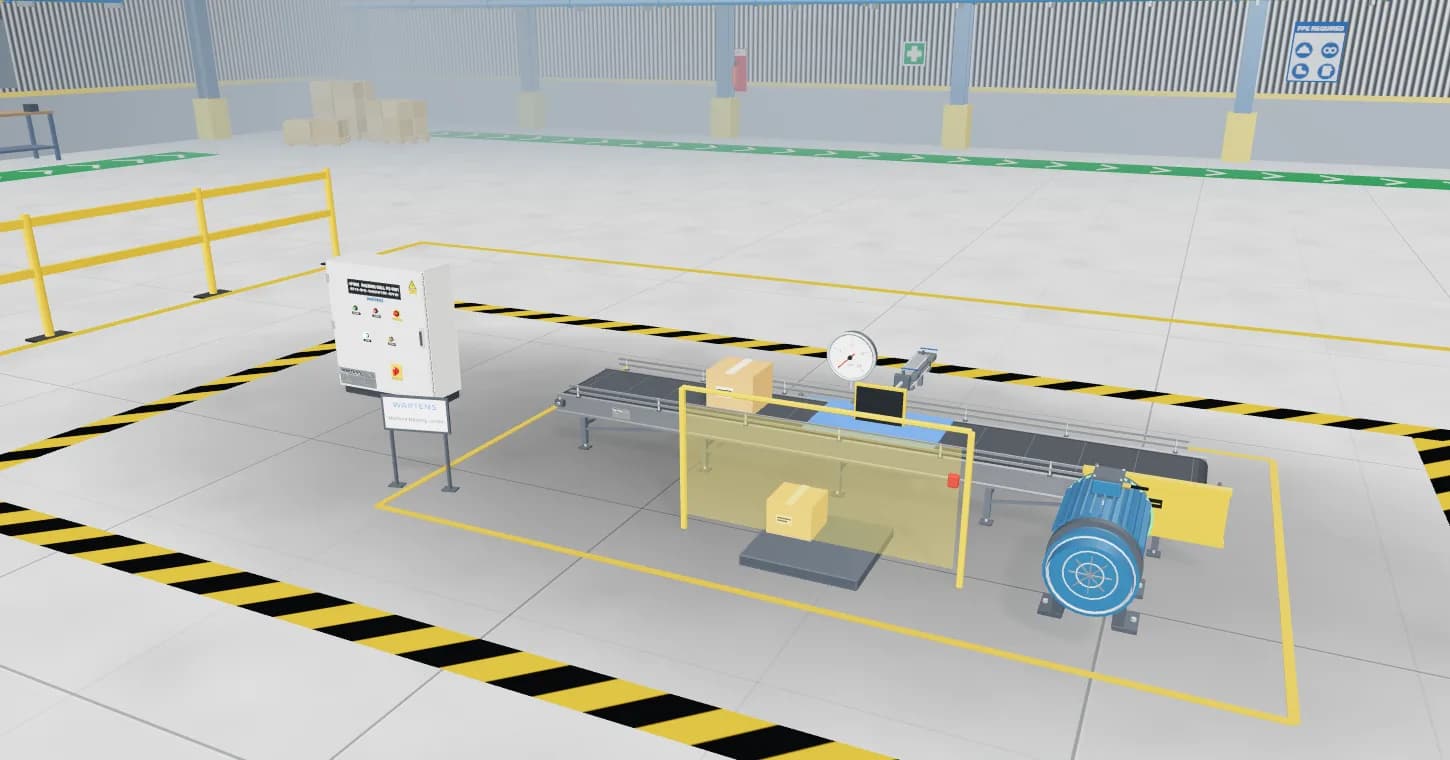
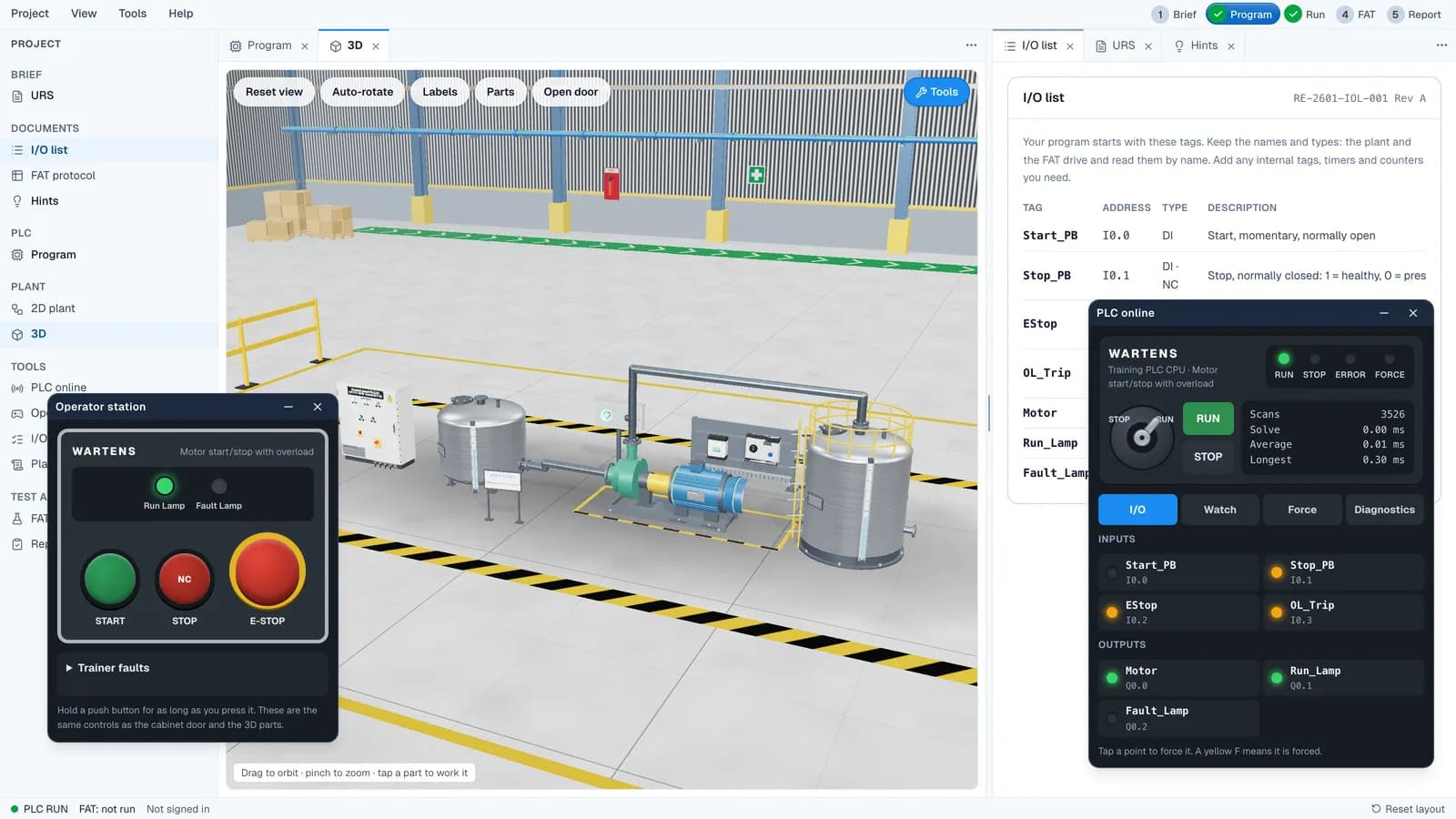
  • EDWartens Lab: a 3D view of a motor and tanks with the operator station, the I/O list and the online PLC panel
    See the machine your logic controls, in 3D.

Nine labs

Pick a lab and start a job

Each lab is a different part of industry. Watch the clip, see what you practise, then open it.

  • PLC programming

    Program a PLC and see it run.

    You practise

    • Build ladder, SFC and structured text programs
    • Go online and watch power flow through each rung
    • Force inputs and outputs and see the machine respond

    Related jobs: PLC programmer, Controls engineer, Maintenance engineer.
  • Control panel build

    Wire a real control panel in 3D.

    You practise

    • Wire terminals to a schedule, then check your work
    • Isolate, lock and tag, then prove dead: live, dead, live
    • Pass the factory acceptance test (FAT)

    Related jobs: Panel builder, Electrical technician, Commissioning engineer.

  • Substation and MCC

    Work a real substation and MCC switchroom.

    You practise

    • Read the single line diagram
    • Isolate, lock and tag a motor bucket
    • Prove dead the safe way with a voltage tester

    Related jobs: Maintenance electrician, Electrical engineer, Plant technician.

  • Process control

    Tune a real process loop.

    You practise

    • Calibrate a 4 to 20 mA transmitter
    • Tune a level or flow loop and read the trend
    • Check alarms and operator screens before sign-off

    Related jobs: Instrumentation technician, Process control engineer, Commissioning technician.

  • Robot cell

    Teach a robot arm to pick and place.

    You practise

    • Jog the arm with a pendant
    • Teach points and run a pick and place cycle
    • Prove that the safety gate stops the robot

    Related jobs: Robot technician, Automation engineer, Machine commissioning engineer.

  • Data-centre power and cooling

    Run an AI data hall.

    You practise

    • Find a hot spot with a thermal camera
    • Lose a power feed and check the hall stays up
    • Read cooling and power loads against limits

    Related jobs: Data-centre technician, Critical facilities engineer, Electrical engineer.

  • OT security

    Defend a plant network.

    You practise

    • Map a plant network and find the odd device
    • Delete broad firewall rules and deny by default
    • Decide what may talk to a PLC and what may not

    Related jobs: OT security analyst, Controls engineer, Network technician.

  • AI for industry

    Build and check AI models.

    You practise

    • Train a model and test it without leaking data
    • Move the decision threshold and watch precision and recall change
    • Weigh the cost of errors before you trust a result

    Related jobs: Industrial data analyst, AI engineer, Reliability engineer.

  • Solar and EV charging

    Commission a solar and EV charging site.

    You practise

    • Test a solar string with a PV tester
    • Isolate the DC side of an array safely
    • Charge an EV and find a charger fault

    Related jobs: Solar installer, EV charger engineer, Electrical technician.

Skills in action

See one task done, start to finish

Short clips of single skills you will practise: proving dead, going online, teaching a robot and isolating a motor.

  • Prove dead: live, dead, live
  • Go online, watch power flow
  • Teach a point
  • Isolate, lock, tag

Evidence of practice

Why employers can trust it

A claim on a CV is easy to make. The Lab leaves a record of what you did.

  • Lab levelsEach task has a brief, a marked result and a pass. Your level shows what you have actually done, not what you have watched.
  • Job simulation resultsA simulation ends with a written result you can talk about in an interview.
  • CertificatesCourse certificates can be checked by an employer on our verify page. A CPD certificate records training. It is not a regulated qualification and does not promise a job.

Lab exercises and job simulations are practice, not employment or work experience with an employer.

EDWartens Lab: the online PLC panel, the I/O list and the 3D machine, with the task result beside them
Each task has a brief, a marked result and a pass.

Questions

About the Lab

What is the EDWartens Lab?

It is a set of simulators that run in your web browser. Each one puts you in a real engineering task, such as programming a PLC, wiring and proving dead a control panel, or tuning a process loop, with a brief to read and a result at the end.

Is the Lab free?

Yes, you can try it free. Open it without an account and your work is saved on your device. Learners on a paid EDWartens UK course can open it from their portal, so their progress sits with their course.

Do I need to install anything?

No. It runs in a current browser on a laptop or desktop. There is no software to download and no licence to buy.

Is the Lab real software or a simulation?

It is a simulation. The ladder logic, wiring, measurements and safety steps behave the way the real thing does, so you build the right habits. It does not replace time on real equipment, and it is practice, not employment.

How do I open the Lab from my learner portal?

Sign in to your portal and use the Lab links in your course. They open the Lab signed in for you. If that is not possible for any reason, you still get the Lab, signed out, and your work is saved on your device only.

Which jobs does it help with?

Maintenance, controls, PLC, commissioning and panel-building roles, plus newer ones in data centres, OT security, AI for industry and solar and EV charging. Each lab on this page lists the jobs it relates to.

Do I need an account?

No. Open a lab without an account and your work is saved on your device. Sign in from your learner portal if you want your progress to sit with your course.

Is progress saved?

Without an account, on your device only, so clearing your browser data removes it. Learners who open the Lab from their portal have their progress saved with their course.

Is it the same as the job simulations?

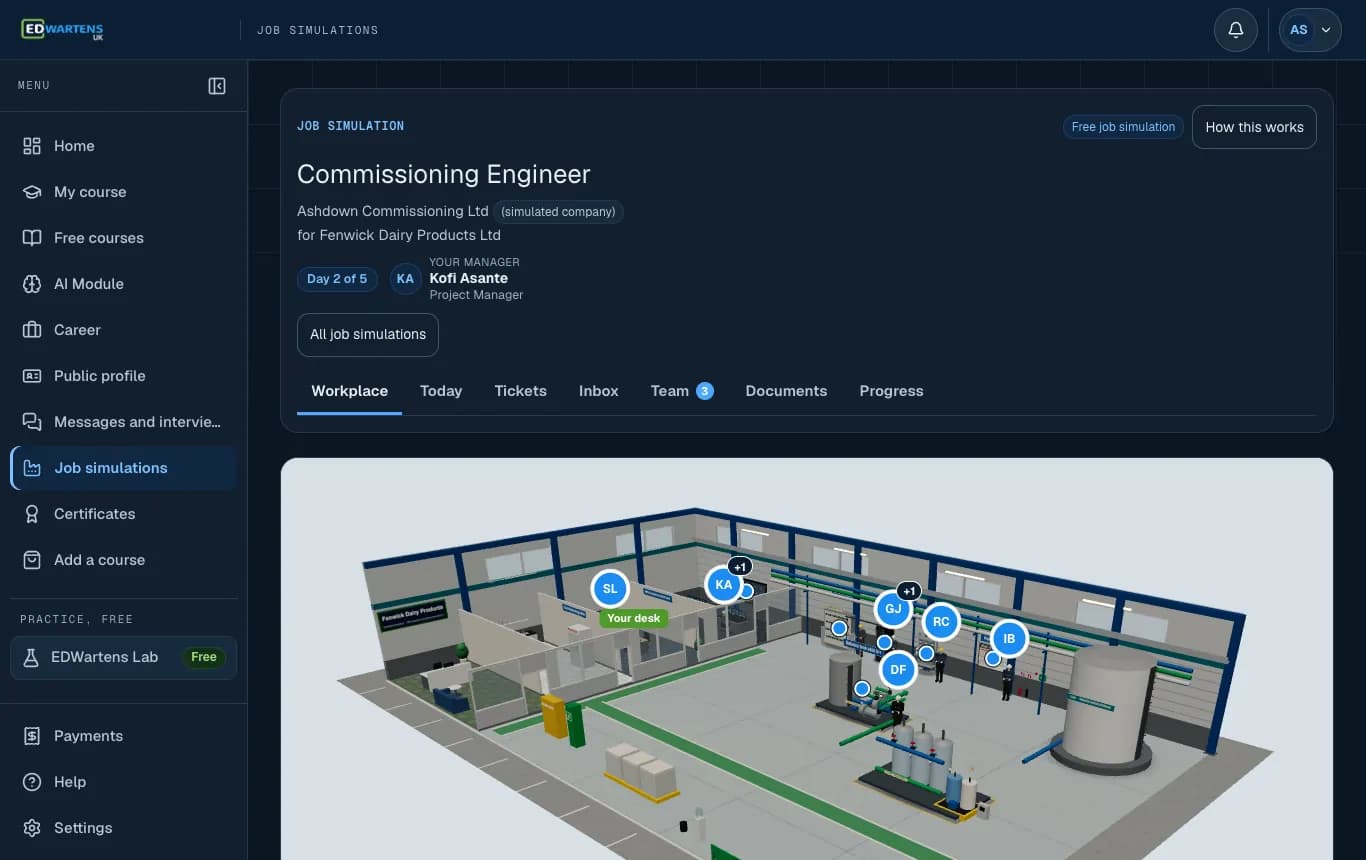
No. The Lab is where you practise a single skill, such as proving a panel dead or writing a ladder rung. A job simulation is a week or more of tickets, documents and emails for one role at a simulated company, and its hands-on tickets are finished in the Lab. Both are practice, not employment.

Try a lab now

Open the PLC lab, build a rung and see it run. It takes a few minutes and costs nothing.

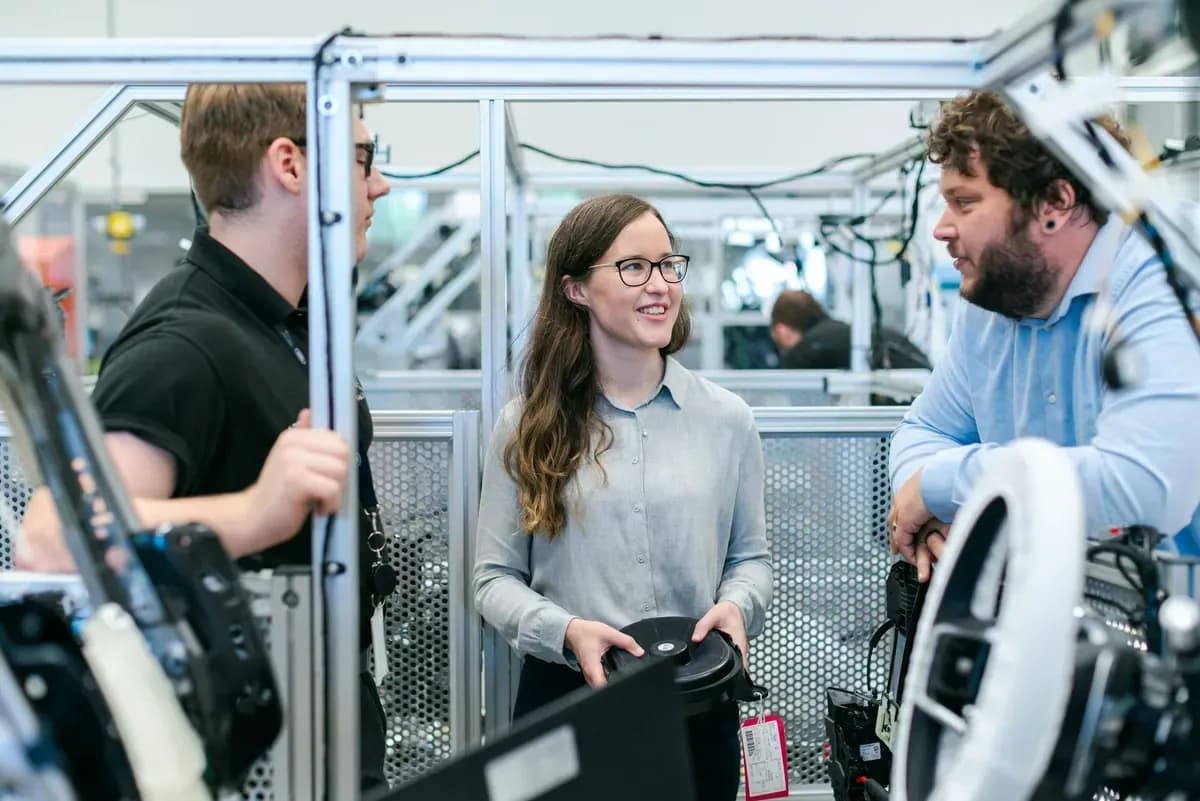
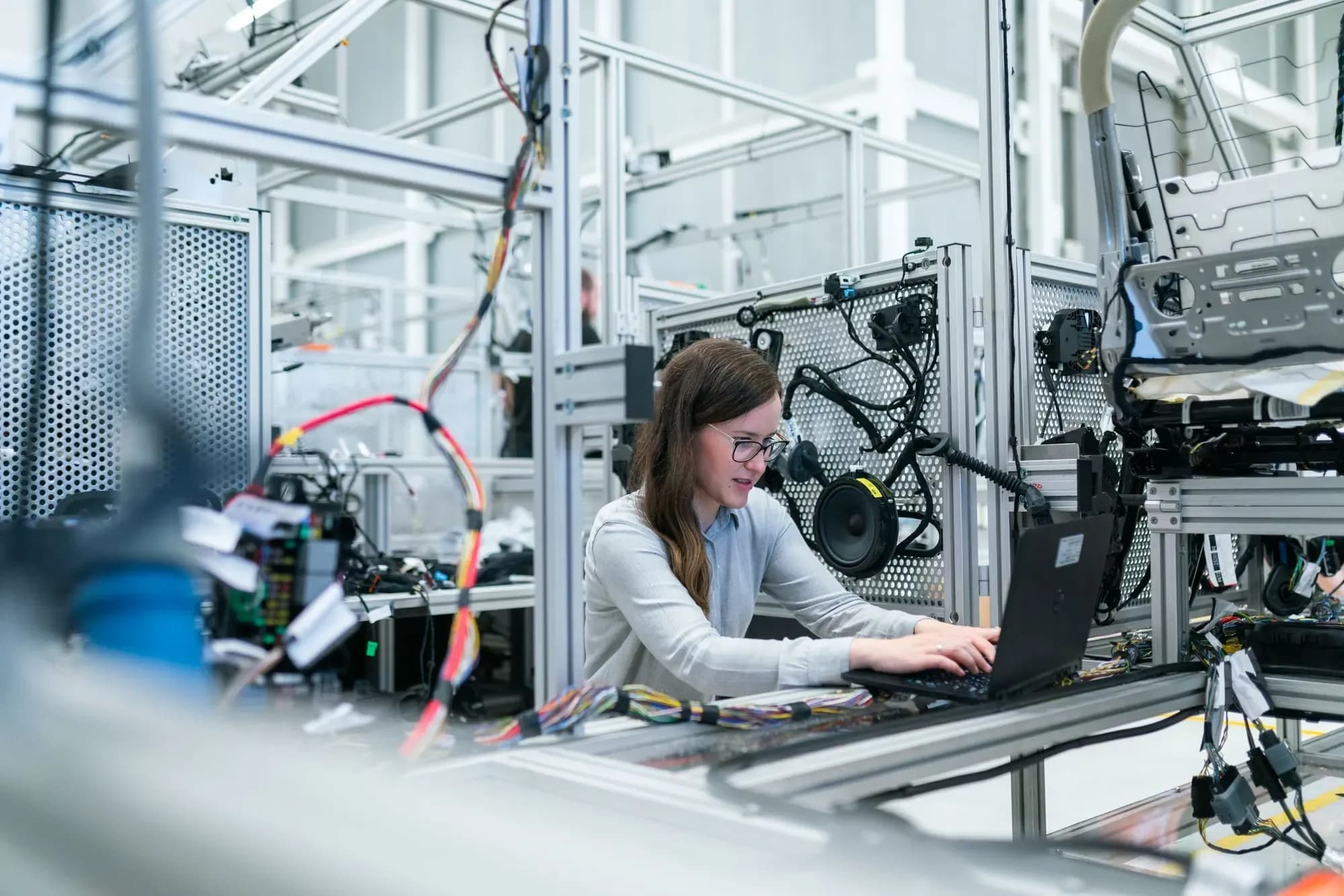
Woman engineer working on a laptop at a mechatronics test rig with wiring harnesses and sensors